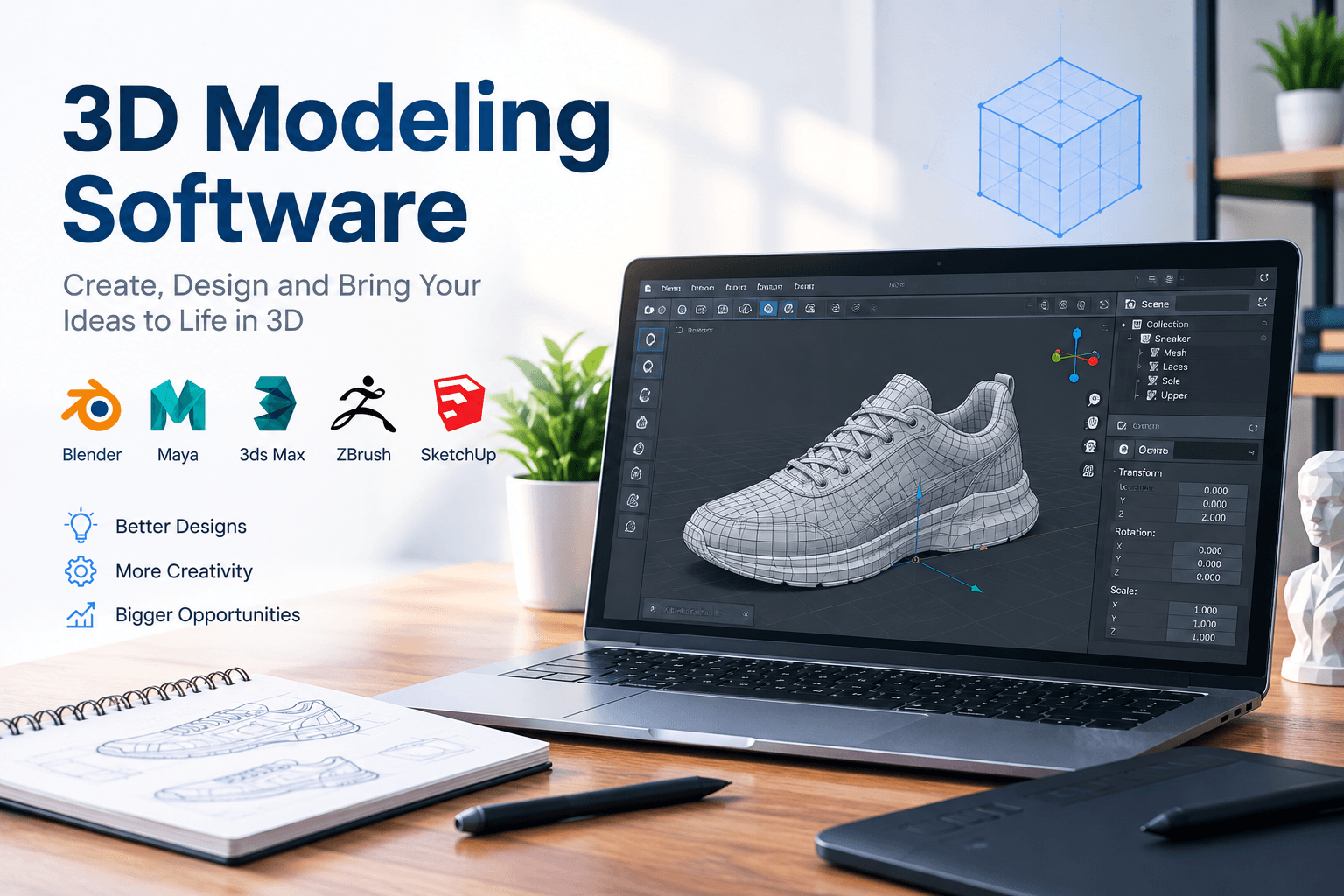
Choosing the right 3D modeling software can make a major difference in how quickly you turn an idea into a finished digital model. Whether you are designing mechanical parts, creating game assets, developing product concepts, preparing files for 3D printing, or producing visual effects, the right application should match your workflow rather than simply having the longest feature list.
In 2026, the 3D modeling software market is also changing quickly. Artificial intelligence is becoming part of modeling workflows, while traditional CAD, sculpting, rendering, simulation, and animation tools continue to improve. Newer systems are also exploring text-to-3D and code-based generation, although professional users still need precise control over geometry and editable designs.
What Is 3D Modeling Software?

3D modeling software is a digital design application used to create, edit, and manipulate three-dimensional objects. Instead of working only with height and width, designers work across three dimensions: height, width, and depth.
Depending on the application, a model may be created from polygons, curves, surfaces, solids, meshes, or parametric features. These approaches serve different purposes.
For example, polygon modeling is common in games, animation, and visual effects, while parametric CAD is widely used for engineering and manufacturing. Sculpting tools are better suited to organic characters, creatures, clothing, and highly detailed artistic forms.
A good 3D modeling software package therefore needs to be judged by the type of work you actually intend to produce.
How Does 3D Modeling Software Work?
Most modeling programs provide a workspace where users create geometry and modify it through specialized tools. A simple object can begin with a primitive such as a cube, sphere, cylinder, or plane.
The designer can then move, rotate, scale, cut, extrude, bevel, combine, or subdivide parts of the object.
More advanced programs introduce features such as modifiers, assemblies, constraints, materials, textures, lighting, animation rigs, and simulations.
CAD-focused platforms take another approach. Instead of simply pushing polygons around, users can define dimensions and relationships between components. This makes parametric modeling particularly useful when accuracy, manufacturability, and later design changes matter.
What Should You Look for in 3D Modeling Software?
The best 3D modeling software depends on your goals, but several capabilities are worth checking before making a decision.
Modeling Tools
Look for tools appropriate to your preferred modeling method. Polygon editing is useful for game and entertainment assets, while solid and surface modeling are more suitable for engineering and product development.
Precision
If you are creating mechanical components, dimensions and constraints are critical. A program designed around precise CAD operations can be much more practical than an artistic modeling application.
Rendering
Built-in or integrated rendering can save time when realistic images are required. Look for support for materials, lighting, shadows, reflections, and physically based rendering.
File Compatibility
Professional workflows often involve several applications. Support for formats such as OBJ, STL, FBX, STEP, IGES, and glTF can make moving assets between tools considerably easier.
Performance
Complex scenes can contain millions of polygons, high-resolution textures, and numerous objects. Efficient viewport performance and sensible hardware requirements can therefore have a direct impact on productivity.
3D Modeling Software for Beginners
Beginners should not automatically choose the most advanced application available. A huge feature set can create an unnecessary learning curve.
Instead, start with software that offers clear navigation, useful tutorials, a strong user community, and tools that match your first projects.
Free or low-cost programs can be excellent starting points. They allow new users to learn concepts such as topology, vertices, edges, faces, extrusion, materials, lighting, and rendering without immediately committing to an expensive professional license.
The important goal is to learn transferable modeling principles. Once those fundamentals are understood, moving between different applications becomes much easier.
3D Modeling Software for 3D Printing
3D printing introduces different requirements. A visually attractive model is not automatically suitable for manufacturing.
The object should generally have appropriate wall thickness, closed geometry, sensible dimensions, and a structure that the selected printer can produce.
CAD-oriented 3D modeling software is especially useful for functional parts because dimensions can be controlled precisely. Mesh-based tools can also work well for decorative objects, figurines, sculptures, and artistic designs.
Before exporting an STL or another printable format, always inspect the model for holes, overlapping surfaces, reversed normals, non-manifold geometry, and other potential problems.
CAD vs Artistic 3D Modeling
One of the biggest decisions is whether you need CAD or artistic modeling.
CAD software is built around precision. Engineers can define exact measurements, modify dimensions, create assemblies, and prepare designs for manufacturing.
Artistic modeling focuses more heavily on shape, appearance, topology, character design, animation, and visual presentation.
Neither approach is universally better.
An engineer designing a machine component may benefit from parametric CAD, while a character artist may need sculpting and polygon-editing tools. Trying to force one workflow into the wrong category can make even simple projects unnecessarily difficult.
How Is AI Changing 3D Modeling Software?

Artificial intelligence is becoming one of the most interesting developments in 3D design.
Modern research is exploring systems that can convert natural-language instructions, images, or other inputs into 3D geometry and even programmable modeling instructions. Recent research into code-native 3D generation shows a move toward assets that can retain structure and editability instead of producing only a finished surface.
AI-assisted CAD is also being studied for generating editable design programs from visual information. Research benchmarks show that this remains an active area, with complex geometry and reliable reconstruction still presenting challenges.
For professionals, this means AI should be viewed as an additional design assistant rather than an automatic replacement for modeling expertise.
Human review remains important, particularly when dimensions, topology, engineering constraints, or manufacturing requirements are involved.
Choosing 3D Modeling Software for Professional Work
Professionals should evaluate software based on the complete production pipeline.
Consider collaboration features, file management, rendering, simulation, plugins, scripting, hardware requirements, licensing, support, and interoperability.
A game studio may prioritize animation, rigging, UV mapping, real-time rendering, and efficient asset pipelines.
An architecture team may place greater importance on building information, visualization, measurements, and compatibility with other design platforms.
A manufacturer may prioritize parametric modeling, assemblies, simulation, technical drawings, and production-ready exports.
The best choice is therefore not necessarily the most popular program. It is the one that fits the actual requirements of the project.
While choosing the right 3D modeling software helps streamline creative projects, staying organized with other digital subscriptions is equally important. Renew Reminder helps users track subscriptions and renewal dates so they can avoid unexpected renewals and keep recurring services under control. The app is available for both Android and iOS, making it convenient to manage important subscription reminders across devices.
Frequently Asked Questions
What is the best 3D modeling software?
There is no single best option for everyone. The right choice depends on whether you need CAD, animation, game development, product design, 3D printing, architecture, or artistic modeling.
Is 3D modeling software difficult to learn?
Some programs have a steep learning curve, but beginners can start with basic modeling exercises and gradually learn more advanced features. Understanding fundamental 3D concepts is often more important than mastering every tool immediately.
Can I use 3D modeling software for 3D printing?
Yes. Many applications can create models for 3D printing. However, you should check dimensions, geometry, wall thickness, manifold structure, and export settings before sending a model to a slicer.
Is AI replacing 3D modelers?
Not completely. AI can speed up certain tasks and generate starting points, but professional modeling still requires human judgment, especially when accuracy, editability, topology, and manufacturing constraints matter.
What is the difference between CAD and 3D modeling?
CAD is a category of digital design focused heavily on precision, engineering, and technical documentation. 3D modeling is broader and can include artistic, entertainment, architectural, and manufacturing workflows.
Final Thoughts
The best 3D modeling software is ultimately the one that supports your specific creative or technical workflow. Beginners should prioritize usability and learning resources, while professionals should examine precision, interoperability, performance, collaboration, and production capabilities.
As AI-assisted design continues developing, modeling tools are becoming more capable without eliminating the importance of human expertise. The strongest workflow combines efficient software with solid knowledge of geometry, design principles, and the requirements of the final product.