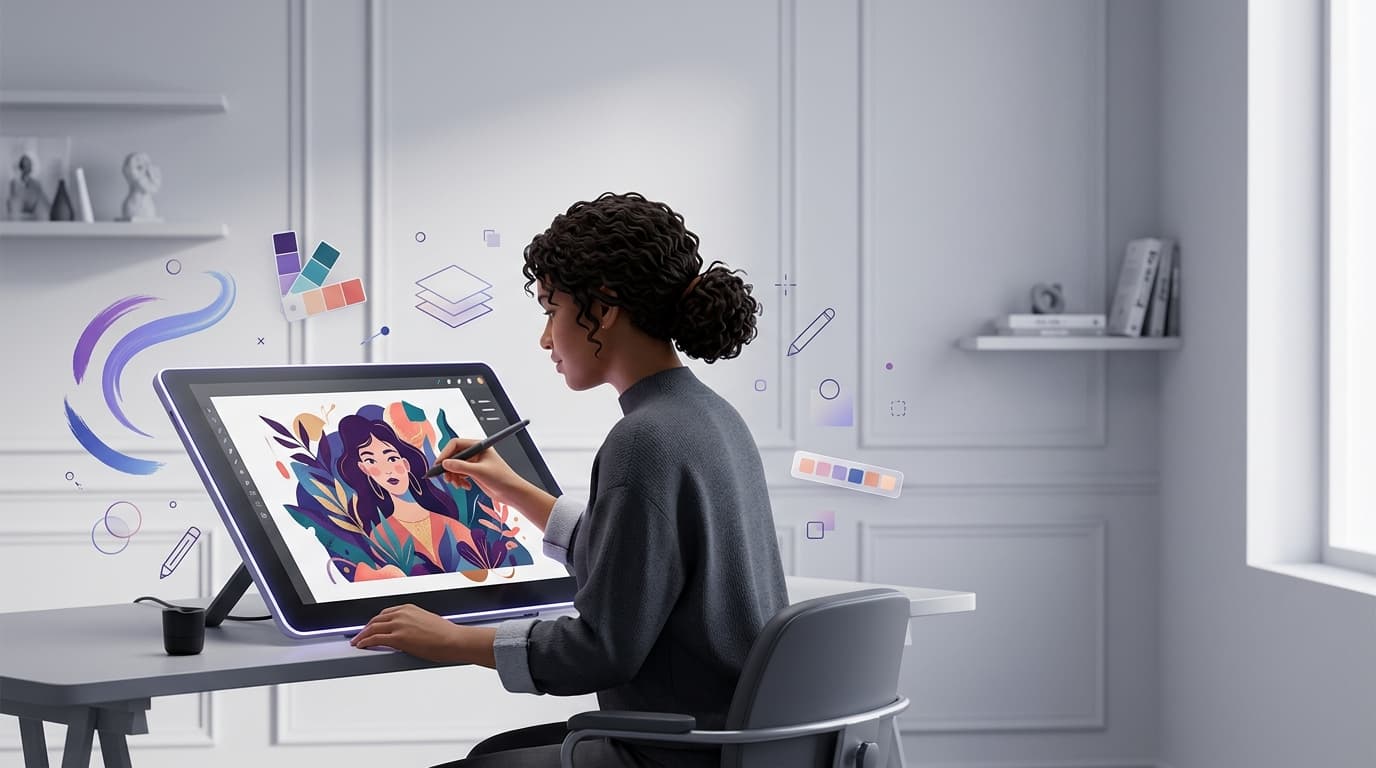
Picking the best free drawing software shouldn’t feel like a chore. Yet with dozens of digital art programs competing for attention, most creators end up testing five apps before settling on one that actually fits their workflow. This guide cuts through the noise and walks you through what matters, who each tool suits, and how to choose without wasting a weekend on downloads.
Why Free Drawing Software Is Worth Considering

A decade ago, “free” usually meant limited brushes, watermarked exports, or clunky interfaces. That’s changed. Today’s free drawing tools rival paid programs in layer support, brush engines, and canvas performance. Hobbyists, students, illustrators, and even working concept artists rely on free drawing software for daily sketching, client mockups, and finished pieces.
The shift matters because cost is no longer the deciding factor. What separates a good free drawing app from a mediocre one now comes down to stability, brush customization, file compatibility, and whether it supports the way you actually draw — with a mouse, a tablet, or a stylus on a touchscreen.
What to Look for in the Best Free Drawing Software
Before comparing specific programs, it helps to know which features actually move the needle.
Layer management. Any serious free drawing software needs unlimited or near-unlimited layers, blending modes, and layer grouping. Without this, complex illustrations become unmanageable fast.
Brush engine quality. The brush engine is the heart of any drawing program. Look for pressure sensitivity, texture options, and the ability to import or create custom brushes.
File format support. A strong free drawing tool should export to PNG, JPEG, and PSD at minimum, so your work stays compatible with other software down the line.
Platform availability. Some of the best free drawing software runs only on desktop, while others offer mobile and tablet versions. Cross-device syncing has become a common request among digital artists who sketch on a tablet and finish on a laptop.
Learning curve. Free doesn’t always mean simple. Some free drawing applications pack in professional-grade tools that take weeks to master, while others are built for quick, casual sketching.
Top Free Drawing Software Options Worth Trying
Krita remains one of the most respected names in free drawing software, particularly for illustrators and concept artists. It offers an advanced brush engine, stabilizers for smoother linework, and strong animation support, all without a price tag.
GIMP leans more toward photo editing but doubles as a capable free drawing tool for artists who want pixel-level control, custom brushes, and scripting support. It’s not the friendliest for beginners, but it rewards patience.
MediBang Paint is a favorite among manga and comic artists. This free drawing software includes screen tones, panel templates, and cloud storage, making it genuinely useful for sequential art rather than a stripped-down alternative.
Autodesk SketchBook focuses on a clean, distraction-free canvas. It’s often recommended as the best free drawing software for beginners because the interface stays out of the way while still offering a respectable brush library.
Inkscape covers vector-based drawing rather than raster painting. If your work leans toward logos, icons, or scalable illustrations, this free drawing tool handles that job well and exports cleanly to formats like SVG.
Each of these tools approaches digital art differently, so the “best” choice really depends on what you’re drawing and how you plan to use it.
Free Drawing Software for Different Types of Artists

Beginners generally do best with SketchBook or MediBang Paint. Both keep the toolset approachable while still allowing room to grow.
Illustrators and concept artists tend to gravitate toward Krita, thanks to its painting-focused brush engine and layer flexibility.
Comic and manga creators benefit most from MediBang Paint’s paneling and tone features, which aren’t common in general-purpose drawing apps.
Vector artists and designers should look at Inkscape rather than raster-based free drawing software, since vector work scales without quality loss.
Photo retouchers who also sketch often keep GIMP installed alongside a dedicated painting app, using it for compositing and detail work.
While choosing the right drawing software can make creative projects more efficient, managing digital subscriptions is also important for artists who use multiple creative tools and online services. Renew Reminder helps users keep track of subscription plans and renewal dates, making it easier to avoid unexpected renewals and stay organized. The app is available on both Android and iOS, so users can manage important subscription reminders across their devices.
Common Questions About Free Drawing Software
What is the best free drawing software for beginners?
Autodesk SketchBook and MediBang Paint are usually the easiest starting points. Both offer simple layouts, so new users spend less time hunting for tools and more time actually drawing.
Can free drawing software really compete with paid programs?
In many cases, yes. Krita’s brush engine, for example, holds up well against paid alternatives, and MediBang Paint’s comic tools rival features found in subscription-based software. The gap has narrowed considerably.
Does free drawing software work well on tablets and touchscreens?
Most modern free drawing apps support stylus input and pressure sensitivity, including on tablets and touchscreen laptops. MediBang Paint and Krita both handle tablet drawing reliably.
Is free drawing software safe to use for commercial projects?
Yes, as long as you check each program’s license terms. Krita, GIMP, and Inkscape are open-source and generally free for commercial use, though it’s worth confirming current licensing before selling finished artwork.
How do I choose between raster and vector free drawing software?
If your work involves painting, shading, or texture, choose raster-based software like Krita or SketchBook. If you need clean lines, logos, or scalable graphics, vector tools like Inkscape are the better fit.
Will free drawing software have enough brushes for detailed illustration?
Yes. Programs like Krita ship with hundreds of default brushes, and most free drawing tools allow custom brush imports, so running out of options rarely becomes an issue.
Final Thoughts
There’s no single answer to which program deserves the title of best free drawing software, because the right pick depends entirely on your style, device, and goals. Try two or three options from this list, sketch something familiar in each, and pay attention to how the brush feels under your hand. That instinct usually tells you more than any feature comparison ever could.