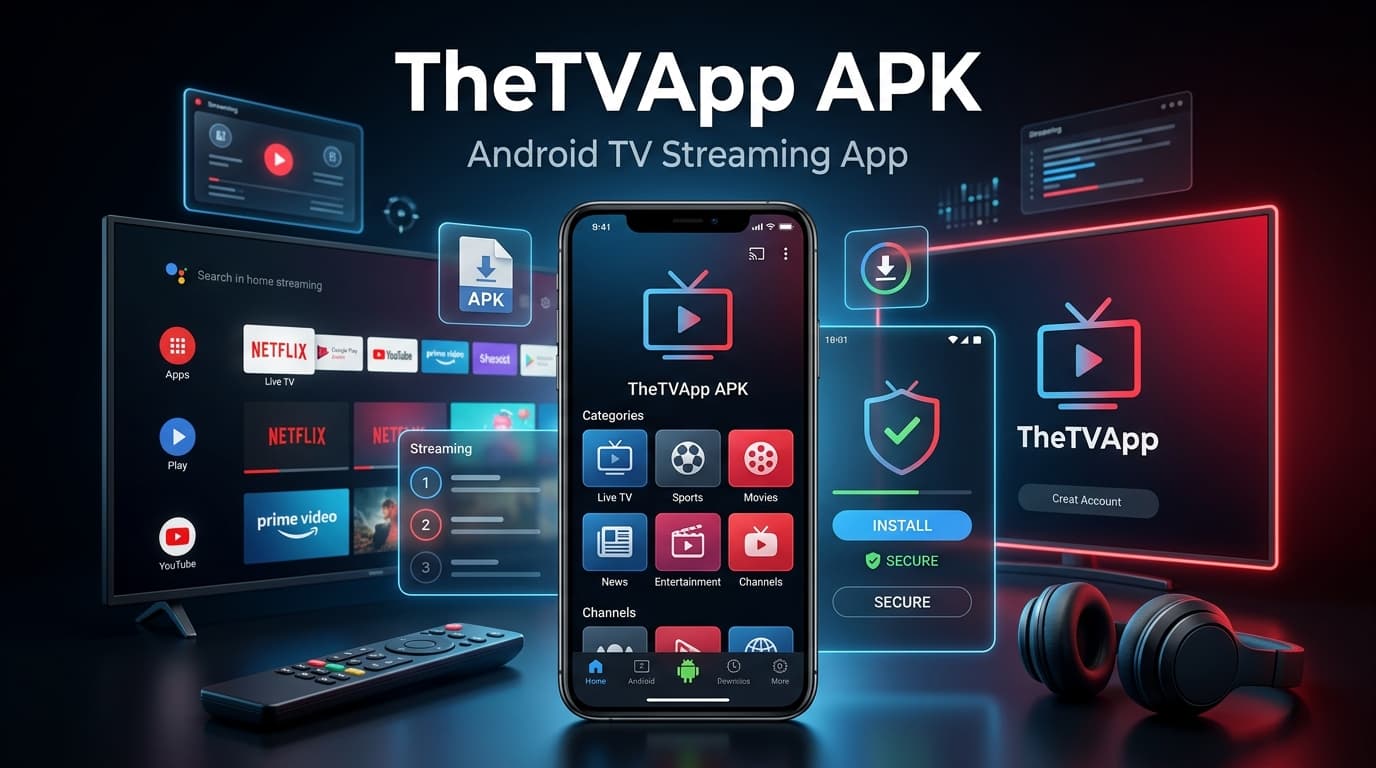
Searching for the TheTVApp APK usually means you’re after one thing: free live TV without a cable bill. Before you download anything labeled TheTVApp APK, it’s worth knowing that there is no official Android app for this service, and the APK files circulating under that name aren’t published by TheTVApp itself. Below is a straight answer to what TheTVApp actually is, why the APK version carries real risk, and which legitimate free streaming apps deliver the same live TV experience without the downsides.
What TheTVApp Actually Is

TheTVApp is a browser-based website, not an app-store product. It aggregates publicly available live streams covering sports, news, movies, and entertainment channels, and it works simply by opening the site in Chrome, Safari, or any modern browser. There’s no sign-up, no account, and technically no installation required. That’s exactly why an “official” TheTVApp APK doesn’t really exist; the platform was built to run entirely in a browser tab.
Even TheTVApp’s Own Site Says No APK Is Needed
This is worth stating plainly, because it settles the question directly: TheTVApp’s own official instructions describe itself as browser-only on every platform, including Android, and specifically note that no APK or Play Store download is required to use it. The same applies to iPhone and iPad, where the platform runs through Safari with no App Store install at all. In other words, the people who actually run TheTVApp don’t distribute an APK, don’t ask users to sideload anything, and design the whole experience to work from a browser tab. Any file marketed elsewhere as “the TheTVApp APK” isn’t coming from the platform itself, which is exactly the gap that unofficial APK sites exploit.
Why the “APK” Version Is Risky
When people search for a TheTVApp APK download, what they usually find is a third-party file hosted on an unofficial site, not something distributed by TheTVApp or vetted by Google Play. Sideloading an APK from an unknown source means bypassing the security checks that app stores normally run, which is how streaming-app clones become a common vehicle for malware, adware, and credential-stealing code. A streaming app also has no legitimate reason to ask for permissions like SMS access, contacts, or accessibility controls, and clone APKs frequently do exactly that.
There’s a second layer of risk beyond security: content licensing. TheTVApp streams channels without formal broadcasting agreements, which puts it in a legal gray area that varies by country. Combine an unverified APK with unlicensed content, and you’re taking on both a security risk and a legal one for a service you can access just as easily, and more safely, through a browser.
Safer, Legit Free Alternatives to TheTVApp APK
If the goal is free live TV without the APK risk, several officially distributed apps deliver a comparable channel lineup with none of the sideloading concerns.
Pluto TV is one of the most established free live TV platforms, offering dozens of live channels covering news, sports, movies, and reality TV, all through an official app available on every major app store and smart TV platform. It’s ad-supported, but there’s no account required to start watching.
Tubi blends free live TV channels with one of the largest free on-demand movie and TV libraries available, backed by Fox and fully licensed. It’s a strong pick if you want live channels and a deep on-demand catalog in one legitimate app.
The Roku Channel works even without owning a Roku device, streaming free live TV alongside a large on-demand library through its official mobile and web apps.
Xumo Play offers a wide spread of live channels organized by genre, from 24-hour news to sports and true crime, with an official, ad-supported app that installs cleanly from any app store.
Samsung TV Plus is built into Samsung smart TVs but also has a standalone mobile app, giving you free live channels without any hardware requirement.
Each of these is a verified, officially published app, meaning updates come through the app store rather than a random APK file, and none of them ask for the kind of invasive permissions that clone apps often request.
How to Tell a Safe Streaming App from a Risky One

A few quick checks apply whether you’re evaluating TheTVApp APK or any other free streaming download. Legitimate apps are listed in Google Play or the App Store, not distributed only through third-party APK sites. They publish a clear privacy policy and terms of service. They don’t request permissions unrelated to video playback, like SMS or contact access. And they’re transparent about how they’re funded, usually through ads, rather than offering premium cable channels for free with no explanation of licensing.
Keeping Your Streaming Subscriptions Organized
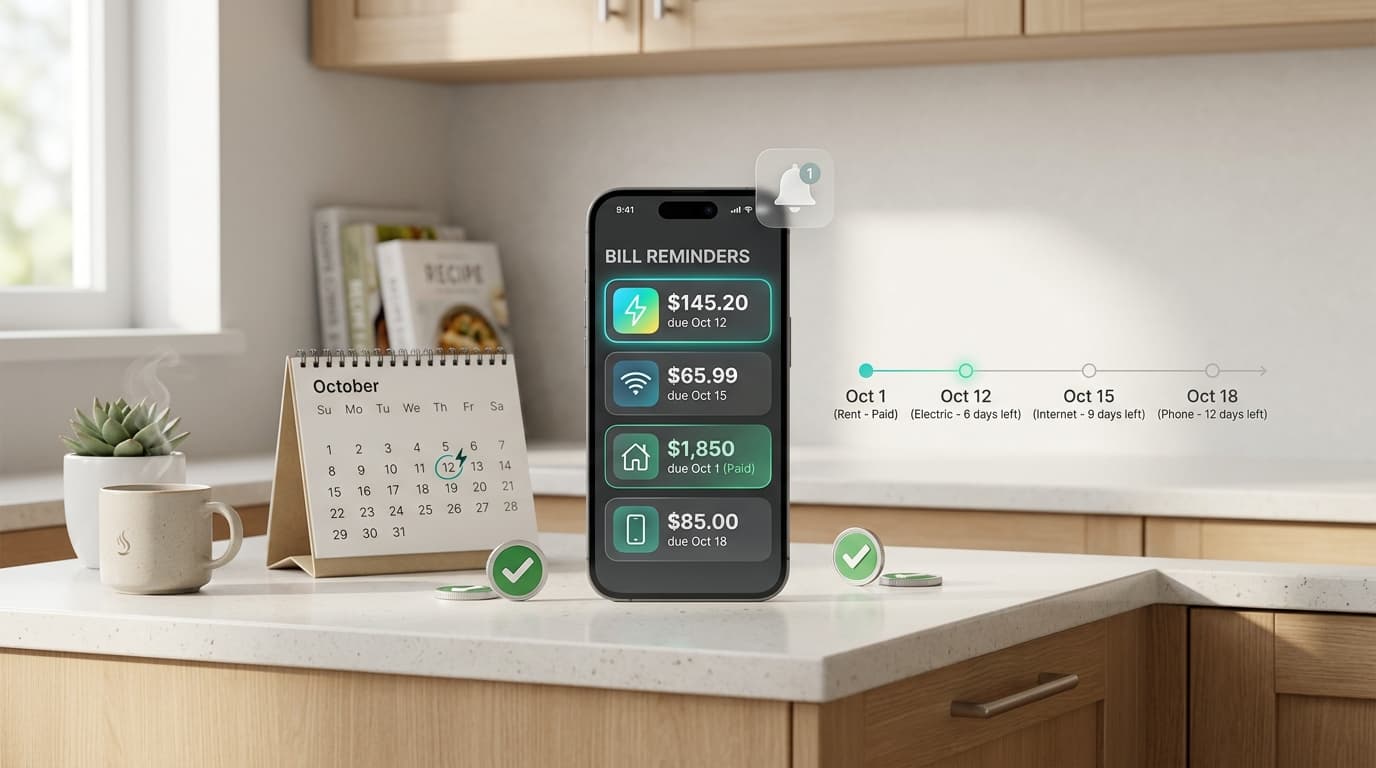
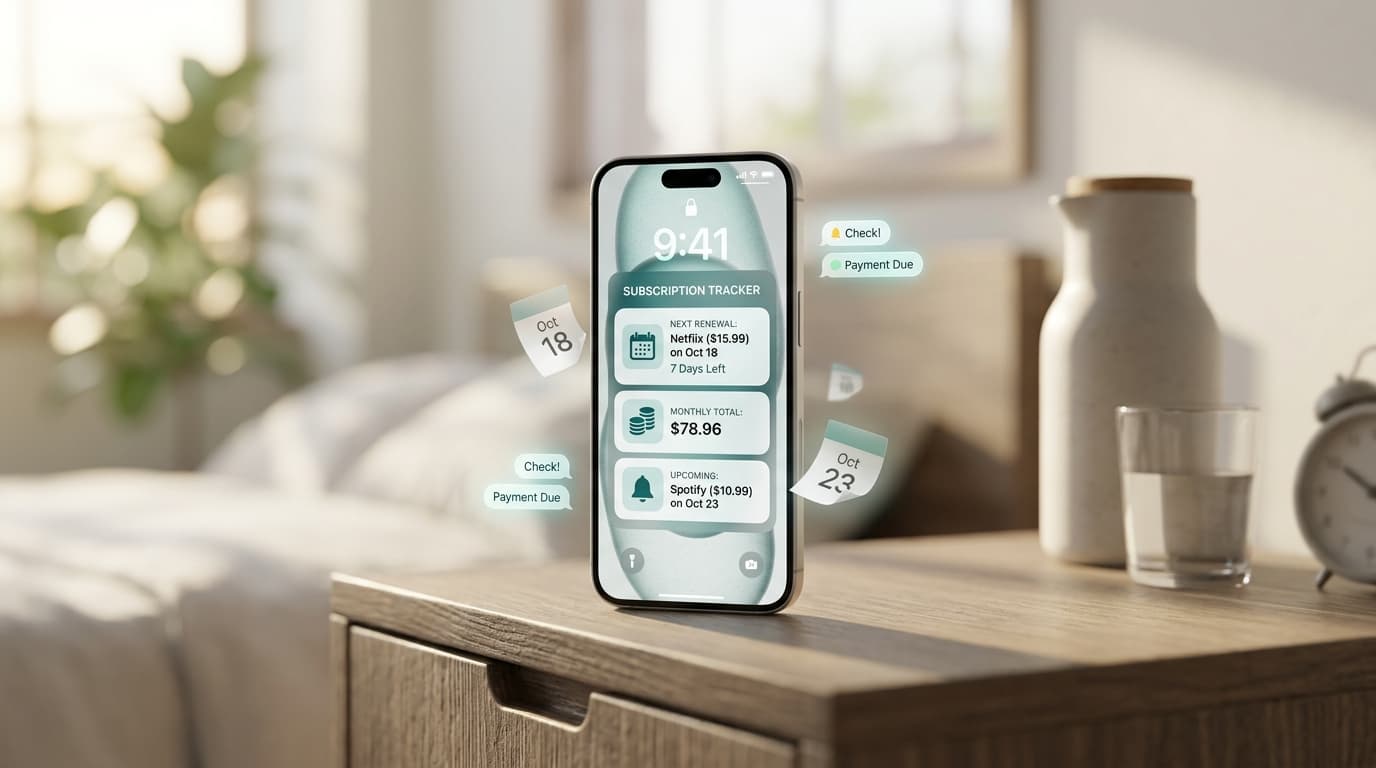
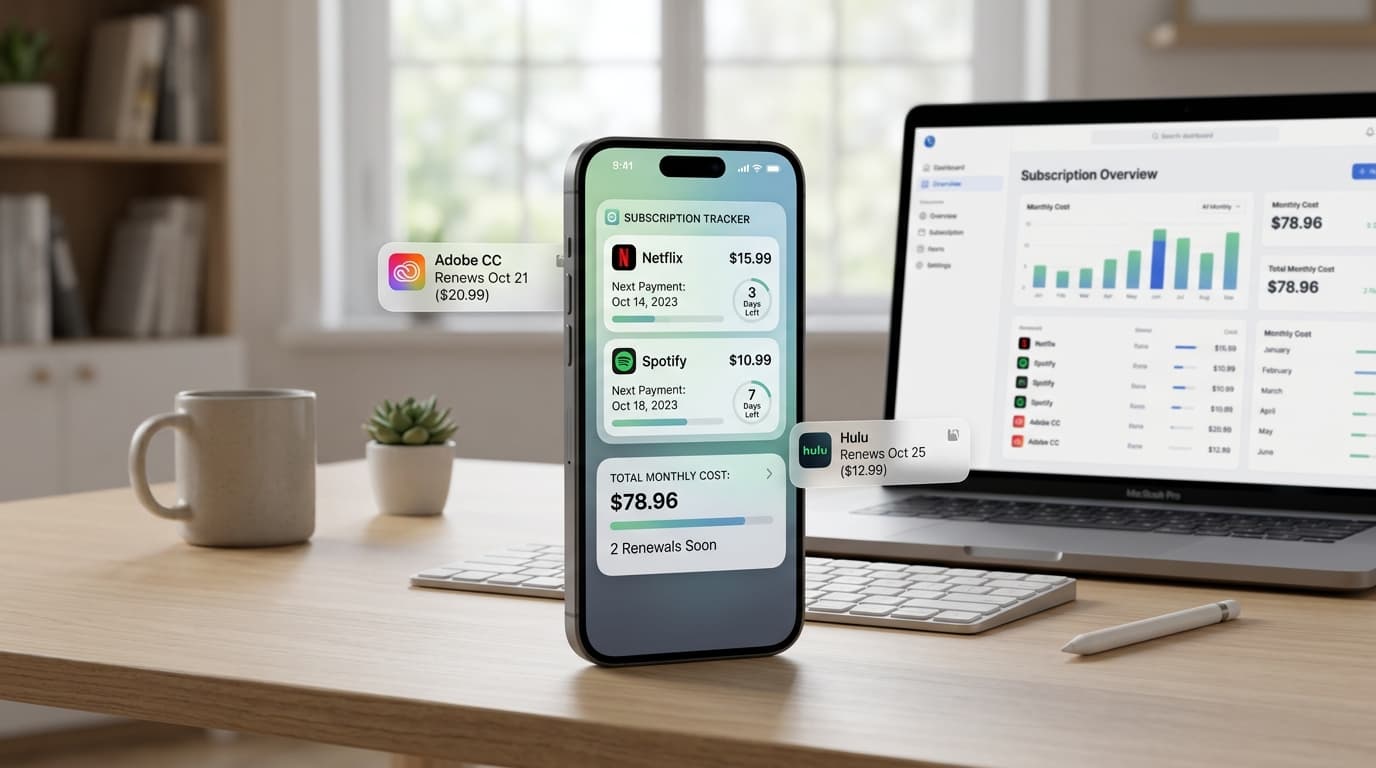
Once you move to legitimate, app-store-verified services, you’ll likely end up juggling more than one: a free ad-supported app for casual viewing, plus a paid subscription or two for the content that free platforms don’t cover. That’s where a lot of people lose track of what they’re actually paying for, especially with free trials that quietly convert into monthly charges.
Renew Reminder solves that by letting you log every streaming subscription and free trial in one place, then reminding you before a renewal charges your card. If you’re consolidating from a risky APK to a handful of legitimate streaming apps, it’s a simple way to make sure the switch doesn’t cost you more than you expected. It’s available for Android on Google Play and for iPhone on the App Store.
Frequently Asked Questions
Is there an official TheTVApp APK? No. TheTVApp’s own official guidance confirms the platform is browser-only and explicitly states no APK or Play Store download is required on Android, nor an App Store install on iOS. Files labeled as a TheTVApp APK on third-party sites are unofficial and carry security risk.
Is TheTVApp safe to use in a browser? Using the website directly in a browser avoids the malware risk tied to sideloaded APKs, but the content itself streams without formal licensing, so legal risk still depends on your location.
What’s the safest free alternative to TheTVApp? Pluto TV and Tubi are two of the most widely used, officially distributed free live TV apps, both available directly through Google Play and the App Store.
Can downloading a TheTVApp APK harm my phone? Yes, potentially. Unofficial APKs are a common way to distribute malware, adware, and credential-stealing software, especially when they request permissions unrelated to video streaming.
How do I avoid forgetting free trials on legitimate streaming apps? A subscription tracker like Renew Reminder logs each trial and sends a reminder before it converts into a paid charge, which is especially useful once you’re managing several streaming apps at once.
Free live TV doesn’t have to mean risky downloads. Sticking with officially distributed apps like Pluto TV, Tubi, or Xumo Play gets you the same live channel experience as TheTVApp APK without the malware exposure, and pairing that with a subscription tracker keeps the whole setup easy to manage.