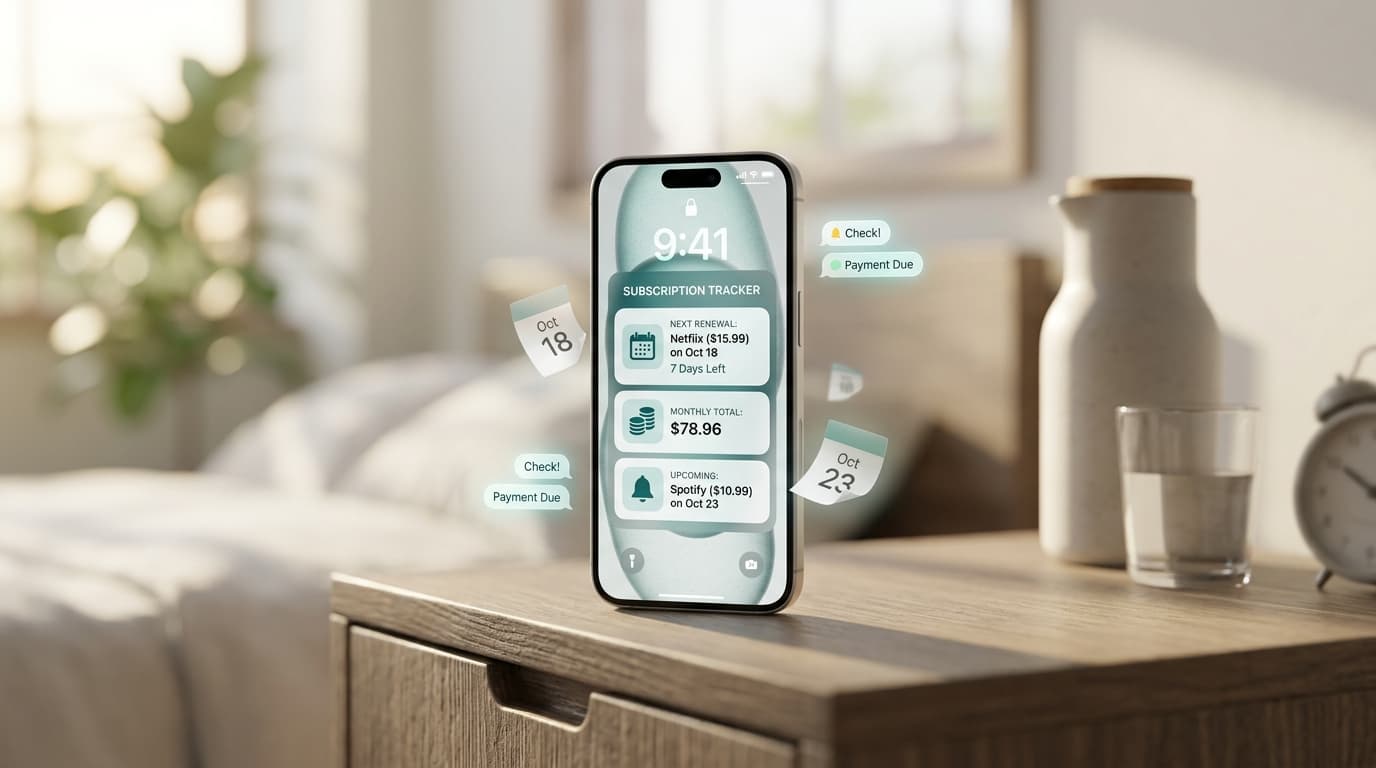
You meant to pay it. You even thought about it on Tuesday. Then the due date passed, and a late fee showed up.
Forgetting a bill rarely means you are careless. It means your brain was busy. An app to remind me to pay bills takes that job off your memory and hands it to your phone. This guide explains why bills slip, how reminders work, and how to build a setup that holds up on your busiest weeks.
Why Smart People Forget Bills

Bills are low-drama tasks. Nothing breaks the moment you skip one, so your mind files it under “later.”
Due dates also scatter. Rent lands on the 1st, a phone plan on the 9th, insurance on the 22nd, and a loan on the 28th. Each one follows its own rhythm, and none of them match your payday.
Add a mix of paper bills, email notices, and automatic charges, and the picture gets blurry. An app to remind me to pay bills gives you one place where every date lives.
What Does a Bill Reminder App Actually Do?
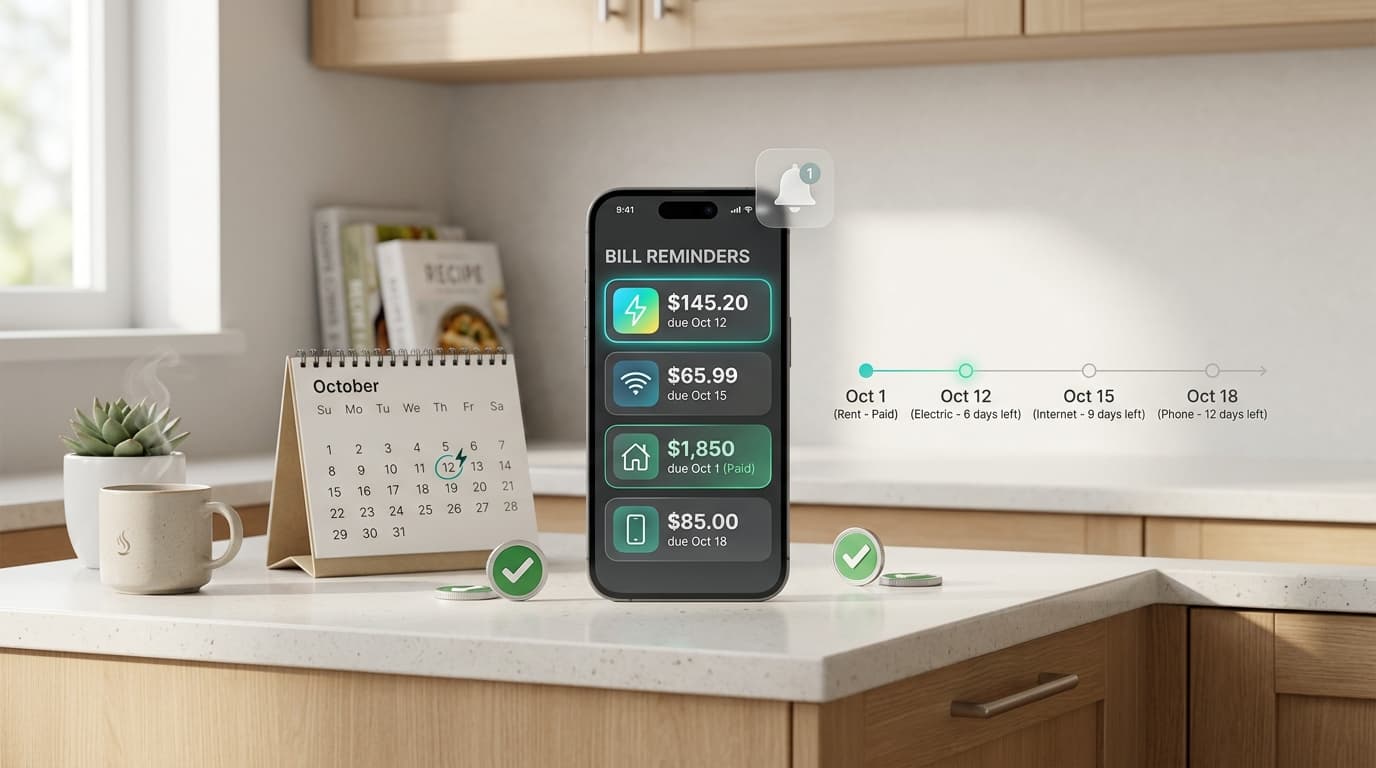
A bill reminder app stores your due dates and sends an alert before each one arrives. Most let you add the bill name, the amount, and how often it repeats.
You may also hear the terms bill organizer, due date tracker, payment reminder app, or bill calendar. They describe the same basic idea. You enter a bill once, and the app reminds you every cycle without more typing.
Most reminder apps do not move money. They nudge you, and you pay through your bank or provider. That keeps control in your hands.
Reminder Timing: When Should the Alert Arrive?
Timing decides whether a reminder works. A notice on the due date is often too late, especially if a transfer takes a day or two to clear.
Here is a practical guide:
- Bills paid by bank transfer: Three to five days ahead.
- Bills paid by mail or cheque: Seven to ten days ahead.
- Large bills, like rent or tax: Seven days ahead, plus a second alert two days before.
- Annual renewals: Two to four weeks ahead.
A second alert is worth it for anything that carries a heavy penalty. One quiet buzz is easy to miss.
Autopay or Reminders: Which Should You Use?
Autopay sounds like the perfect fix. It has a catch. A payment can fail if your balance runs low, and a surprise price increase pulls a bigger amount than you expected.
Reminders keep you in the loop. You see the bill, confirm the amount, and pay when you are ready.
Many people use both. Autopay handles fixed, predictable bills like a flat internet plan. Reminders cover variable ones, such as electricity, and anything you want to review first.
Which Bills to Add First
Start with the ones that hurt most when late:
- Rent or mortgage
- Utilities, such as power, water, and gas
- Loan and credit card payments
- Insurance premiums
- Phone and internet
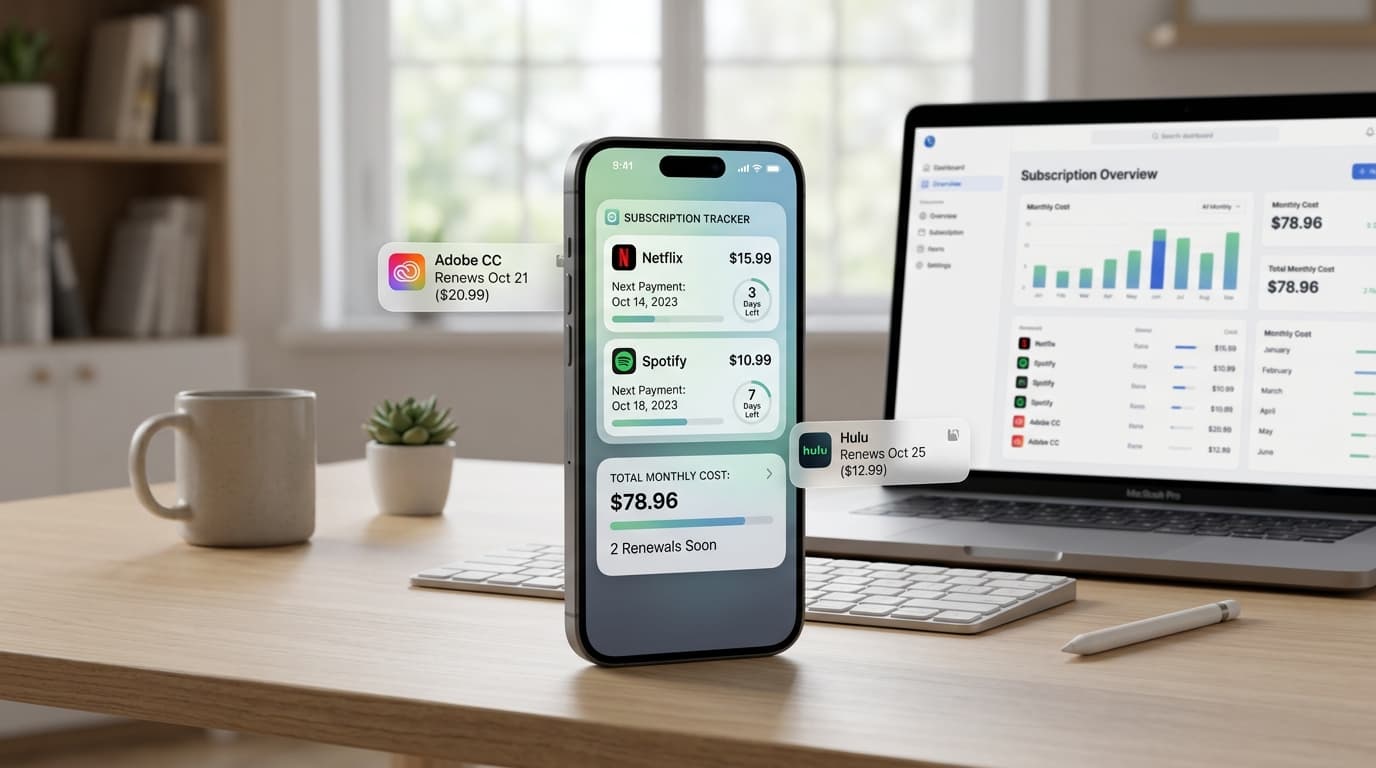
- Subscriptions and annual memberships
Late credit card payments can affect your credit report, so put those near the top. Small subscriptions come last, but they still deserve a spot because they renew without much notice.
How to Set Up Your Reminders in Six Steps
Plan on about 30 minutes.
- Gather your bills. Check the last two statements for each provider.
- Note the real due date. Use the date printed on the bill, not the date it arrived.
- Add each bill to your app. Enter the name, amount, repeat cycle, and due date.
- Pick alert timing. Use the guide above.
- Choose a notification style. Push alerts work best for most people.
- Review once a month. Update changed amounts and remove closed accounts.
Choosing an App That Fits You
Look for an app to remind me to pay bills that keeps things simple. A good one has fast entry, flexible repeat cycles, and alerts you can customize. Clear monthly totals are a bonus.
Think about privacy too. Apps that ask for your bank login collect far more than a reminder needs. Manual entry keeps your account details with your bank.
Renew Reminder tracks recurring payments and sends renewal alerts, which suits bills and subscriptions that repeat. You can download it on Google Play for Android or from the App Store for iPhone and iPad. Check each listing for current features and pricing before you install.
Making Reminders Stick

An alert only helps if you act on it. A few habits make that easier.
Pay when you get the reminder. If you can, settle it right then. Putting it off turns one task into two.
Match alerts to payday. If your pay lands on the 5th, a bill due on the 4th needs an early warning and a plan.
Keep a small buffer. A spare amount in your account absorbs surprises and timing gaps.
Use one pay routine. Many people pay all bills on one set day each week. The reminder tells you what is coming, and the routine tells you when to act.
Helping Someone Else Remember
Reminders also help families. An older parent may forget a utility bill, or a partner may split the household costs. A shared routine, such as a monthly check-in, plus a reminder on one phone, keeps everyone aligned.
If you manage bills for someone else, write down each due date and account name in a safe place. Never share passwords over text.
Frequently Asked Questions
What is the best app to remind me to pay bills?
The best one is the one you will open and trust. Look for reliable alerts, easy entry, and a clear privacy policy. Test it with a few bills before adding the rest.
Does a bill reminder app pay my bills?
Most do not. They remind you, and you pay through your bank or provider.
Is an app to remind me to pay bills free?
Many offer a free version with optional upgrades. Pricing changes, so check the store listing.
How far ahead should I set a reminder?
Three to five days works for most bank payments. Use a week or more for bills paid by mail or large amounts.
Can I use my phone calendar instead?
You can. It works for a few bills, but it will not show totals or handle changing amounts well.
Do I have to link my bank account?
Not always. Manual entry works for most people and keeps your banking details private.
Is it safe to use a bill reminder app?
It can be. Review the privacy policy, the permissions it requests, and the store’s data labels. Avoid apps that ask for your banking password.
Final Thoughts
Late fees are avoidable. You do not need a perfect memory, just a system that remembers for you.
List your bills, set alerts with enough lead time, and check the list once a month. An app to remind me to pay bills turns a stressful task into a quick tap, and your wallet will notice the difference.