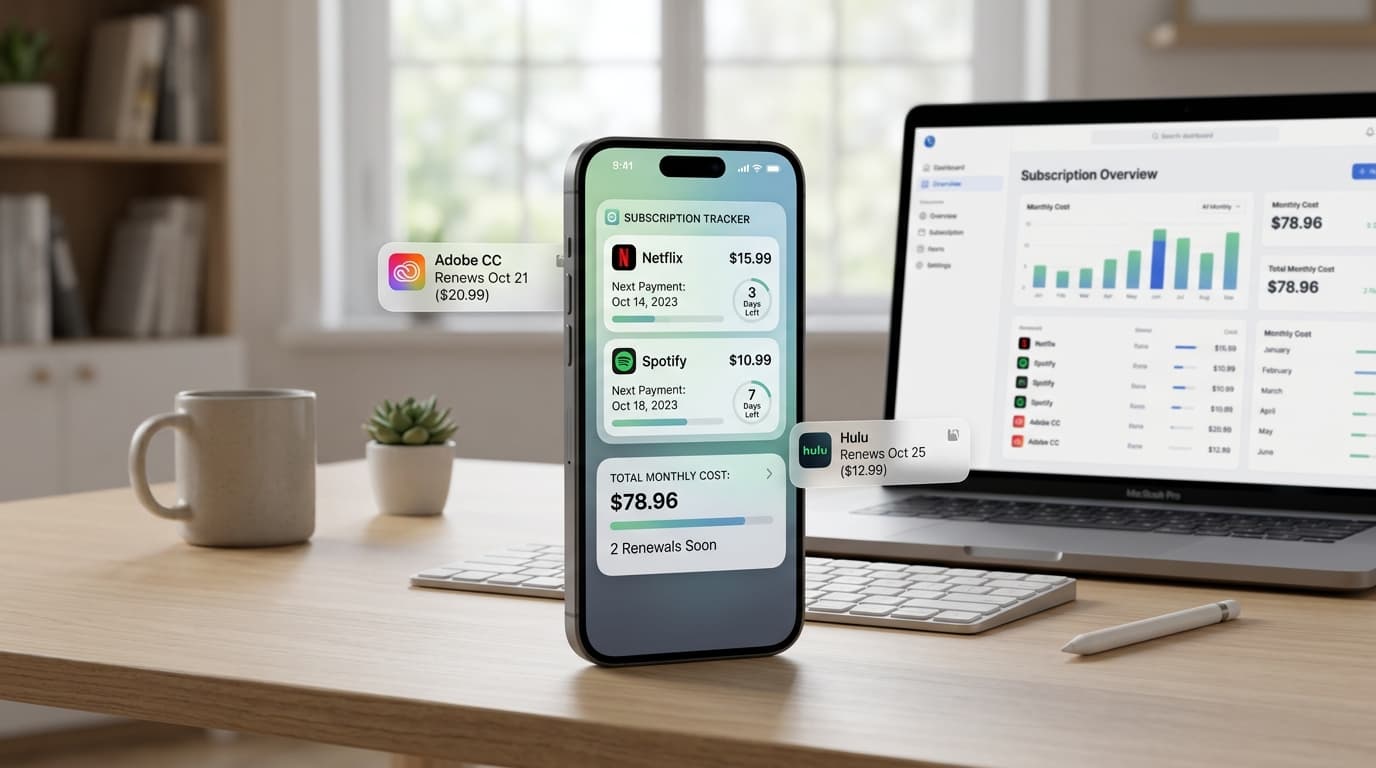
Most subscription lists answer one question: what do I pay for? A subscription calendar app answers a better one: when does the money leave?
That shift matters. Charges do not arrive evenly. They bunch up, and a single week can cost more than the rest of the month combined. This guide shows how a subscription calendar app works, what the calendar view reveals, and how to build a billing calendar you will actually check.
What Is a Subscription Calendar App?

A subscription calendar app plots your recurring payments on a month view. Each renewal appears on the day it bills, with the service name and amount.
You may also see it called a billing calendar, a renewal calendar, or a payment schedule app. Some people use the term for a regular calendar filled with manual entries. Others mean a dedicated tool that builds the calendar from the plans you add.
Either way, the goal is the same: turn a flat list into a timeline.
Why a Calendar View Shows What a List Hides
A list sorts by name or price. It tells you little about timing.
A calendar shows patterns. You may notice that four plans bill between the 1st and the 3rd, right before payday. Or that two annual renewals fall in the same month, which is easy to miss when each sits on its own line.
A subscription calendar app also makes gaps visible. If the 10th through the 20th is empty, that is a good window to move a renewal date or schedule a bigger purchase.
Billing Clusters: The Cash Flow Problem
A billing cluster is a group of charges landing within a few days of each other. Clusters cause overdraft fees, declined cards, and stressful weeks.
Here is a simple example. Streaming ($16), cloud storage ($3), a news site ($12), and a gym plan ($40) all bill on the 2nd. That is $71 in one morning. If your pay arrives on the 5th, your balance can dip below zero.
Once a subscription calendar app shows the cluster, you have options. Move the billing date if the provider allows it. Shift your payday buffer. Or cancel the plan you use least.
How to Build Your Billing Calendar in Four Steps
You can finish this in about 45 minutes.
- Collect renewal dates. Check three months of statements, your email receipts, and app store subscription settings.
- Enter each plan. Add the name, amount, billing cycle, and next charge date.
- Review the month view. Look for clusters and for empty stretches.
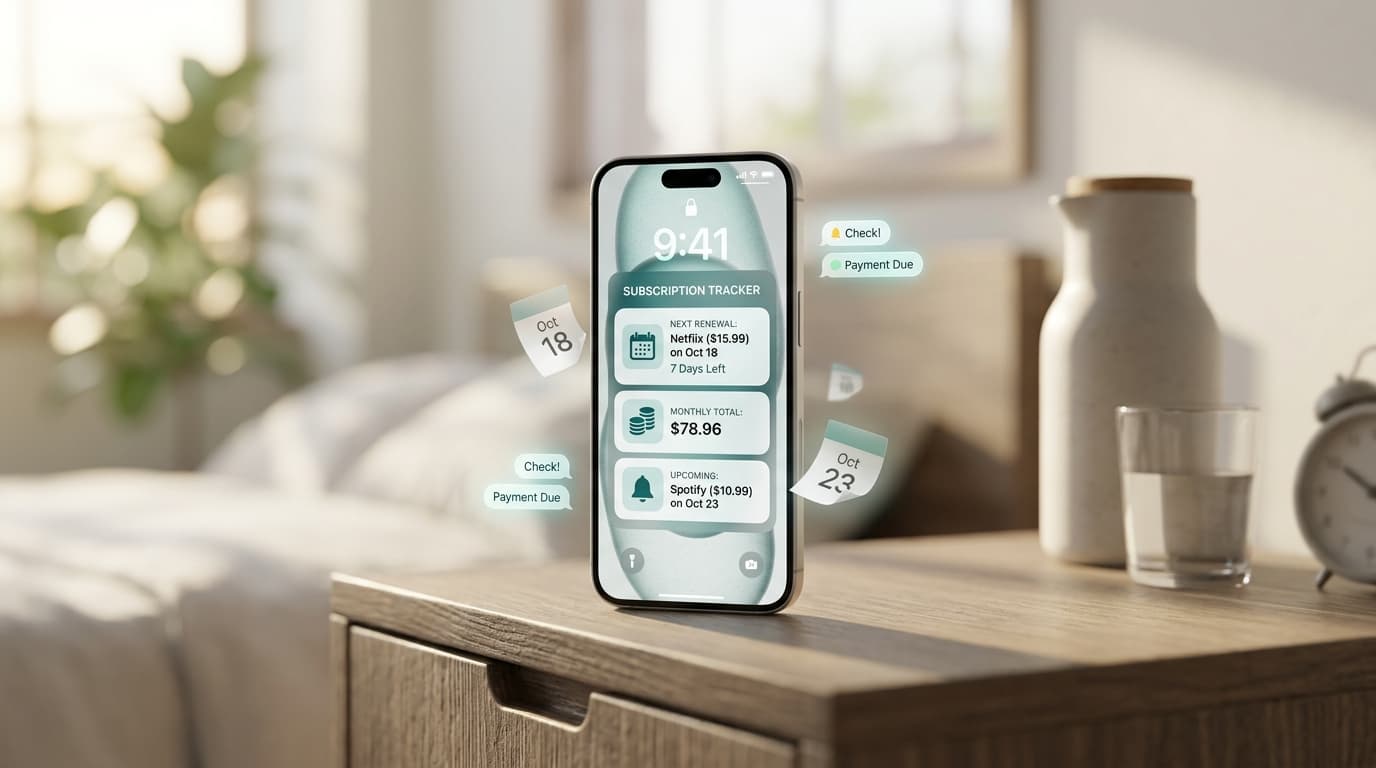
- Add alerts. Set reminders three to seven days before monthly bills and two to four weeks before annual ones.
Then set a recurring check on the first of the month. Five minutes is plenty.
Regular Calendar or Dedicated App?
A standard calendar works for a handful of plans. It is free, and you already use it. The weakness is upkeep. You have to type every event, repeat it correctly, and edit the amount by hand when prices change.
It also has no totals. Your calendar cannot tell you that March costs $214 in recurring charges.
A dedicated subscription calendar app handles the repeating logic for you and adds cost summaries. If you track more than six or seven plans, it saves real time.
Renew Reminder is a recurring payments and renewal tracker built around dates and alerts. You can download it on Google Play for Android or from the App Store for iPhone and iPad. Review each listing for current features, including whether a calendar view is available, along with pricing.
Read Your Calendar Like a Planner
Once the dates are in, use them. Here are four moves worth trying:
- Spot the heavy week. Mark the week with the highest total and make sure your balance covers it.
- Stagger the dates. Where providers allow it, move a renewal to a lighter week.
- Find the annual spikes. Highlight months with big yearly charges and set money aside early.
- Trim before the date. Cancel a plan a few days before it bills, not after.
Free Trials Belong on the Calendar Too

A free trial is a renewal in disguise. The charge date is the day the trial ends, and that date rarely feels real.
Add trials the moment you sign up. Use the end date, not the start date, and set an alert two days ahead. A subscription calendar app makes this easy because the trial sits right beside your paid plans, with a price attached.
Syncing With Your Daily Schedule
Some people prefer to see renewals next to meetings and appointments. If you keep one main calendar, you can mirror key dates there, such as annual plans and large charges.
Keep it light. Too many entries turn the calendar into noise. Reserve your main calendar for renewals over a set amount, say $25, and let the dedicated tool handle the small ones.
Mistakes That Break a Billing Calendar
- Entering the signup date. Use the next charge date instead.
- Forgetting time zones. A charge at midnight may land a day earlier or later than you expect.
- Skipping quarterly plans. They are the easiest to forget.
- Never updating prices. A calendar with old amounts hides real cost.
- Ignoring weekends. Some banks post weekend charges on Monday, so allow a buffer.
Frequently Asked Questions
What is a subscription calendar app?
It is an app that displays your recurring payments on a calendar, showing which service bills on which day, and how much it costs.
Is a subscription calendar app better than a spreadsheet?
For timing, yes. A calendar view shows clusters and gaps at a glance, and reminders arrive on their own. A spreadsheet needs you to open it.
Can I see my total monthly spending?
Many apps show monthly totals alongside the calendar. Check the store listing for current features, since they vary by app.
Can a subscription calendar app cancel plans?
No. It shows the date and reminds you. You cancel through the provider or your app store account.
How early should I set reminders?
Three to seven days for monthly plans, and two to four weeks for yearly ones. That leaves time to compare alternatives or cancel.
Do I need to link my bank?
Not necessarily. Manual entry works for most people and keeps your banking details private.
Final Thoughts
A list tells you what you pay for. A subscription calendar app tells you when it hurts. Seeing charges on a timeline makes planning easier and cancelling earlier feel natural.
Add your plans, find your heaviest week, and set alerts you will notice. A subscription calendar app pays off most when you check it before payday, not after.