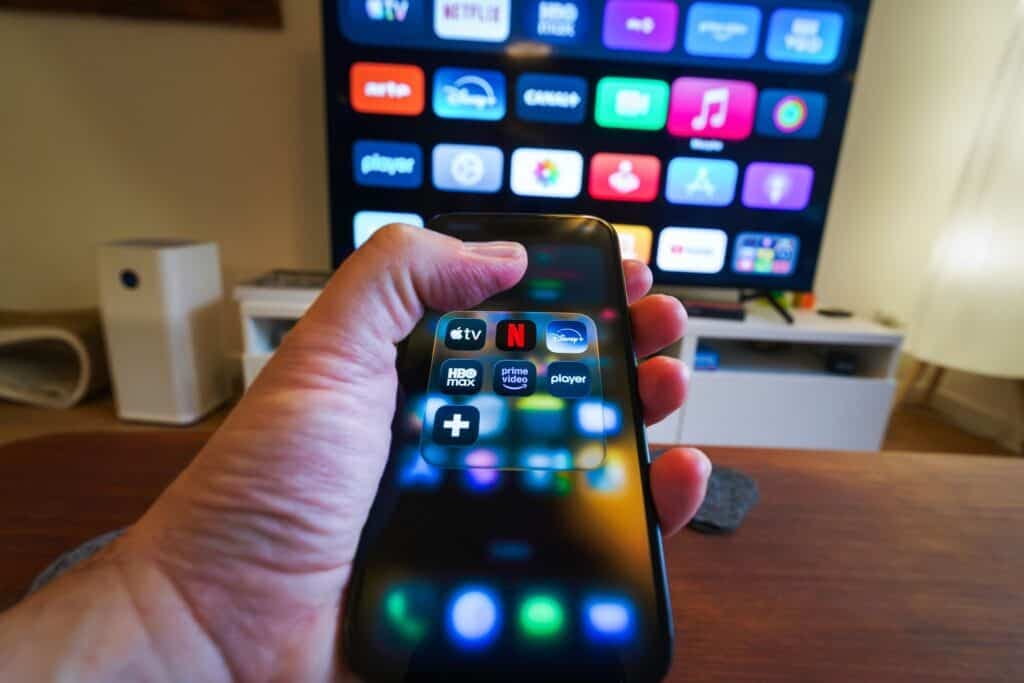
Setting up a new television used to mean plugging in an antenna and picking a channel. Today, it means something else entirely: a TV app download. Whether you just unboxed a Smart TV, added a streaming stick, or switched to a new home entertainment setup, the first real task is getting your favorite apps installed and signed in. This guide walks through exactly how a TV app download works on the most popular platforms, what can go wrong, and — just as important — how to stop losing track of the subscriptions those apps quietly bill you for every month.
Why the TV App Download Process Isn’t the Same Everywhere

Unlike a phone, where one app store covers every device, a TV app download depends entirely on the operating system running your screen. Google TV and Android TV use a TV-optimized version of the Play Store. Samsung TVs run Tizen OS with their own app hub. LG relies on webOS. Roku, Fire TV, and Apple TV each have their own curated storefronts. That fragmentation is the biggest reason people get stuck: a TV app download that works perfectly on one brand can be a completely different process — or simply unavailable — on another.
This also explains why some apps you use daily on your phone never show up during a TV app download search. Developers have to build and certify a TV-specific version with remote-friendly navigation, and not every company bothers. If a search for an app during your TV app download comes up empty, it’s often not a bug — the app genuinely doesn’t have a television version yet.
How to Complete a TV App Download on Any Platform
Smart TVs with Google TV or Android TV: Open the built-in Play Store, use the on-screen keyboard or voice search, find the app, and select Install. A typical TV app download finishes in under two minutes, depending on your Wi-Fi speed and the app’s file size.
Samsung (Tizen): Head to the Smart Hub or Apps section on the home screen, search by name, and confirm the install. Samsung’s layout is less intuitive than Android TV, so double-check you’re downloading the TV edition and not a phone-only listing.
LG (webOS): The LG Content Store handles every TV app download for webOS sets. Navigation is menu-driven rather than search-first, so browsing by category can sometimes be faster than typing.
Streaming devices (Roku, Fire TV, Apple TV): Each device has its own dedicated channel or app store. A Roku TV app download happens through the Roku Channel Store; Fire TV uses the Amazon Appstore; Apple TV pulls exclusively from the tvOS App Store.
Older or non-smart TVs: If your television predates streaming apps, it likely can’t handle a TV app download at all. In that case, an external streaming stick or box is the simplest fix, instantly turning any screen into one capable of running modern apps.
Common TV App Download Problems and Quick Fixes
A stalled or failed TV app download is almost always caused by one of a few things: low storage space on older devices, a weak internet connection, or an outdated firmware version that the app no longer supports. Restarting the TV, clearing cache from Settings, and checking for a system software update usually resolves the issue. If a TV app download repeatedly fails on a budget or off-brand smart TV, it may be running a restricted store with limited app availability — sideloading tools exist for advanced users, but they carry real security risks and aren’t recommended for most households.
The Part Nobody Talks About: What Happens After the TV App Download

Here’s where most guides stop — right after the install finishes. But completing a TV app download is really just the beginning. Every streaming service you add typically comes with a free trial that silently converts into a paid subscription, a monthly fee, or an annual renewal you agreed to without much thought. Do this across Netflix, Disney+, Max, Paramount+, Apple TV+, and a handful of niche apps, and it’s easy to lose track of what you’re actually paying for.
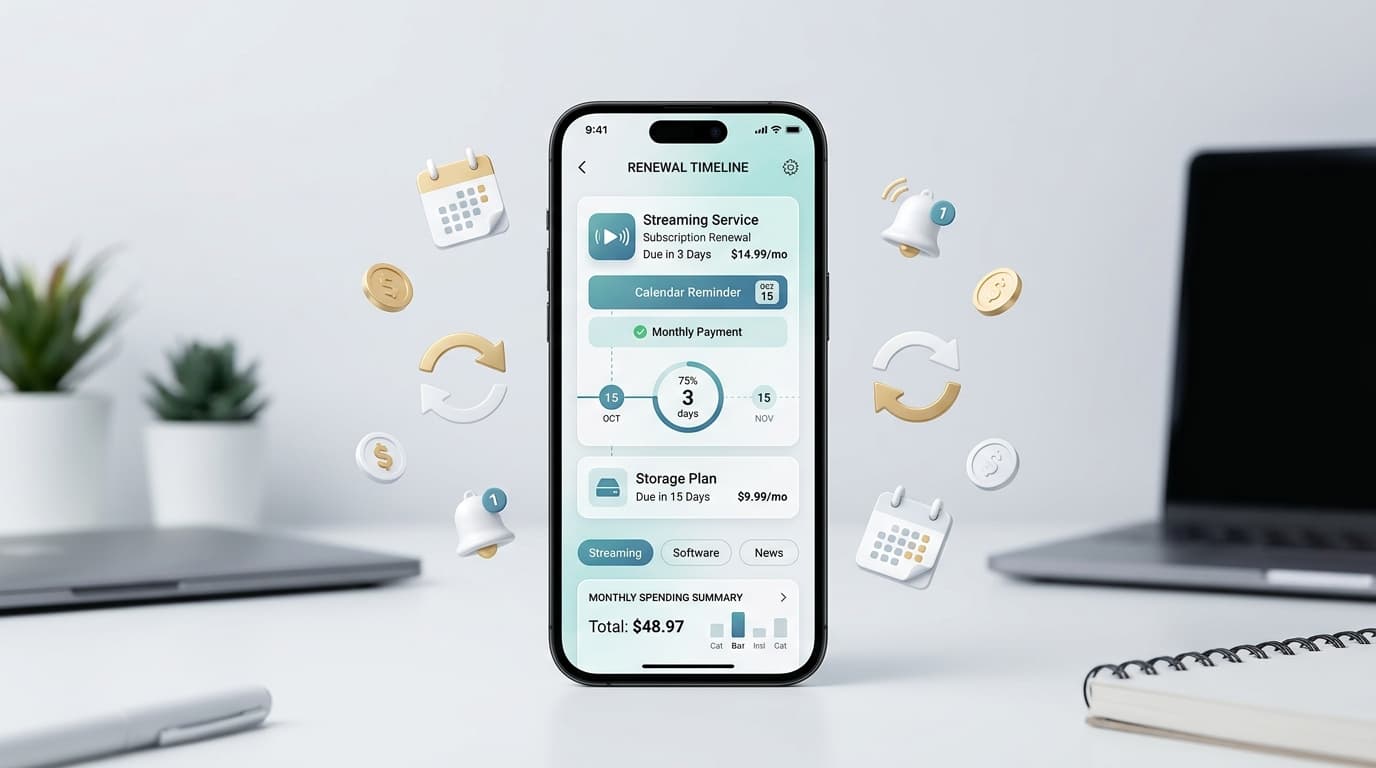
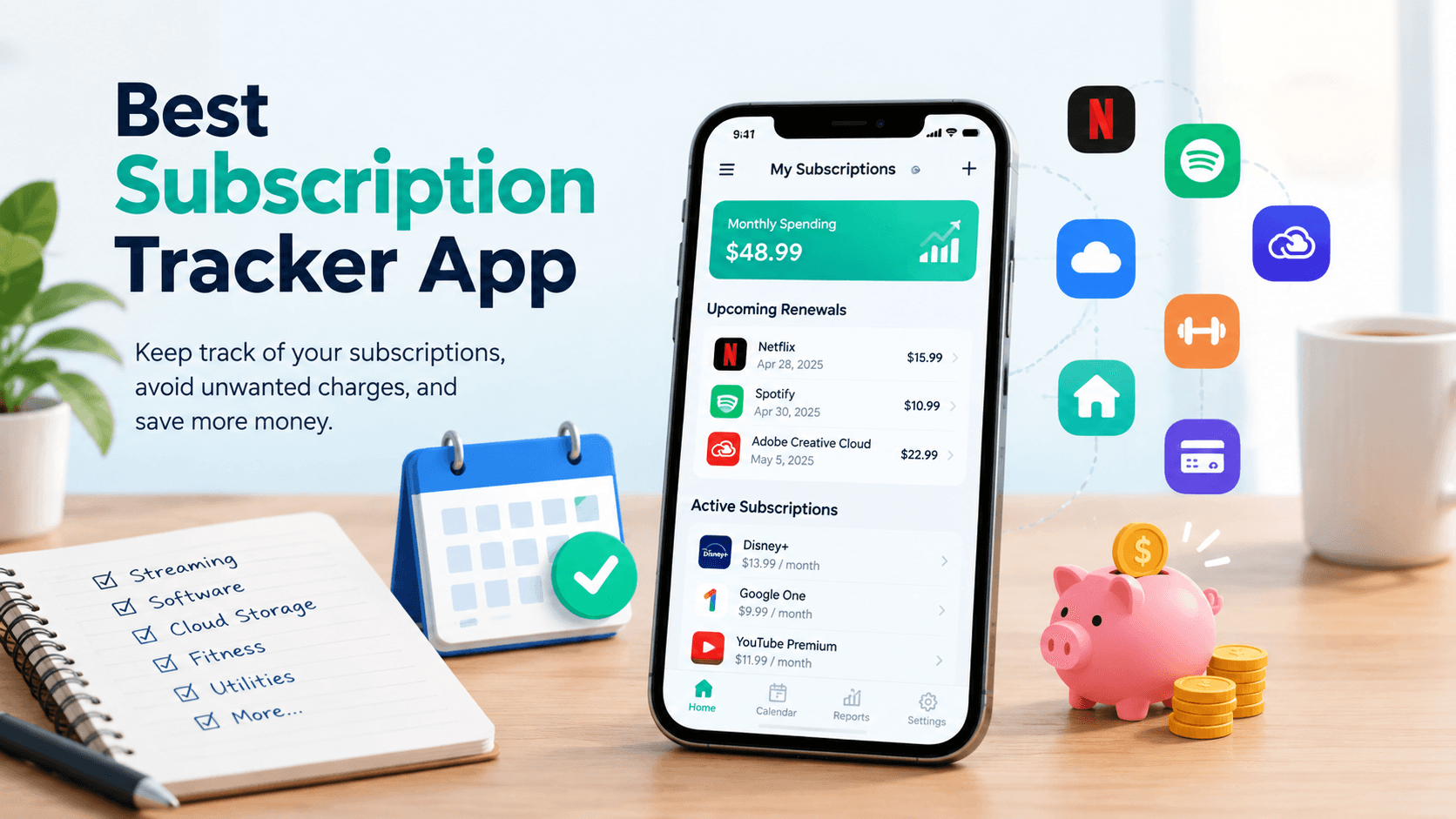
This is exactly the problem RenewReminder was built to solve. Instead of discovering a surprise charge on your bank statement, RenewReminder lets you log every subscription tied to your streaming and TV app download habits in one place, then sends you a reminder before each renewal or trial deadline hits. You decide whether to keep paying, downgrade, or cancel — before the money leaves your account, not after.
The app is available for both major platforms. Android users can grab it directly from the Google Play Store, while iPhone and iPad owners can find it on the Apple App Store. Setup takes a few minutes, and it pairs naturally with the TV app download process: install the streaming app, then log it in RenewReminder so it never becomes a forgotten charge.
Frequently Asked Questions
Is a TV app download free? Downloading the app itself is almost always free. The subscription behind services like Netflix or Disney+ is where the real cost comes in, which is why tracking renewals matters as much as the download itself.
Why can’t I find a specific app during my TV app download search? The app may not have a certified TV version, your TV’s app store may be restricted, or your firmware might be outdated. Checking your TV’s operating system version usually clarifies which one applies.
Do all smart TVs support the same TV app download process? No. Google TV, Samsung Tizen, LG webOS, Roku, Fire TV, and Apple TV each run separate app stores with different search tools and interfaces.
How do I avoid forgetting about a subscription after a TV app download? Log each new service in a subscription tracker like RenewReminder as soon as you install it, so you get a reminder before any trial converts or renewal charges you.
Is RenewReminder available on both Android and iOS? Yes. It’s downloadable from the Google Play Store for Android devices and the Apple App Store for iPhone and iPad.
A smooth TV app download gets your favorite shows on screen in minutes. Keeping the resulting subscriptions under control is the part that actually saves you money — and that’s one download worth making too.