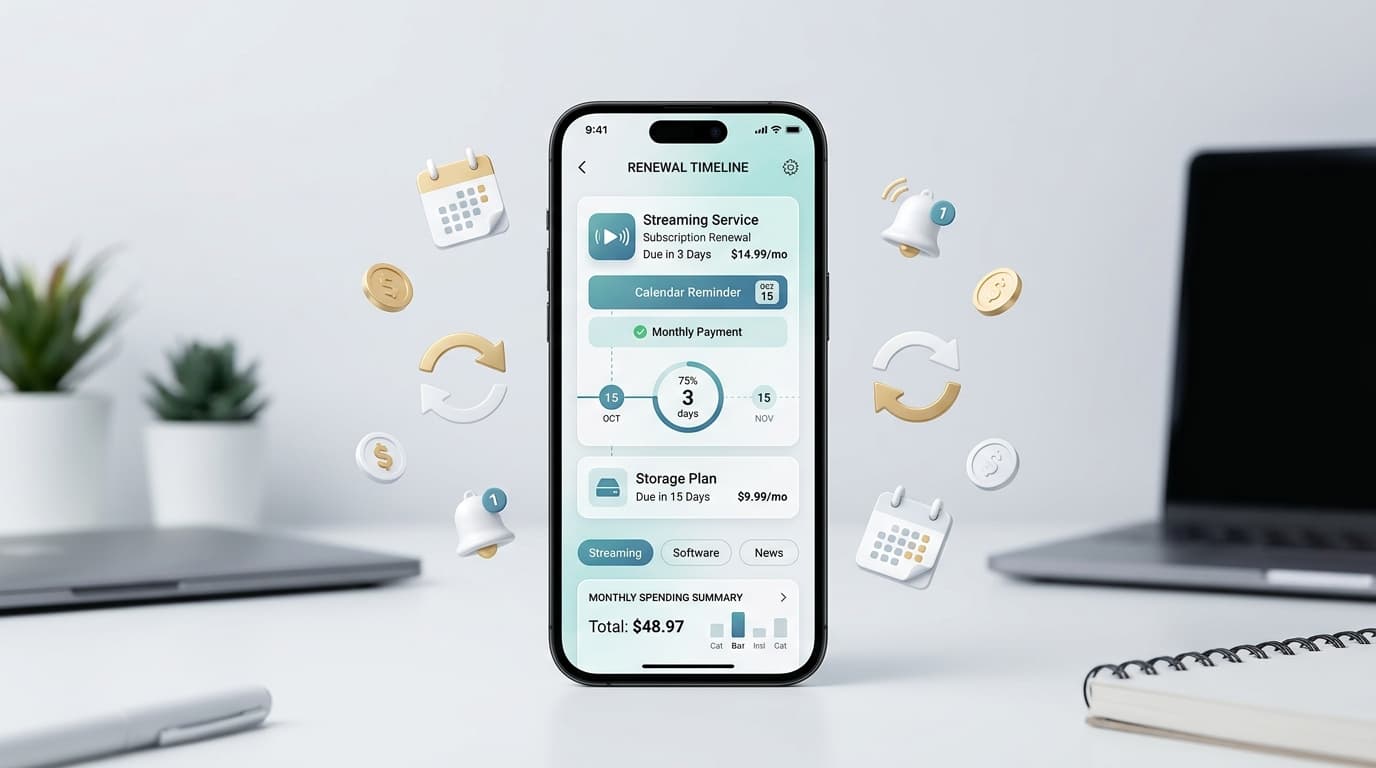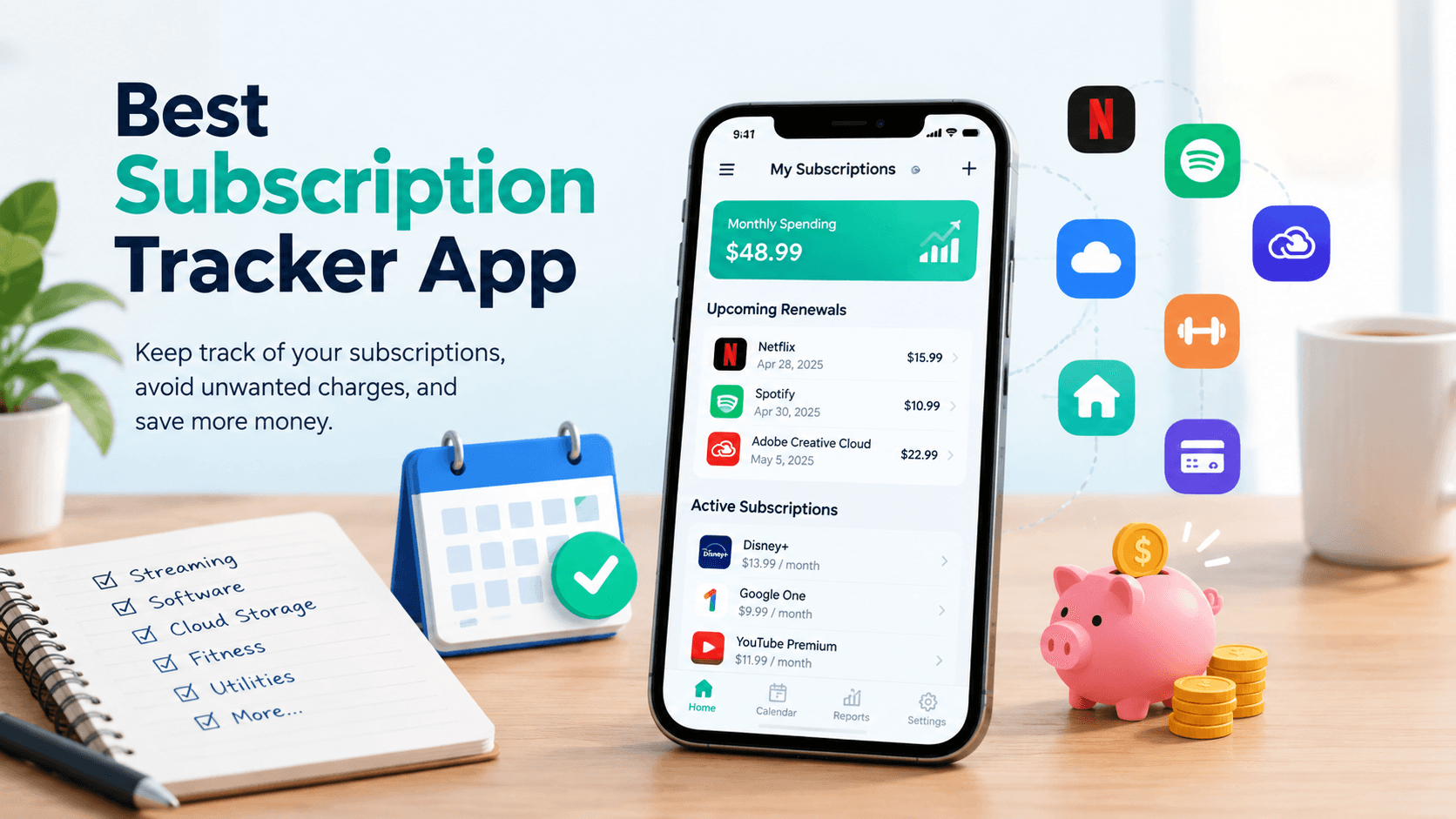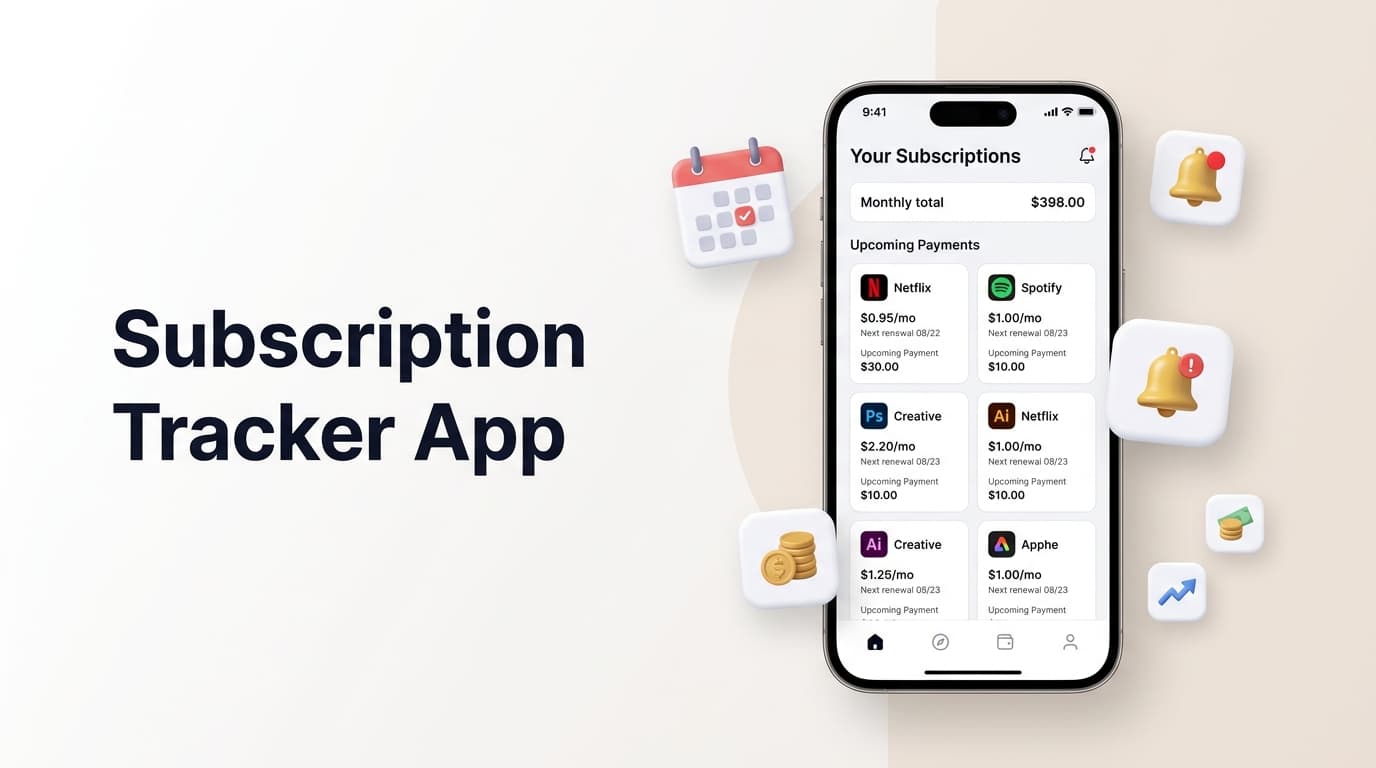
If you’ve ever opened a bank statement and wondered “what on earth is this ₹499 charge,” you’re not alone. The average household now juggles a dozen or more recurring payments, from streaming platforms to fitness apps to cloud storage plans. A good subscription manager app turns that confusion into a single, clear picture of what you’re paying for and when.
This guide walks through what a subscription manager app actually does, the features worth paying attention to, and how a tool like RenewReminder fits into a smarter way of handling recurring bills in 2026.
What Is a Subscription Manager App?

A subscription manager app is a piece of software built to track every recurring charge tied to your accounts and cards. Instead of digging through emails or scrolling old bank entries, the app logs each plan, its renewal date, and its cost in one dashboard.
Think of it as a personal ledger for anything that bills you automatically: streaming, software, gym memberships, news subscriptions, even domain renewals. A well-built subscription tracker app also sends reminders before a charge hits, so nothing renews without your knowledge.
Why Subscription Fatigue Is a Bigger Problem Than Ever
Streaming wars, app-based fitness plans, and SaaS tools for everyday tasks have made “subscribe first, think later” the default. Free trials quietly convert into paid plans, and price hikes on existing subscriptions often go unnoticed for months.
This pattern, often called subscription fatigue, is exactly why demand for a reliable subscription management app has grown so quickly. People don’t want to cancel everything; they want visibility. Once spending is visible, cutting the plans that no longer add value becomes an easy decision rather than a guessing game.
Core Features a Subscription Manager App Should Have
Not every subscription tracking app is built the same way. Here’s what separates a genuinely useful tool from a glorified spreadsheet.
Automatic renewal reminders. The app should alert you a few days before a charge, giving you a real window to cancel or adjust your plan.
A clean spending overview. Monthly and yearly totals, broken down by category, help you spot where the real money is going.
Manual and flexible entry. Not every service can be linked automatically, so the option to add subscriptions by hand matters, especially for gym memberships, insurance premiums, or local service contracts.
Privacy-first design. Since this app touches financial information, it should never require bank login credentials just to track a renewal date.
Cross-platform access. A subscription manager app that works equally well on Android and iOS means your data stays consistent no matter which device you pick up.
How RenewReminder Handles Subscription Tracking
RenewReminder was built around one idea: renewal dates shouldn’t be a surprise. The app lets you log every subscription manually, set custom reminders, and see your total recurring spend at a glance, without linking your bank account or handing over sensitive credentials.
It works as a straightforward subscription manager app for people who want control without complexity. You can group subscriptions by category, track billing cycles (weekly, monthly, or yearly), and get notified with enough lead time to actually act, whether that means renewing, downgrading, or cancelling.
The app is available for both major platforms, so Android and iPhone users can install it and start tracking renewals within minutes.
Subscription Manager App vs. Manual Tracking
Some people still rely on notes, calendar alerts, or memory to keep tabs on subscriptions. It works, until it doesn’t. A single missed reminder can mean paying for a service you meant to cancel months ago.
A dedicated subscription monitoring tool removes that guesswork. Instead of scattered notes across five apps, everything lives in one dashboard built specifically for recurring billing. The time saved, and the money saved from forgotten renewals, usually outweighs the two minutes it takes to log a new subscription.
Hyper-Local Relevance: Why This Matters Wherever You Are

Recurring billing isn’t limited to one country or currency. Whether you’re tracking a local gym membership, a regional streaming service, or an international SaaS tool, a subscription manager app that supports flexible currencies and billing cycles adapts to how people actually spend, no matter the region.
Choosing the Right App for Your Habits
Before picking a subscription manager app, think about how you actually manage money day to day. If you prefer full manual control, look for an app that doesn’t force bank linking. If you juggle many small recurring charges, prioritize clear category breakdowns and early reminders over flashy extras you’ll rarely use.
The right tool is the one you’ll actually open. A subscription tracker app with a clean, simple interface tends to get used consistently, which is the entire point.
Frequently Asked Questions
What does a subscription manager app actually do?
It records your recurring payments, tracks renewal dates, and sends reminders before you’re charged, giving you a single overview of your ongoing subscriptions.
Is it safe to use a subscription manager app?
Yes, as long as the app doesn’t require your banking credentials. Apps like RenewReminder let you log subscriptions manually, which keeps sensitive financial data out of the equation entirely.
Can a subscription manager app help me save money?
Absolutely. Most users find at least one forgotten or unused subscription within the first week of tracking, and cancelling it alone often covers the value of using the app.
Does RenewReminder work on both Android and iPhone?
Yes. RenewReminder is available on Google Play for Android devices and on the App Store for iPhone users.
How is a subscription manager app different from a budgeting app?
A budgeting app looks at your overall spending across categories, while a subscription manager app focuses specifically on recurring charges and their renewal timing, which most general budgeting tools handle poorly.
Do I need to link my bank account to use RenewReminder?
No. RenewReminder is built for manual entry, so you stay in control of what’s tracked without connecting bank or card details.
Final Thoughts
Subscriptions aren’t going away, and the number of recurring charges most people manage will likely keep growing through 2026 and beyond. A dependable subscription manager app is no longer a nice-to-have; it’s a practical way to stay aware of where your money goes each month.
If you’re ready to take control of your renewals, visit Renew Reminder to see how simple subscription tracking can be, or grab the app directly from Google Play or the App Store.