Most people are paying for at least one subscription they forgot about. A trial that quietly turned into a monthly charge, a streaming service nobody watches anymore, a fitness app that renewed itself for another year. If that sounds familiar, you don’t need more willpower — you need the best subscription tracker app working in the background of your phone.
This guide walks through what a subscription tracker actually does, the features worth paying attention to, and how to pick one that fits your habits instead of adding another app you’ll abandon in a week.
What Does a Subscription Tracker App Actually Do?

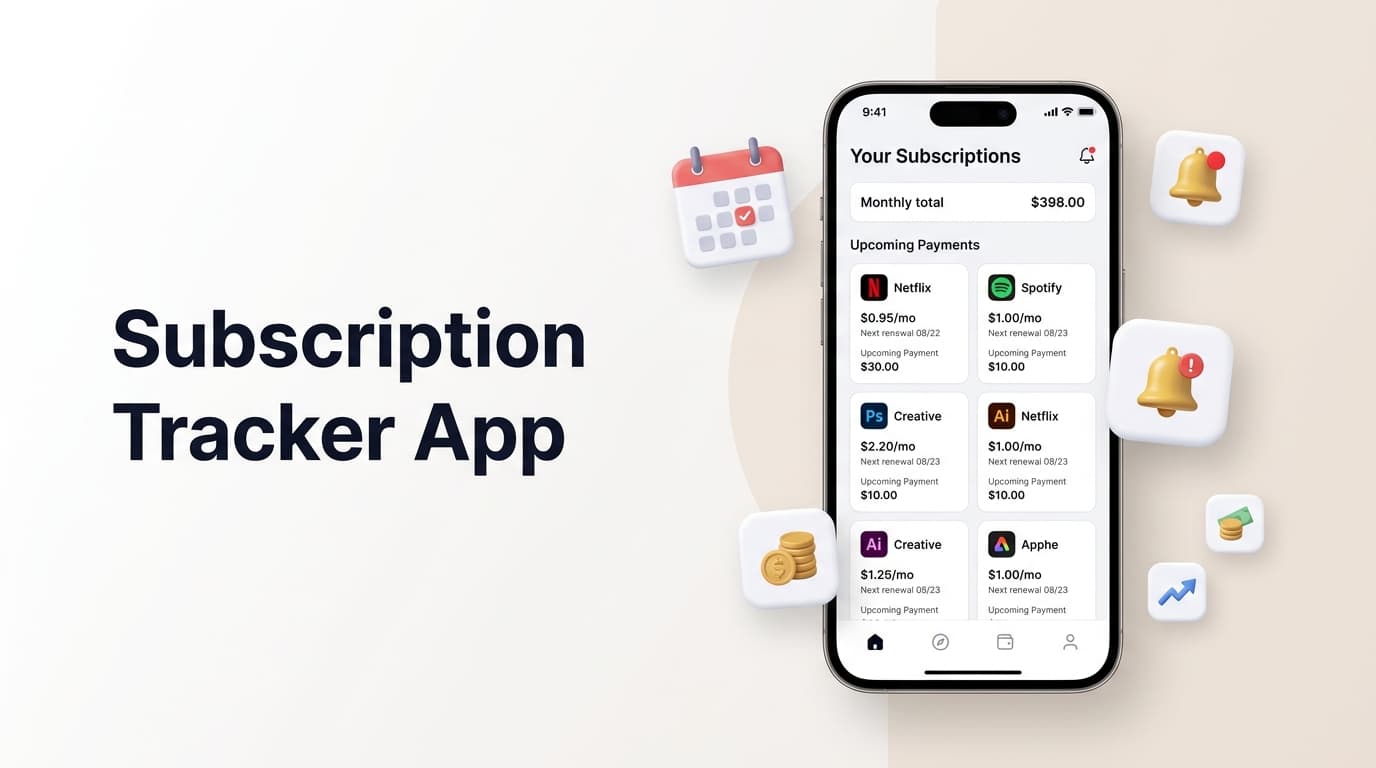
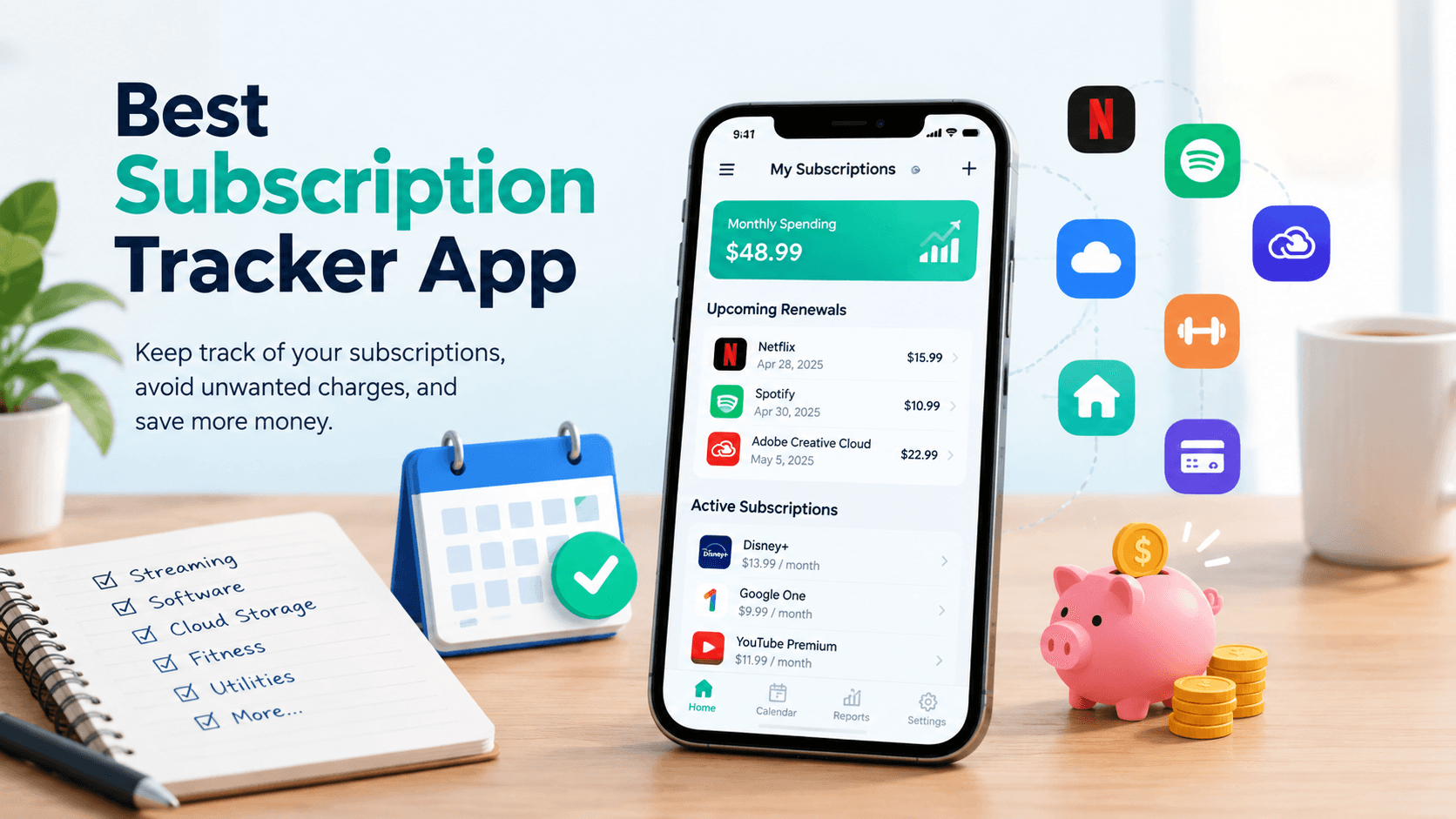
A subscription tracker app is a small piece of software with one job: keep a running list of every recurring payment tied to your name, and warn you before each one renews. Think of it as a personal ledger for Netflix, Spotify, your gym membership, cloud storage, software licenses, and every free trial you signed up for “just to try it out.”
The good ones go a step further. Instead of just logging what you already know about, they help you catch charges you’d otherwise miss, group them by category, and show you the total you’re spending each month at a glance.
Why Renewal Reminders Matter More in 2026
Subscription pricing has gotten more aggressive. Free trials auto-convert faster, price increases roll out with less warning, and bundles quietly split into separate charges. A subscription tracking app closes that gap by giving you a heads-up days before money actually leaves your account, not after.
Renew Reminder was built around exactly this problem. The app sits on your phone, tracks renewal dates for every subscription you add, and sends a notification with enough lead time to actually cancel or downgrade before you’re charged again. You can see the full picture — and add your own subscriptions — at renewreminder.com.
Core Features Worth Checking Before You Download One
Not every subscription manager app is built the same way. Here’s what separates a genuinely useful one from a glorified spreadsheet.
1. Renewal alerts with real lead time
A reminder sent the morning of renewal is nearly useless — most cancellations need a day or two to process. Look for an app that lets you set custom notice windows, whether that’s three days or two weeks ahead.
2. A clear spending overview
The best subscription tracker app should show your total monthly and yearly spend without you doing the math yourself. Seeing “$187/month across 14 subscriptions” laid out in one screen tends to be more motivating than any budgeting lecture.
3. Category grouping
Streaming, software, fitness, utilities, insurance — sorting recurring charges into categories makes it obvious where your money is actually going, and which category is quietly bloated.
4. Manual and flexible entry
Some tools require bank syncing to work at all, which puts off people who’d rather not link financial accounts to a third-party app. A tracker that lets you log subscriptions manually, with custom billing cycles (weekly, monthly, yearly, or anything in between), gives you control without that trade-off.
5. Cross-device availability
Whether you’re on iPhone or Android, your subscription list should follow you. Renew Reminder is available on both platforms, on the App Store and on Google Play, depending on your device.
How to Choose the Right Subscription Manager for You

Picking a subscription tracker isn’t about finding the one with the most features. It’s about matching the tool to how you actually manage money.
If you want something quiet and low-effort, look for an app with simple manual entry and clean push notifications. If you’re managing subscriptions for a household or a small team, category tags and shared visibility matter more. And if privacy is a priority, favor a tracker that doesn’t require bank-level access just to log a $9.99 charge.
A short trial run tells you more than any feature list. Add your five biggest subscriptions, set your reminder window, and see whether the notifications actually show up when they should. That’s the real test.
Common Mistakes People Make Without a Tracker
Before settling on a subscription tracking app, it helps to know what problem you’re actually solving.
- Relying on memory alone. Even organized people lose track once they hit six or seven active subscriptions.
- Checking the bank statement after the fact. By then, the charge has already gone through — a tracker flips this from reactive to preventive.
- Ignoring price creep. Many services raise prices annually with minimal notice; a renewal log makes those increases visible instead of buried in a transaction list.
- Forgetting free trials. These convert to paid plans automatically far more often than people expect, and they’re the single biggest source of “surprise” charges.
Final Thoughts
A subscription tracker app won’t cut your spending on its own, but it puts the information in front of you at the moment it actually matters — before the charge, not after. That small shift in timing is usually enough to stop the slow leak of forgotten renewals.
If you’re ready to try one, Renew Reminder is built specifically around clear alerts and simple manual tracking, with no bank syncing required. Start at renewreminder.com, or install it directly from Google Play or the App Store instead.
Frequently Asked Questions
What is the best subscription tracker app for beginners? Look for one with manual entry, simple category sorting, and adjustable reminder timing rather than one that demands bank account access from day one. Renew Reminder is designed with this kind of low-friction setup in mind.
Do subscription tracker apps need access to my bank account? No, not always. Some apps sync directly with your bank to auto-detect charges, but many, including Renew Reminder, let you add and manage subscriptions manually, which avoids sharing financial account access altogether.
How far in advance should a renewal reminder be sent? Most people find three to seven days before renewal gives enough time to cancel or downgrade a plan. Apps that let you customize this window are generally more useful than ones with a fixed, non-adjustable alert.
Can a subscription tracker help me save money? Indirectly, yes. By showing your total monthly spend and upcoming renewals in one place, it makes it far easier to spot subscriptions you no longer use before they renew again.
Is Renew Reminder available on both iPhone and Android? Yes. It’s available for iOS through the App Store and for Android through Google Play.
What’s the difference between a subscription tracker and a budgeting app? A budgeting app looks at all of your spending broadly, while a subscription tracker app focuses specifically on recurring charges and their renewal dates, which makes it faster to spot and cancel unwanted subscriptions.