The best organization apps do one thing well: they take everything scattered across your head, your inbox, and a dozen sticky notes, and put it somewhere you’ll actually check. Whether you’re managing a busy household, a freelance workload, or just trying to remember which subscriptions are about to renew, the right combination of organization apps can quietly save you hours every week. Below is a practical, up-to-date look at the categories worth downloading, plus how to keep the apps themselves from becoming one more thing you need to organize.
Why Organization Apps Matter More in 2026

Digital clutter has grown faster than our ability to manage it. The average person now juggles dozens of logins, recurring charges, calendar invites, and task lists spread across multiple platforms. Good productivity apps and organization tools exist to consolidate that mess into a single, reliable view. The goal isn’t to add more apps to your phone; it’s to pick a handful of well-designed tools that actually replace the mental load of remembering everything yourself.
Task and To-Do List Apps
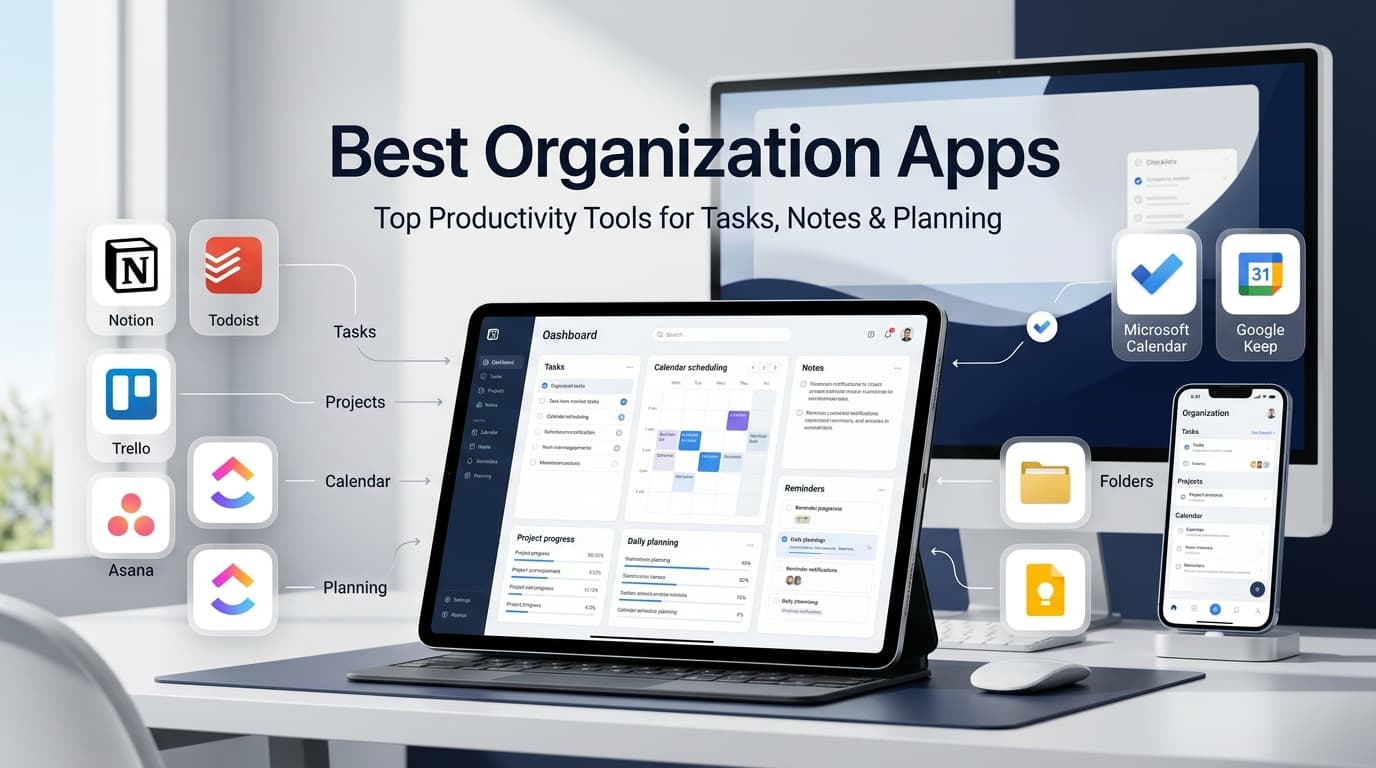
Task managers like Todoist, TickTick, and Things 3 remain the backbone of most organization systems. They let you break big projects into smaller action items, set due dates, and group tasks by priority or project. What separates a great to-do list app from a mediocre one is friction: the best ones let you capture a thought in seconds, so it doesn’t get lost between the moment you think of it and the moment you’d actually write it down.
Note-Taking and Knowledge Apps
Apps such as Notion, Evernote, and Obsidian go beyond simple notes, functioning as personal knowledge bases. They’re especially useful for people who need to organize research, meeting notes, or long-term projects in one searchable place. A well-structured note-taking app acts like a second brain, reducing the anxiety of trying to remember where you saved something three weeks ago.
Calendar and Scheduling Apps
Google Calendar, Fantastical, and Calendly handle the time-management side of staying organized. They’re most powerful when synced across every device and shared with the people you coordinate with regularly, whether that’s a family, a team, or clients booking your time directly. Time-blocking within a calendar app is one of the simplest habits for turning a long to-do list into an actually achievable day.
Subscription and Renewal Tracking Apps
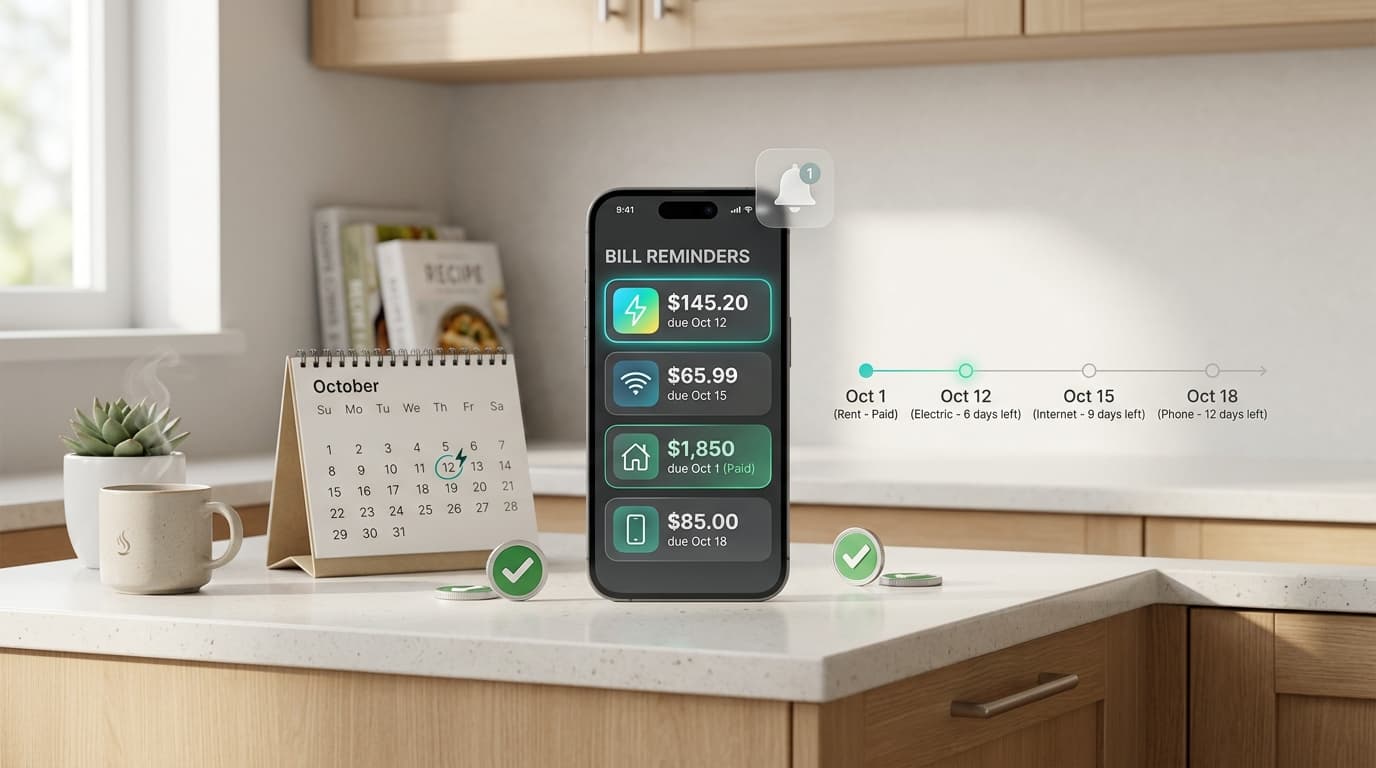
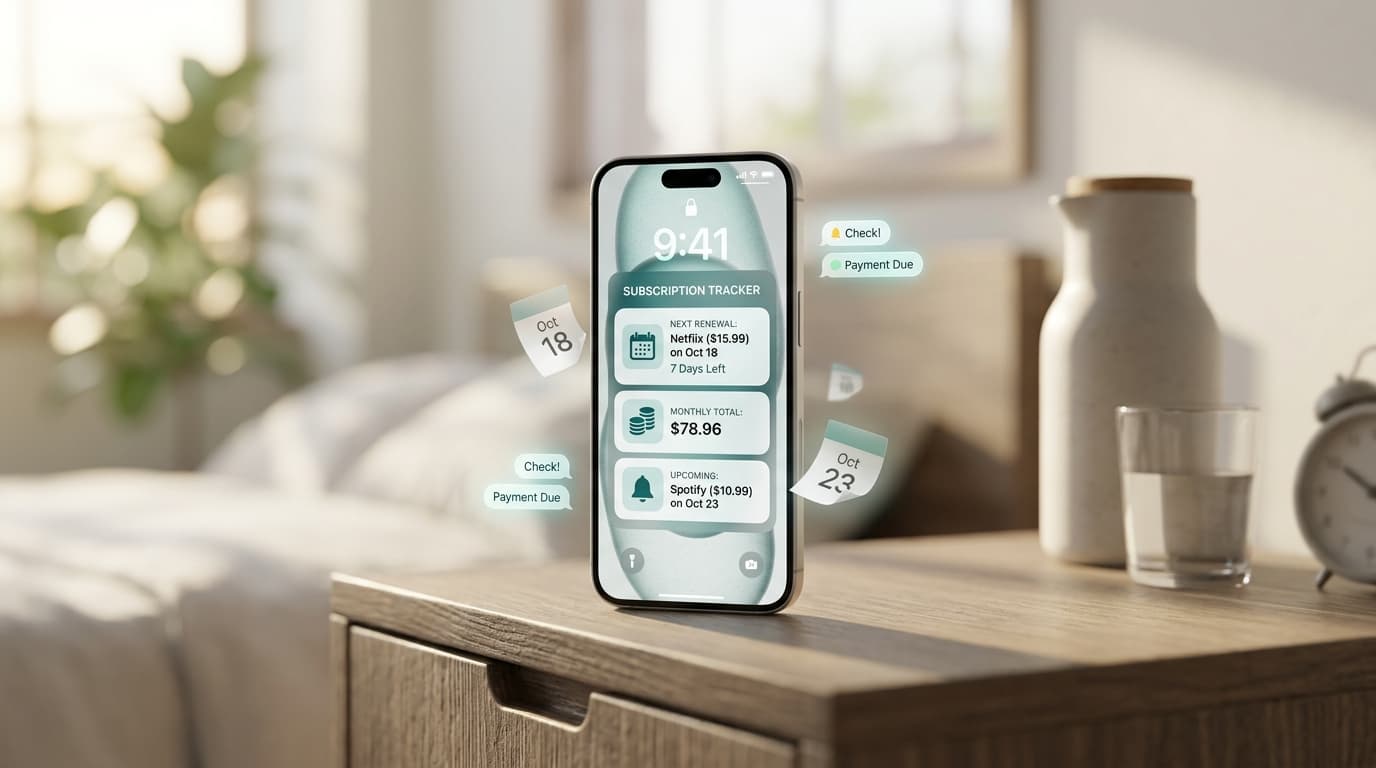
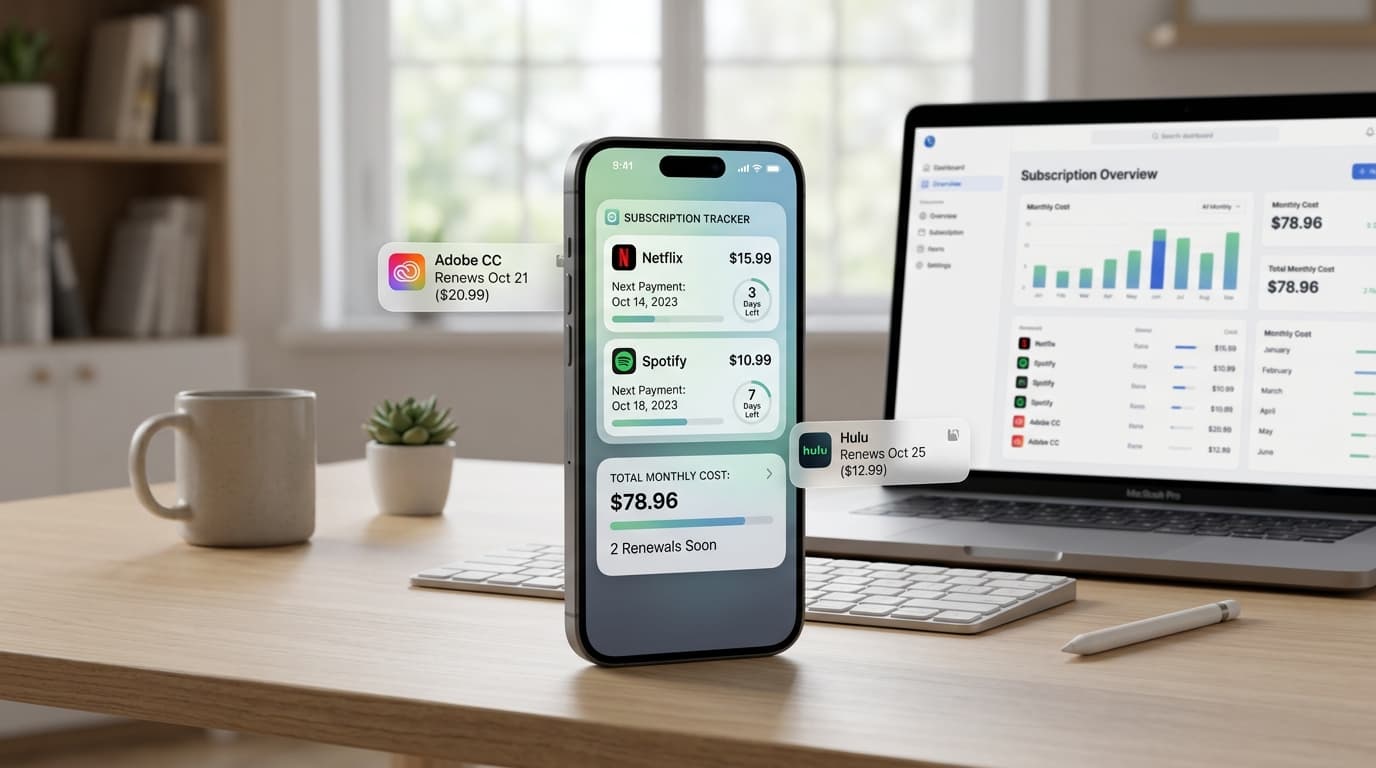
One category that rarely gets enough attention is subscription management. Between streaming services, software tools, gym memberships, and app-based free trials, the average household now pays for more recurring services than most people can list from memory. This is where a dedicated subscription tracker earns its place alongside your task manager and calendar.
Renew Reminder was built specifically for this gap. It lets you log every subscription and free trial in one place, then sends a reminder before you’re charged, so nothing renews without your knowledge. For anyone trying to build a genuinely organized digital life, tracking recurring payments is just as important as tracking tasks or appointments, since forgotten renewals quietly undo the budgeting work everything else in your system is supposed to support. The app is available for Android on Google Play and for iPhone on the App Store, and setup takes just a couple of minutes.
File and Document Organization Apps

Google Drive, Dropbox, and Apple’s Files app help keep documents, photos, and receipts out of a chaotic downloads folder. A simple, consistent folder structure, paired with regular decluttering, prevents digital storage from becoming as messy as an overstuffed desk drawer. The best file organization apps also offer strong search, so even a loosely structured system stays usable.
Budgeting and Expense Apps
Apps like YNAB, Monarch, and Mint variants round out a solid organization stack by tracking where money actually goes. Pairing a budgeting app with a subscription tracker is particularly effective, since recurring charges are one of the most common places budgets quietly break down. Seeing both your spending categories and your upcoming renewals in one habit loop makes it far easier to catch overspending before it becomes a pattern.
How to Choose the Right Organization Apps for You
Not everyone needs the same stack. Start by identifying where you currently lose time or money: is it forgotten tasks, missed appointments, scattered files, or surprise charges? Pick one app per category rather than several overlapping tools, and give each one a real trial period before deciding whether it fits your habits. The most sustainable systems are usually the simplest ones, not the ones with the most features.
Frequently Asked Questions
What are the best organization apps for beginners? A simple to-do list app paired with your phone’s built-in calendar is enough to start. Add a subscription tracker like Renew Reminder once you notice recurring charges you’d forgotten about.
How many organization apps should I actually use? Most people do well with four to five: a task manager, a calendar, a note-taking app, a file storage app, and a subscription tracker. More than that tends to create the same clutter you’re trying to fix.
Can organization apps help me save money? Yes. Subscription and budgeting apps in particular help by surfacing recurring charges you might otherwise forget, which is one of the most common sources of unnecessary spending.
Is a subscription tracker really necessary? If you have more than two or three recurring subscriptions or free trials, a dedicated tracker like Renew Reminder makes it far easier to avoid surprise charges than trying to remember renewal dates manually.
Do organization apps sync across devices? Most reputable options, including Renew Reminder, sync your data so you can check tasks, notes, or upcoming renewals whether you’re on your phone, tablet, or computer.
Building a genuinely organized life isn’t about downloading every productivity app available. It’s about choosing a small, reliable set of tools, including one that watches your subscriptions, so nothing important slips through the cracks.