Field service teams live and die by their schedules, and the Sage Field Operations login is the entry point that keeps everyone connected. Whether you’re a technician checking today’s assignments from a job site or an office administrator reviewing work orders, the Sage Field Operations login gives you one secure gateway into real-time field data. This guide breaks down how the Sage Field Operations login works, how to access it correctly, common troubleshooting steps, and a few habits that keep field operations running smoothly long after you sign in.
What Is Sage Field Operations?

Sage Field Operations is a cloud-based field service management solution built for HVAC, electrical, plumbing, fire protection, and other specialty contractors. It connects directly with Sage Intacct Construction, Sage 300 CRE, and Sage 100 Contractor, so information captured in the field flows straight into the back office without duplicate data entry. Powered by Operix, the platform is designed to unite office staff and field technicians around the same live picture of assignments, inventory, and billing.
Every user, whether they’re dispatching jobs from a desk or logging hours from a truck, needs to complete a Sage Field Operations login before reaching any of this data. The Sage Field Operations login exists to keep sensitive company and customer information secure while still giving authorized users fast, mobile-friendly access from virtually anywhere.
Why the Sage Field Operations Login Matters
A completed Sage Field Operations login unlocks a surprising amount of functionality. Technicians can view daily assignments, punch in and out of jobs, check GPS-based scheduling, capture photos or signatures, and access inventory availability, all from a mobile device. Office staff who complete the Sage Field Operations login on desktop get the same data from the administrative side: work order management, quote creation, purchase orders, and billing details tied directly back to Sage financials.
Because Sage Field Operations is an add-on subscription tied to an active Sage Intacct Construction account, the Sage Field Operations login won’t work without a valid, active subscription behind it. This is one of the most common points of confusion for new users, so it’s worth confirming your company’s subscription status before assuming a login issue is technical.
How to Complete the Sage Field Operations Login
The process for a successful Sage Field Operations login is straightforward once you know where to go and what credentials you need:
- Get your credentials from your administrator. New users typically receive a temporary password and registered email from their organization’s Sage Field Operations administrator rather than self-registering.
- Navigate to the correct login portal. Since Sage Field Operations is powered by Operix, the Sage Field Operations page is a dedicated portal separate from general Sage product logins, so bookmark the specific link your administrator provides.
- Enter your email and temporary password, then set a permanent password if prompted during your first Sage Field Operations login.
- Enable cookies in your browser. The Sage Field Operations requires cookies to maintain a secure session, and disabling them is a frequent cause of failed sign-ins.
- Download the mobile app from the Apple App Store or Google Play Store if you’re a field technician, then complete the same Field Operations login using your assigned credentials.
Returning users simply enter their email and password each time to complete the Sage Field Operations login and land on their assignments dashboard.
Troubleshooting a Failed Sage Field Operations Login
If your Sage Field Operations login isn’t working, run through these checks before escalating to support:
- Confirm your account is active. Since Sage Field Operations login access depends on a live subscription, a lapsed or paused account will block sign-in entirely.
- Retrieve your credentials again. If you’ve misplaced your temporary password, your organization’s Sage Field Operations administrator can resend it.
- Verify cookies and browser settings. Many failed login attempts trace back to blocked cookies or outdated cache data rather than incorrect credentials.
- Check for typos in your email. A mismatched email address is one of the simplest reasons a Sage Field Operations gets rejected.
- Try the mobile app directly if the browser portal is behaving inconsistently, since sync issues sometimes resolve faster on mobile.
If these steps don’t resolve the issue, contact your internal Sage Field Operations administrator or Sage Intacct account representative, since access is managed at the organization level rather than through a public self-service reset for every scenario.
What Happens After You Log In

Once your Sage Field Operations login is complete, the real value of the platform kicks in. Technicians get a condensed, real-time view of their daily assignments, complete with directions, site history, and equipment details. Office teams can monitor technician utilization, forecast labor needs, and track billing information without waiting for paperwork to arrive back at the shop. Because everything syncs with Sage’s financial systems, a completed Sage Field login effectively closes the gap between fieldwork and the general ledger.
Staying On Top of Recurring Access and Renewals
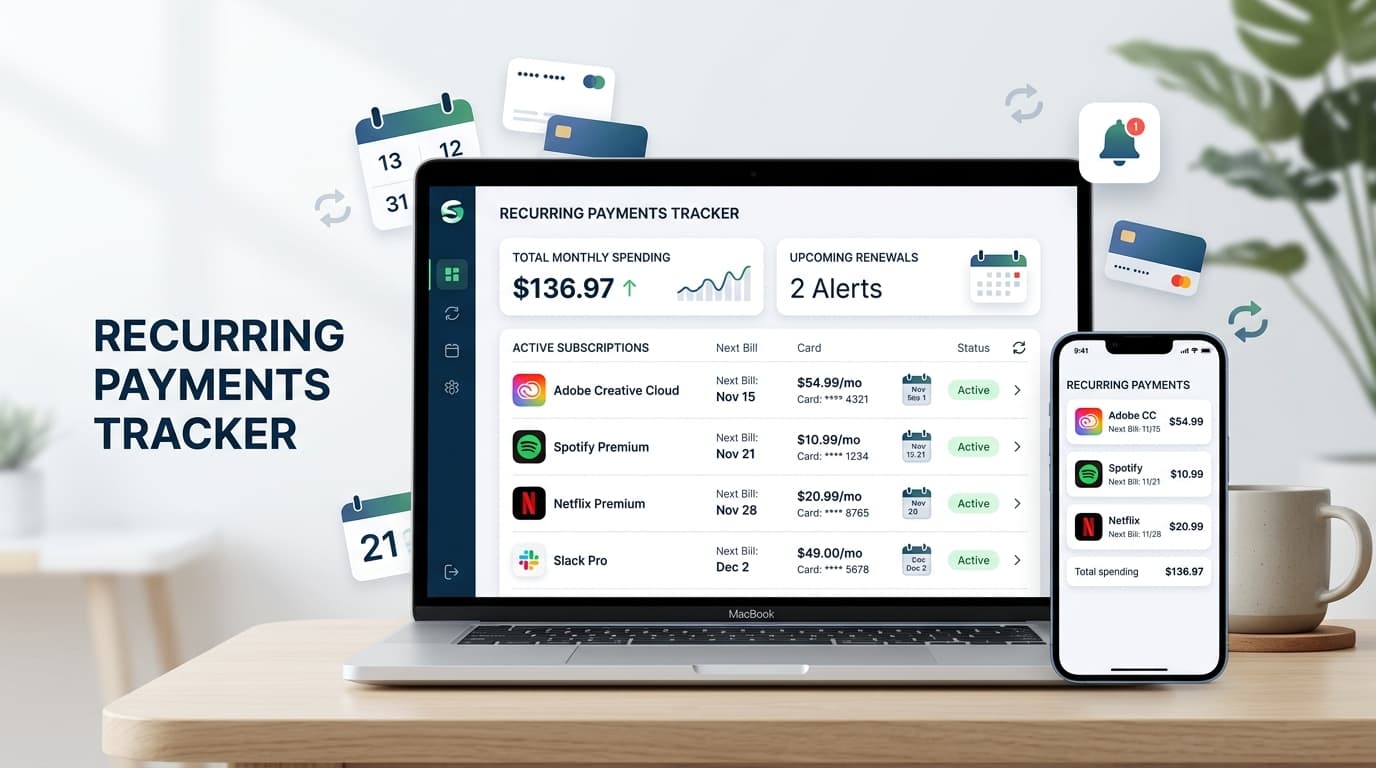
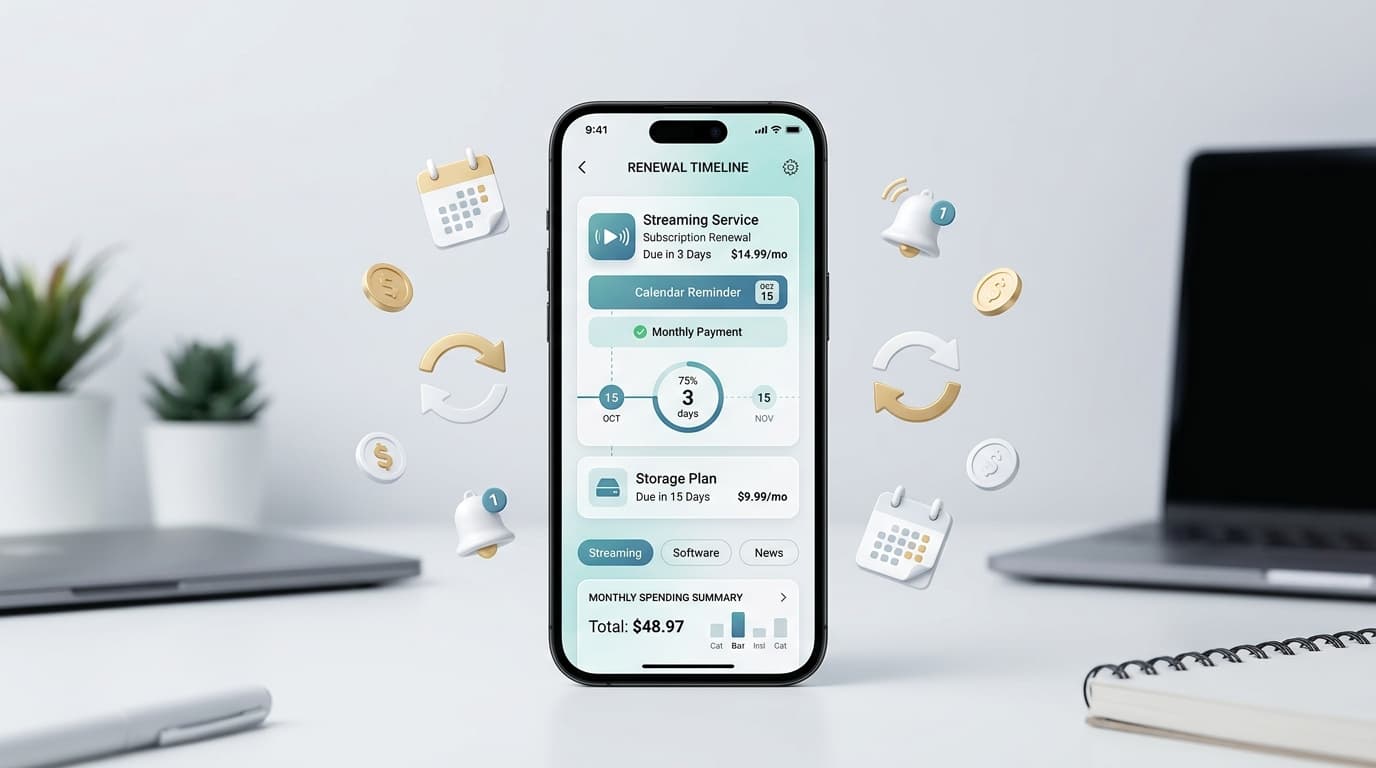
Logging in is only part of running an efficient field operation. Software subscriptions, licensing renewals, and recurring service costs tied to platforms like Sage Field Operations still need active tracking, and it’s easy for a renewal date to slip past a busy operations manager. This is where a dedicated tracking tool earns its place in your workflow. RenewReminder helps individuals and teams track recurring subscriptions and renewal dates in one simple place, so nothing tied to your business software, including access built around your Sage Field Operations, gets forgotten.
For anyone who prefers managing renewals from a phone, the RenewReminder app is available on both major platforms: download it from the Google Play Store for Android, or get the App Store version for iPhone. Pairing consistent renewal tracking with your daily Sage Field Operations routine keeps both your field data and your subscriptions organized.
Frequently Asked Questions
Is the Sage Field Operations the same as a general Sage account login? No. The Sage Field Operations login runs through a dedicated portal powered by Operix, separate from the general Sage product login page.
Do I need a Sage Intacct subscription to use the Sage Field Operations login? Yes. Sage Field Operations is an additional subscription, and your company must have an active Sage Intacct Construction account for the Sage Field Operations login to work.
Can I complete the Sage Field Operations login from my phone? Yes, the mobile app is available on iOS and Android, so technicians can complete the Sage Field Operations login and manage assignments directly from a smartphone.
What should I do if I forgot my Sage Field Operations password? Contact your organization’s Sage Field Operations administrator to retrieve or reset your credentials, since accounts are managed internally.
Why does my Sage Field Operations keep failing even with the right password? Check that cookies are enabled and that your subscription is active, since both are common causes of a blocked Sage Field Operations login.
Does Sage Field Operations sync with other Sage products after login? Yes, once your Sage Field Operations login is complete, data syncs with Sage Intacct, Sage 300 CRE, or Sage 100 Contractor depending on your setup.
Final Thoughts
The Sage Field Operations login is the foundation for connecting field technicians and office teams around the same real-time data. From daily assignments to billing accuracy, a smooth Field Operations login process keeps projects on schedule and financials accurate. Pair that habit with a renewal tracking app like RenewReminder, and you’ll stay ahead of both your fieldwork and the subscriptions that support it.