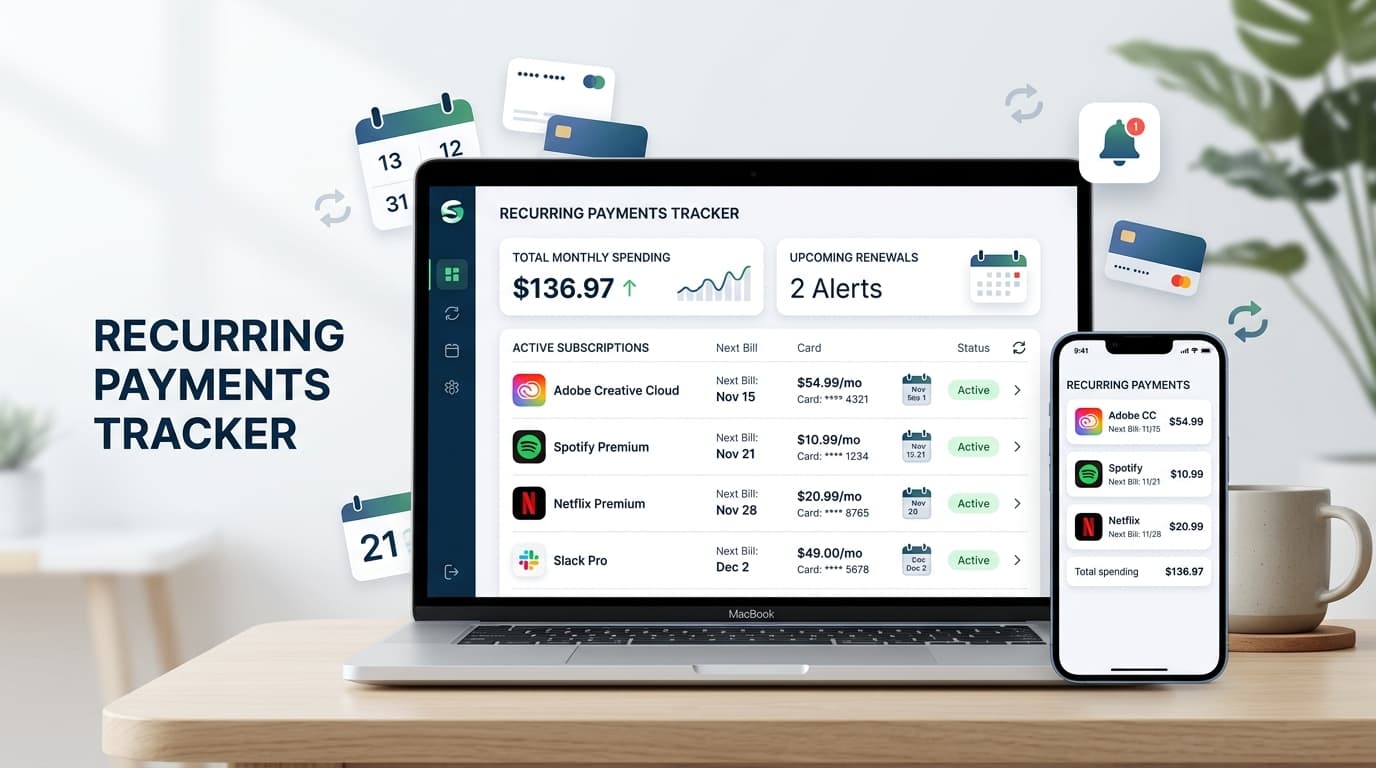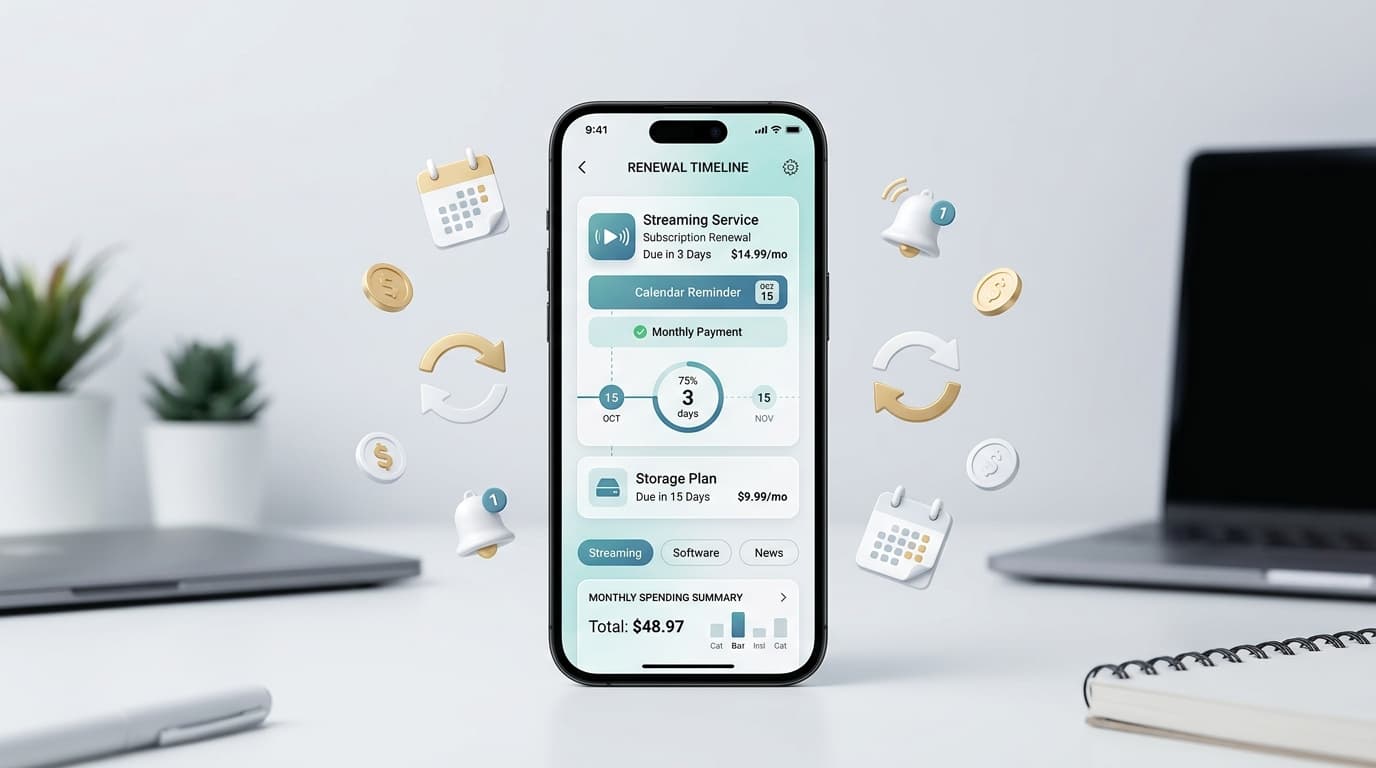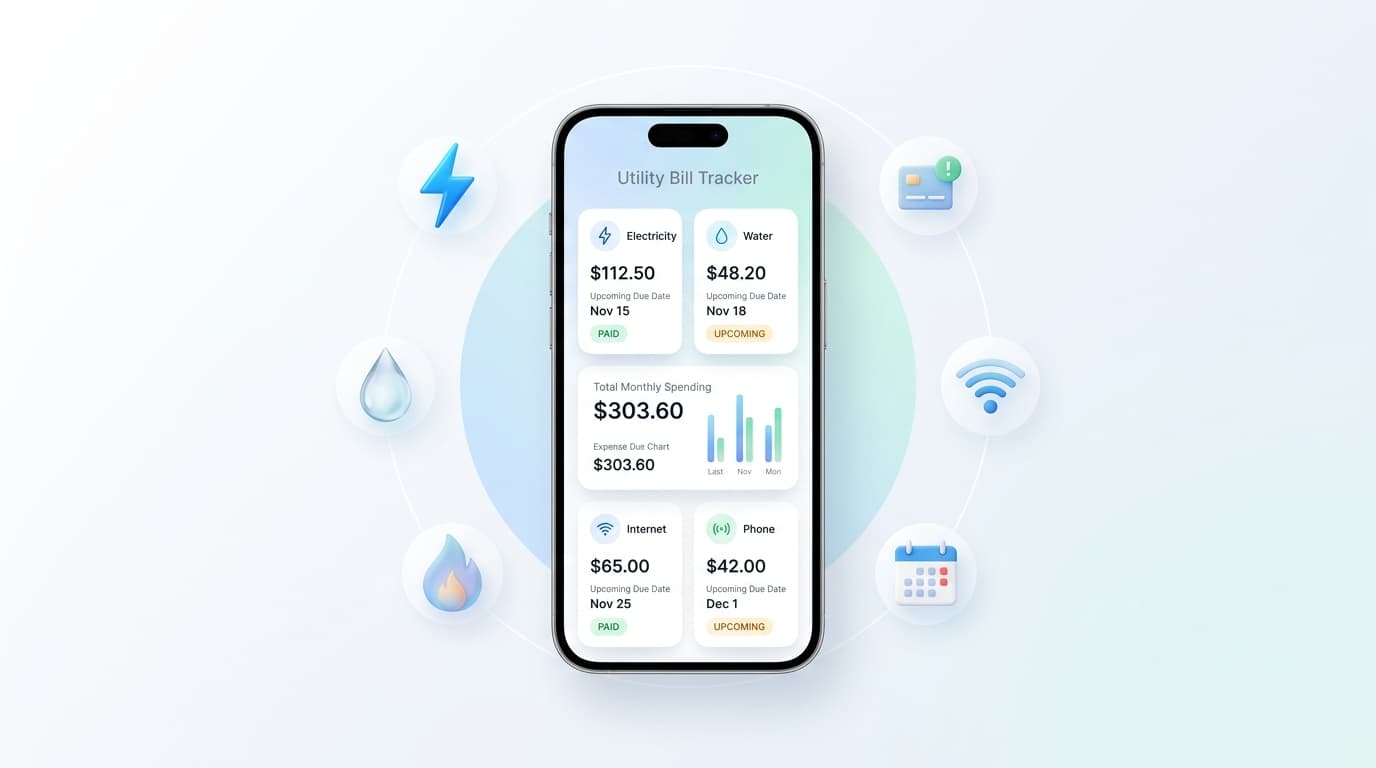
A utility bill tracker app keeps your electric, water, gas, and internet bills in one list and reminds you before each one is due. No more digging through email or hoping a paper bill turns up.
Late fees look small on their own. Add a few each year, plus the stress of a shutoff notice, and the cost grows. This guide explains how a utility bill tracker app works, what to look for, and how to start today.
What Is a Utility Bill Tracker App?

A utility bill tracker app is a phone tool that stores your household bills, their due dates, and their amounts. It sends a reminder before each deadline, so you pay on time.
You may also hear it called a bill reminder app, a household bill organizer, or a bill due date tracker. The idea is the same. You see what is due, when it is due, and how much you owe.
Why Utility Bills Are So Easy to Miss
Utilities do not follow one schedule. Your power bill may land on the 5th, your water bill on the 18th, and your internet bill on the 27th.
Amounts also change. A hot summer raises the electric bill, and a leaky tap raises the water bill. Since the number is never the same, many people stop checking it.
Shared homes add another layer. When three roommates split costs, everyone assumes someone else paid. A utility bill tracker app gives the household one clear view.
What a Good Utility Bill Tracker App Should Offer
Not every app fits every home. Look for these basics:
- Advance reminders: Alerts a few days before the due date, not on the day itself.
- Custom billing cycles: Monthly, bimonthly, quarterly, and yearly bills.
- Easy entry: Adding a bill should take under a minute.
- Amount tracking: Room to update the total when the bill changes.
- Categories: Home, internet, phone, insurance, and more.
- Cost summaries: Monthly and yearly totals at a glance.
- Privacy: Manual entry means no bank login is required.
How to Set Up a Utility Bill Tracker App in Six Steps
You can finish this in about 30 minutes.
- Gather your bills. Collect the last two or three statements for each service.
- List every provider. Include electricity, water, gas, sewer, trash, internet, and mobile.
- Note the due dates. Check the date printed on each bill, not the date it arrives.
- Enter them in your utility bill tracker app. Add the name, amount, billing cycle, and next due date.
- Choose reminder timing. Three to five days of notice works well for most bills.
- Review once a month. Update any amount that changed and remove services you closed.
Utility Bill Tracker App vs. Spreadsheet vs. Calendar
A spreadsheet is free and flexible. It also depends on you opening it, which is the habit that usually fails.
A phone calendar sends alerts, but it does not show totals or compare costs. You end up with scattered events and no big picture.
A utility bill tracker app does both jobs. It reminds you and keeps the numbers together.
Renew Reminder is built around renewal dates and recurring payments, which makes it a practical fit for utilities too. You can add each bill, set an alert, and see what is coming up in one clean list. Download it on Google Play for Android or from the App Store for iPhone and iPad. Check each store listing for current features and pricing.
How a Utility Bill Tracker App Saves You Money

The first saving is obvious: fewer late fees. Many providers charge a flat penalty, and some report missed payments to credit agencies after 30 days.
The second saving is awareness. When you see all bills side by side, a spike stands out fast. You can catch a leak, a faulty appliance, or a rate change early.
The third saving is planning. Knowing which bills land in the same week helps you avoid a cash crunch before payday.
Tips for Bills That Change Every Month
Variable bills need a little extra care. Try these habits:
- Enter last month’s amount as an estimate, then correct it when the new bill arrives.
- Use the yearly average to budget, not the lowest month.
- Compare this month’s usage with the same month last year.
- Ask your provider about budget billing, which spreads costs evenly.
Check Privacy Before You Install
Any utility bill tracker app handles sensitive details, so take two minutes first:
- Read the privacy policy and see what the app stores.
- Review the permissions it asks for.
- Check the developer name, update history, and user reviews.
- Prefer apps that let you enter data by hand.
Common Mistakes to Avoid
- Tracking only big bills. Small ones, like trash or sewer fees, still carry late charges.
- Using the wrong date. Track the due date, not the statement date.
- Setting alerts too late. One day is rarely enough if a payment takes time to clear.
- Skipping shared bills. Put them in your utility bill tracker app and note who pays.
- Never updating amounts. Old numbers give you a false sense of your budget.
Frequently Asked Questions
What is the best utility bill tracker app?
The best one is the app you will open and trust. Look for reliable reminders, simple entry, and a clear privacy policy. Test it with three or four bills before adding the rest.
Does a utility bill tracker app pay my bills for me?
Most do not. They remind you and track amounts, and you pay through your provider. That keeps you in control of every payment.
Is a utility bill tracker app free?
Many offer a free version with optional upgrades. Pricing can change, so review the store listing before you commit.
Can I track water, gas, and electric bills in one place?
Yes. A good app lets you add each provider with its own due date and cycle, then shows everything in a single list.
How early should I set a bill reminder?
Three to five days before the due date suits most people. Pick a longer window for bills you pay by mail or bank transfer.
Is it safe to use a bill tracking app?
It can be, when you choose carefully. Pick an app with a clear privacy policy, limited permissions, and no need for your banking passwords.
Final Thoughts
Utility bills are boring, but missing one is not. A few minutes of setup can spare you late fees, awkward roommate talks, and service interruptions.
Start by listing every provider and due date. Then choose a utility bill tracker app that fits your routine, set reminders you can rely on, and check it once a month. Your future self will thank you.