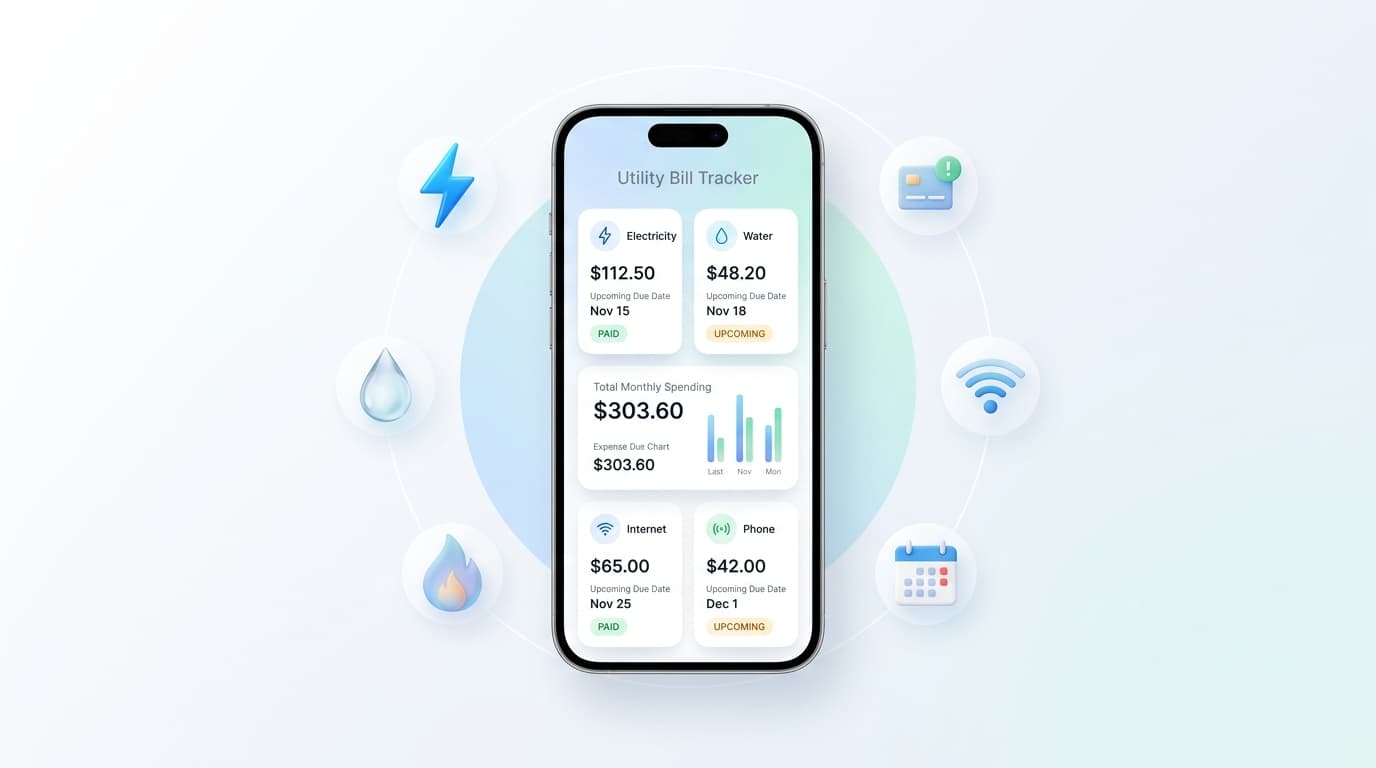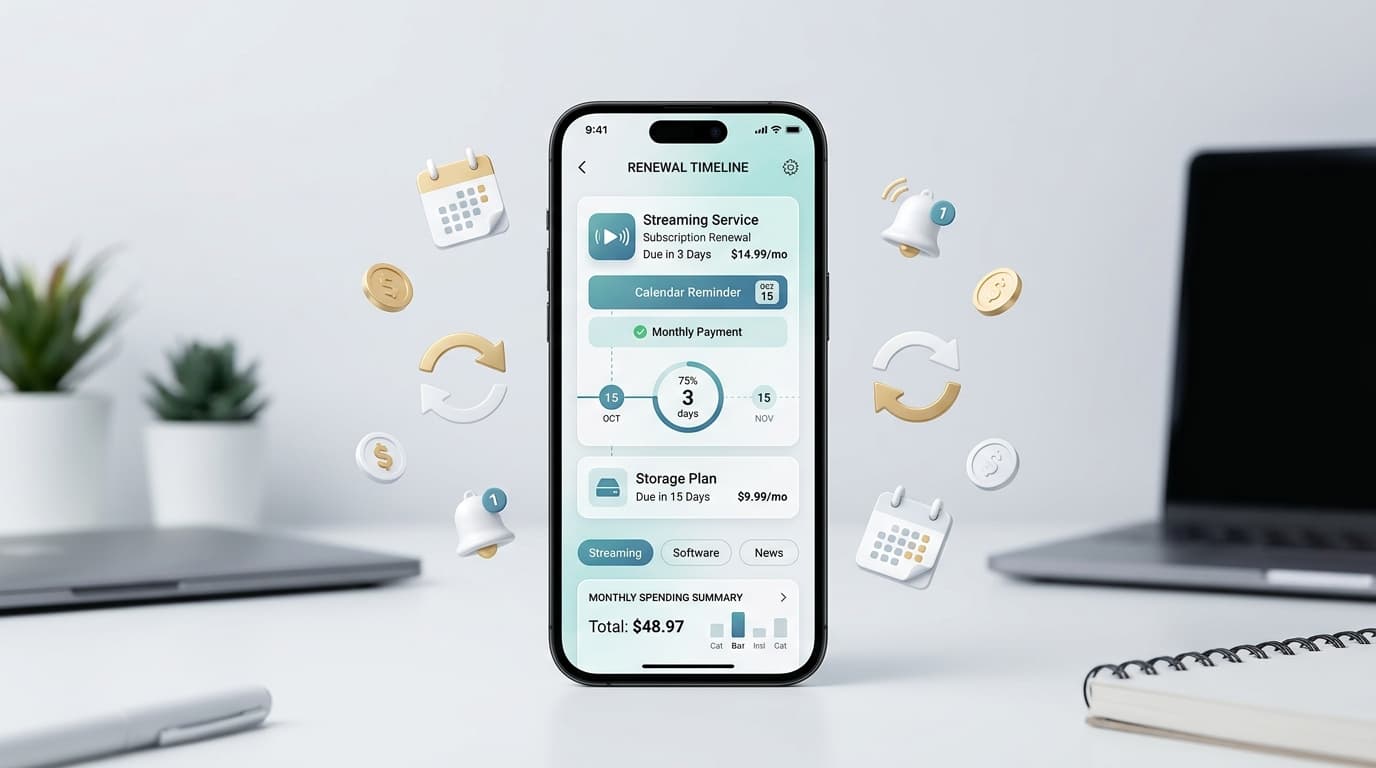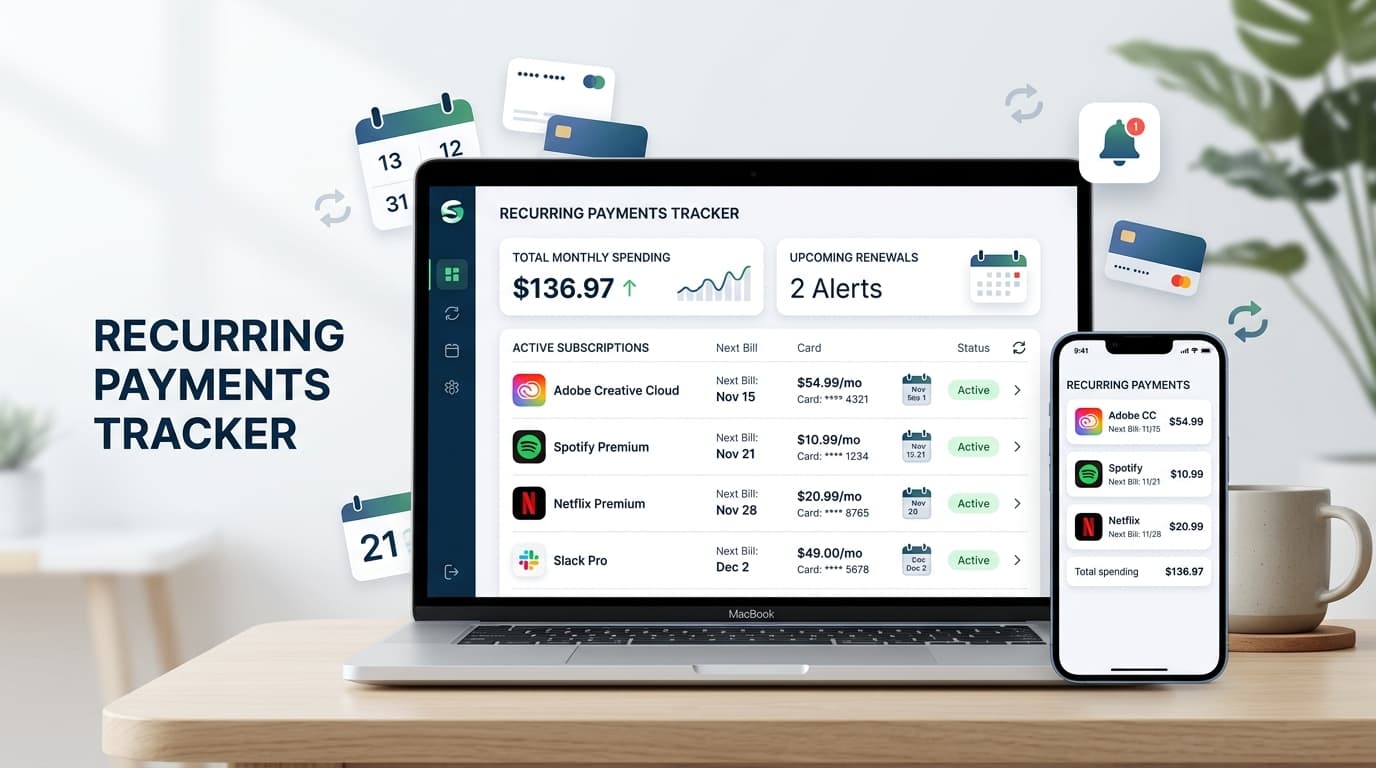
Most people can name their rent and phone bill. Few can list every charge that hits their card each month. A recurring payments tracker closes that gap. It gathers every repeating charge in one place, shows the renewal date, and warns you before the money leaves your account.
If you have ever spotted a surprise $12.99 on your statement, this guide is for you. You will learn how a recurring payments tracker works, what to look for, and how to set one up in under an hour.
What Is a Recurring Payments Tracker?

A recurring payments tracker is a tool that records every bill and subscription that charges you on a schedule. Think streaming plans, cloud storage, gym memberships, software licenses, insurance, and free trials that quietly turned paid.
You may also see it called a subscription tracker, a bill reminder, or an auto-renewal monitor. The names differ, but the job stays the same: show what you pay, when you pay, and what it adds up to over a year.
Why Recurring Charges Slip Through
Subscriptions are built to be easy to start and easy to forget. Free trials ask for your card upfront. Annual plans renew months after you stop thinking about them. Price increases arrive in an email you never open.
Your bank app lists transactions, but only after the charge lands. By then, the money is gone. A good recurring payments tracker flips that order. It tells you what is coming, not what already happened.
Features to Look For in a Recurring Payments Tracker
Not every app does the job equally well. Check for these basics:
- Renewal alerts: Reminders several days before billing, so you have time to cancel.
- Flexible billing cycles: Weekly, monthly, quarterly, and yearly payments.
- Cost summaries: Clear monthly and annual totals.
- Categories: Entertainment, work, health, utilities, and more.
- Multi-currency support: Useful if you pay for services abroad.
- Simple entry: Adding a payment should take seconds, not minutes.
- Privacy: Manual entry means you never hand over your bank login.
How to Set Up a Recurring Payments Tracker in Five Steps
You do not need a free weekend. One focused hour is enough.
- Pull your statements. Open the last three months of card and bank statements. Highlight every charge that repeats.
- Search your inbox. Look for words like “receipt,” “renewal,” “trial,” and “invoice.” Annual plans often hide here.
- Add each item. Enter the name, price, billing cycle, and next charge date into your recurring payments tracker.
- Set alert timing. Choose three to seven days of notice for monthly plans. Choose two to four weeks for yearly ones.
- Schedule a monthly check. Spend five minutes on the first of each month. Cancel anything you no longer use.
Spreadsheet or App: Which Works Better?

A spreadsheet works fine for five or ten payments. It is free and flexible. The problem is that it cannot nudge you. You have to remember to open it, and that is the exact habit that failed in the first place.
An app sends push notifications on its own. If you juggle more than a handful of plans, a dedicated recurring payments tracker app saves time and prevents missed dates.
Renew Reminder is built for this job. It focuses on subscription tracking and renewal alerts, so you can see upcoming charges in one clean list. You can download it for Android on Google Play or for iPhone and iPad on the App Store. As a recurring payments tracker, it keeps the process light and phone-first.
Why a Recurring Payments Tracker Beats Budgeting Alone
Budgeting apps sort past spending into categories. That helps with reviews, but it does little to stop the next unwanted charge.
A recurring payments tracker looks forward. It answers the question that matters most: what will I be charged next week? That one answer helps you cancel in time, switch to cheaper plans, and avoid overdraft fees on a tight month.
Check Privacy Before You Install
Before you install any recurring payments tracker, spend two minutes on due diligence:
- Read the privacy policy and see what data the app stores.
- Review requested permissions. A reminder app rarely needs your contacts.
- Check the developer name, recent updates, and user reviews.
- Prefer tools that work with manual entry over ones that demand bank credentials.
Common Mistakes to Avoid
Even a good recurring payments tracker only works if the data is right. Watch for these slips:
- Tracking only monthly plans. Annual renewals cost more and get forgotten more often.
- Skipping shared accounts. Family and team plans still bill someone.
- Ignoring price changes. Update the amount when a provider raises it.
- Setting alerts too late. One day of notice is rarely enough to cancel.
- Forgetting free trials. Add the trial end date the moment you sign up.
Frequently Asked Questions
What is a recurring payments tracker?
A recurring payments tracker is an app or tool that lists your repeating charges, such as subscriptions, memberships, and bills. It shows due dates and totals, and it reminds you before each renewal.
Is a recurring payments tracker free?
Many apps offer a free tier with paid upgrades. Pricing changes over time, so check the current details on the store listing before you decide.
How do I find all my recurring payments?
Review three months of bank and card statements, then search your email for receipts and renewal notices. Check app store subscriptions on your phone and any PayPal or similar accounts.
Can a recurring payments tracker cancel subscriptions for me?
Most only remind you. You still cancel through the provider. Your recurring payments tracker gives you the date and the time to act.
How often should I review my subscriptions?
Once a month is a good rhythm. Add a quick check whenever you sign up for something new.
Are subscription trackers safe?
They can be, if you choose carefully. Pick apps with a clear privacy policy, minimal permissions, and no need for your banking passwords.
Final Thoughts
Small charges add up fast. A forgotten $9 plan costs over $100 a year, and most households have several. Tracking them takes minutes, while ignoring them costs real money.
The best recurring payments tracker is the one you will actually open. Start with your statements, list every repeating charge, and set reminders you can trust. Then put your renewals on autopilot, minus the surprises.