If you’ve been searching for the best apps for reading, you already know the problem — there are dozens of options, and most “top 10” lists just repeat the same generic points without actually helping you pick the right one. Whether you’re a commuter who squeezes in a chapter on the train, a parent trying to build a reading habit for your kids, or someone who switches between audiobooks and e-books depending on the mood, the right reading app can completely change how much you actually read i`n a year.
In this guide, we’ll walk through the best apps for reading available right now, compare what makes each one different, and help you figure out which one actually fits your lifestyle. We’ll also touch on a few practical tips — like keeping track of subscription renewals for the paid reading apps you use — so you don’t end up paying for something you forgot about.

Why Choosing the Right Reading App Actually Matters
Reading apps aren’t just digital bookshelves anymore. The best apps for reading today combine features like adjustable fonts, night mode, cross-device syncing, built-in dictionaries, audiobook narration, and even social features so you can see what your friends are reading. Pick the wrong one, and you might find yourself squinting at tiny text, losing your place between your phone and tablet, or paying for a subscription you barely use.
That’s really the core reason this topic keeps coming up — people aren’t just looking for “an app that shows books.” They’re looking for something that fits into their actual daily routine, works offline during a flight, and doesn’t drain their phone battery in an hour. With that in mind, let’s get into the actual list.
The Best Apps for Reading in 2026 (Reviewed One by One)
1. Kindle
Amazon’s Kindle app remains one of the best apps for reading simply because of the sheer size of its library. If you already buy books on Amazon, everything syncs automatically across your phone, tablet, and any physical Kindle device you own. Features like Whispersync let you pick up exactly where you left off, no matter which device you’re using.
Kindle is best for: people who buy a lot of books from Amazon and want a reading experience that “just works” without extra setup.
2. Libby (by OverDrive)
Libby deserves a spot on any list of the best apps for reading because it connects directly to your local library card. That means free e-books and audiobooks, no subscription fees, and a genuinely clean, distraction-free interface. The catch is you’re limited to what your library has available, and popular titles sometimes have waitlists.
Libby is best for: budget-conscious readers who don’t mind waiting occasionally for popular titles.
3. Google Play Books
Google Play Books is a strong, often underrated pick among the best apps for reading, mainly because it lets you upload your own PDFs and EPUB files alongside purchased books. It also has solid text-to-speech functionality built right in, which is handy if you want to listen instead of read on a busy day.
Google Play Books is best for: Android users who want flexibility with file formats.
4. Apple Books
For iPhone and iPad users, Apple Books is a natural fit and easily ranks among the best apps for reading on iOS. It integrates with the rest of the Apple ecosystem, supports both audiobooks and e-books, and has a genuinely pleasant, minimalist design. Reading progress syncs seamlessly across all your Apple devices.
Apple Books is best for: people fully invested in the Apple ecosystem who want a no-fuss reading experience.
5. Audible
If you consume most of your books through your ears rather than your eyes, Audible is arguably the best app for reading in an audio format. With a massive audiobook library, offline downloads, and adjustable playback speed, it’s built for people who “read” during commutes, workouts, or chores.
Audible is best for: audiobook lovers who want premium narration quality and a huge catalog.
6. Scribd
Scribd combines e-books, audiobooks, magazines, and even documents into one subscription, which makes it one of the more versatile entries among the best apps for reading. It’s especially useful if you like variety — one month you might binge audiobooks, the next month you might read comics or academic papers.
Scribd is best for: readers who want an all-in-one subscription covering multiple content types.
7. Kobo
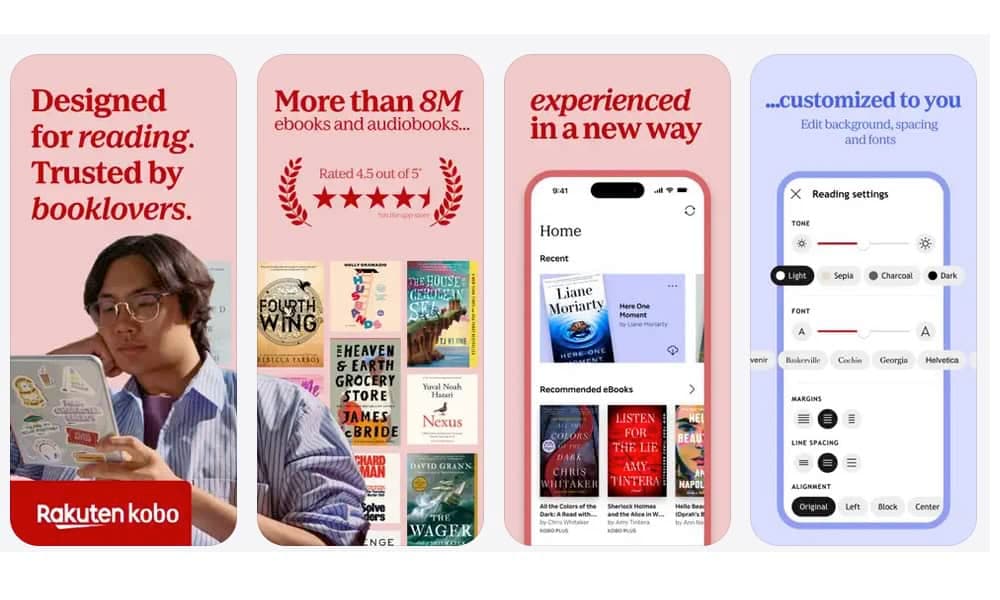
Kobo doesn’t get talked about as much in the US, but it’s genuinely one of the best apps for reading if you want an alternative to Amazon’s ecosystem. It supports EPUB natively (no conversion needed), has a solid store, and pairs well with Kobo’s own e-reader devices if you decide to upgrade later.
Kobo is best for: people who want an Amazon alternative with strong format support.
8. Moon+ Reader
For readers who like to customize every little detail, Moon+ Reader is a favorite among power users and consistently shows up on lists of the best apps for reading on Android. You can tweak fonts, margins, page-turn animations, and even set up custom reading themes.
Moon+ Reader is best for: detail-oriented readers who want full control over their reading experience.
9. Goodreads
Goodreads isn’t primarily a reading app in the traditional sense, but it deserves a mention because it pairs so well with the others. Use it to track what you’ve read, set annual reading goals, get recommendations, and see reviews before committing to a new book.
Goodreads is best for: readers who want a social, goal-tracking layer on top of their main reading app.
10. Storytel
Storytel has been gaining traction internationally and is quickly becoming one of the best apps for reading for people who want both audiobooks and e-books in one subscription, with strong catalogs in multiple languages beyond just English.
Storytel is best for: multilingual readers or those outside the US/UK looking for solid international catalogs.
How to Choose the Best App for Reading Based on Your Needs
With so many strong options, picking the single best app for reading really comes down to a few honest questions:
Do you read more e-books or listen to audiobooks? If audio is your main format, Audible or Storytel will serve you better than a text-focused app like Kobo.
Are you trying to save money? Libby, tied to your library card, is hard to beat if you don’t mind occasional waitlists.
Do you want everything in one ecosystem? Apple Books or Kindle make sense if you’re already committed to Apple or Amazon products.
Do you want maximum customization? Moon+ Reader gives you the most granular control over how your text actually looks and behaves.
There’s no single “best” answer here — the best apps for reading are the ones that match your actual habits, not the ones with the flashiest marketing.
A Practical Tip: Don’t Let Reading App Subscriptions Sneak Up On You
Here’s something most “best apps for reading” articles skip entirely: many of these apps — Audible, Scribd, Storytel, Kindle Unlimited — run on recurring subscriptions. It’s incredibly easy to forget you’re paying for one, especially if you signed up for a free trial months ago and got busy with life.
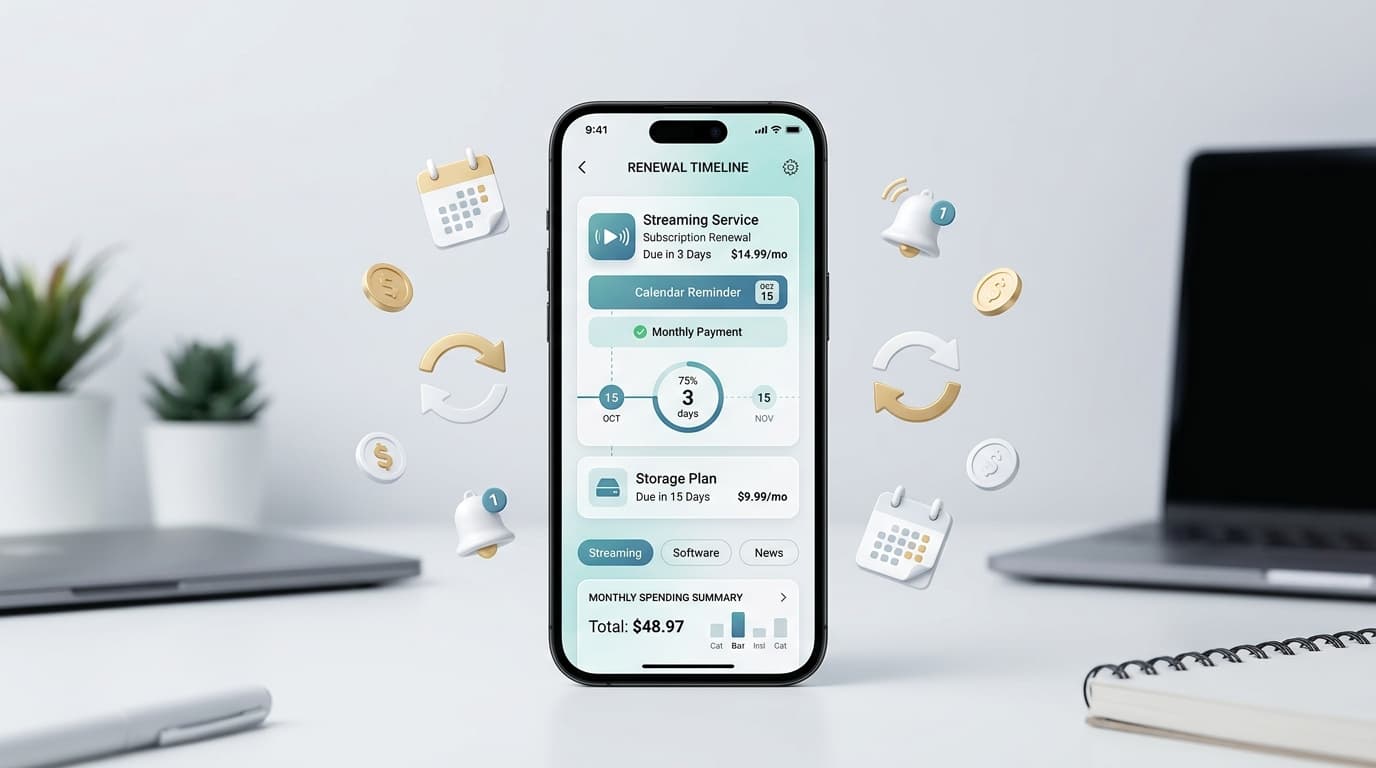
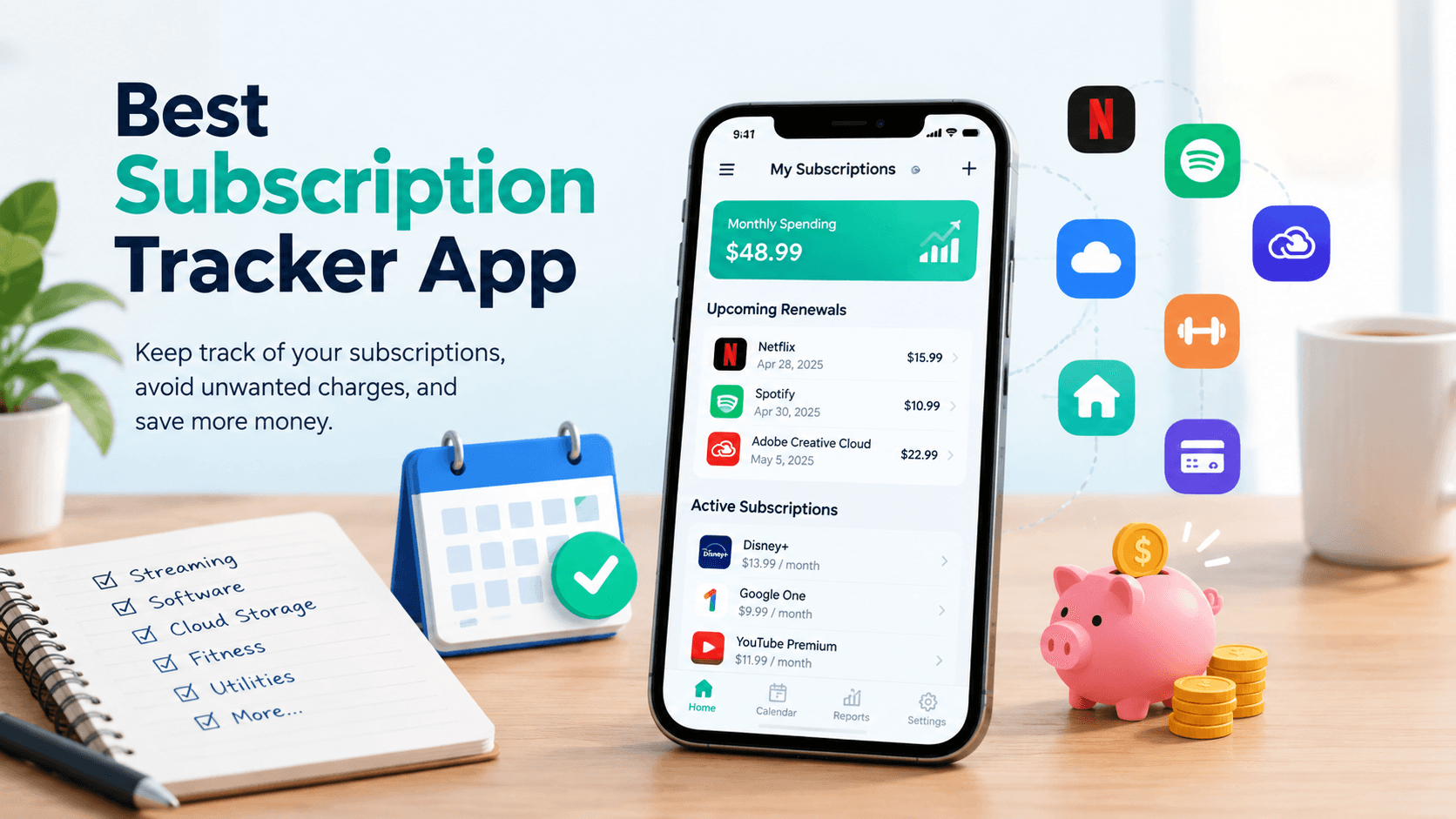
This is where a simple reminder tool comes in handy. Instead of manually checking your bank statement every month wondering which app just charged you, a service like RenewReminder lets you track subscription renewal dates in one place and get notified before you’re billed again. It’s a small habit that pairs naturally with using multiple reading apps, since it’s common to juggle two or three subscriptions at once (say, Kindle Unlimited for e-books and Audible for audiobooks).
If you’d rather manage this from your phone directly, RenewReminder is available on both major platforms:
(Replace the placeholder links above with your actual Play Store and App Store listing URLs.)
Building a Reading Habit That Actually Sticks
Downloading one of the best apps for reading is only step one — actually building a consistent habit is where most people struggle. A few things that genuinely help:
- Set a small, realistic goal. Ten pages a day beats an ambitious “one book a week” goal that you abandon after two weeks.
- Use built-in reading stats. Most of the apps above show streaks or time spent reading, which can be surprisingly motivating.
- Mix formats. Alternate between e-books and audiobooks depending on your energy level and schedule — audiobooks work great for commutes, e-books work well before bed.
- Keep your subscriptions organized. As mentioned above, tools like RenewReminder help make sure you’re only paying for apps you’re actually using, so switching between services doesn’t quietly cost you money.
FAQs About the Best Apps for Reading
- What is the best app for reading e-books for free? Libby is generally considered the best app for reading e-books for free, since it connects to your local library card and gives you access to thousands of titles at no cost, aside from occasional waitlists on popular books.
- What is the best app for reading audiobooks? Audible is widely regarded as the best app for reading (listening to) audiobooks, thanks to its huge catalog, professional narration, and offline playback. Storytel is a strong alternative, especially for international or multilingual audiobook libraries.
- Which is the best app for reading on iPhone? Apple Books is typically the best app for reading on iPhone because of its seamless integration with iOS and iCloud syncing. Kindle and Scribd are also excellent choices if you want a wider selection or cross-platform flexibility.
- Is there a best app for reading that works offline? Yes — Kindle, Apple Books, Kobo, and Moon+ Reader all support offline reading once a book is downloaded, making them reliable choices for flights or areas with poor connectivity.
- Can I use more than one reading app at the same time? Absolutely, and many readers do. A common setup is using Kindle or Apple Books for e-books and Audible or Scribd for audiobooks. Just keep an eye on your subscriptions with a tool like RenewReminder so you don’t end up paying for overlapping services you forgot about.
- What is the best app for reading for kids? For younger readers, apps with built-in libraries curated for children — often bundled within Kindle or Scribd’s kids section — tend to work best, offering age-appropriate content along with reading progress tracking for parents.
- Do reading apps sync across devices? Most of the top apps mentioned here, including Kindle, Apple Books, and Google Play Books, sync your reading progress across phone, tablet, and web, so you can pick up exactly where you left off on any device.
Conclusion
There isn’t one single winner when it comes to the best apps for reading — it genuinely depends on whether you prefer e-books or audiobooks, how much you want to spend, and which ecosystem (Apple, Android, or library-based) you’re already in. Kindle and Apple Books are great all-rounders, Libby is unbeatable if you want free access through your library, and Audible or Storytel are the go-to choices if audiobooks are more your style.
Whichever app you choose, the real win is building a reading habit you’ll actually stick with — and keeping track of any subscriptions along the way so they don’t quietly add up. Tools like RenewReminder make that part easy, giving you a simple way to stay on top of renewal dates for Kindle Unlimited, Audible, Scribd, or any other reading app you subscribe to. You can grab it on Google Play or the App Store and never get caught off guard by a surprise charge again.