Trying to complete your Blue Cross Blue Shield Texas login for the first time, or running into trouble getting back in, can be more confusing than it should be. This guide walks through exactly how to sign in, what the portal is officially called, how to register if you’re new, and how to fix the most common access issues — all in one place, without the runaround.
What the BCBSTX Login Actually Is

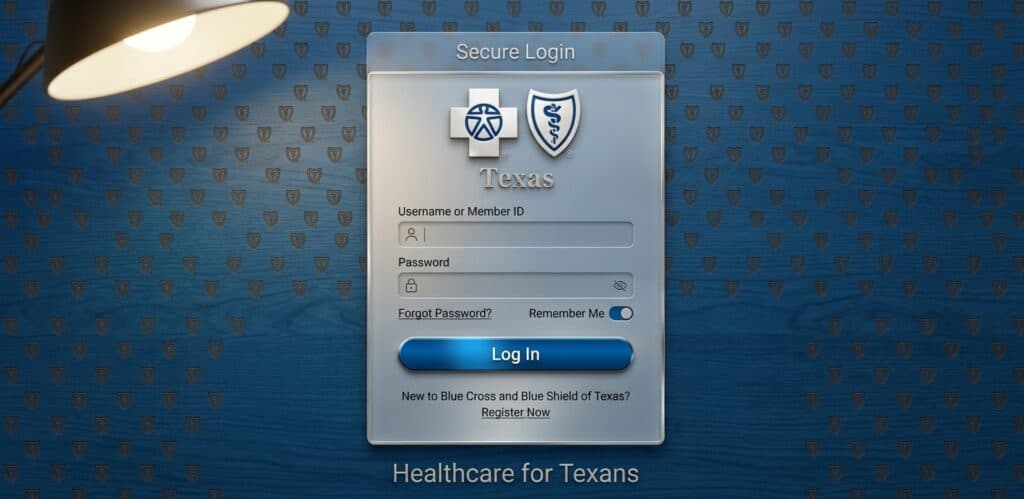
When people search for a Blue Cross Blue Shield Texas login, they’re really looking for Blue Access for Members, often shortened to BAM. This is the official secure member portal run by Blue Cross and Blue Shield of Texas (BCBSTX), and it’s where you review claims, check your deductible, view or order your ID card, make premium payments, and find in-network doctors. Understanding that “BAM” and “Blue Cross Blue Shield Texas login” refer to the same thing helps you skip past confusing third-party sites and go straight to the right portal.
How to Complete Your Blue Cross Blue Shield Texas Login
Signing in is straightforward once you know the steps:
- Go to the official BCBSTX website at bcbstx.com and look for the “Sign Up or Log In” option near the top of the page.
- Enter your username and password if you’ve already registered an account.
- Complete any identity verification step if prompted, especially if you’re signing in from a new device.
- Land on your member dashboard, where claims, benefits, ID cards, and payment options are all available in one view.
If this is your first time, you won’t be able to complete a Blue Cross Blue Shield Texas login until you register — and that’s a separate, quick process covered next.
Registering for the First Time
New members need to activate an account before any Blue Cross Blue Shield Texas login attempt will work. On the BCBSTX site, look for “Activate Your Account” or “Register Now” rather than the login button. You’ll typically need your member ID number (found on your insurance card), your date of birth, and a valid email address. Once you set a username and password, the account is ready, and future sign-ins take just a few seconds. Some employer or university-sponsored plans, such as certain retiree or student health plans, use a slightly different registration path involving a group ID — if your card looks different from a standard individual plan, check with your HR or benefits office for the exact steps.
Signing In on Mobile
A Blue Cross Blue Shield Texas login isn’t limited to a desktop browser. The BCBSTX mobile app, available for iPhone and Android, mirrors most of what the web portal offers: viewing your ID card, checking claims, finding a doctor, and even logging in with Touch ID or Face ID once it’s set up. For members who mainly need quick access to their digital insurance card at a pharmacy or doctor’s office, the app is often the faster option compared to signing in through a browser every time.
Troubleshooting Common Login Issues
Login trouble happens, and most of it falls into a few predictable categories:
- Forgotten username or password: Use the “Forgot Username” or “Forgot Password” links on the sign-in page rather than creating a duplicate account, which can cause confusion with your claims history later.
- Account locked after failed attempts: This is a security measure, not a sign of a hacked account. Wait for the lockout period to pass or use the official recovery flow to reset access immediately.
- New device verification issues: If you’re not receiving a verification code, check that your contact information on file is current; an old phone number or email address is the most common cause.
- Browser compatibility problems: Outdated browsers occasionally break the login form. Updating your browser or trying an incognito window resolves this in most cases.
For anything the standard troubleshooting steps don’t fix, BCBSTX’s Help Center is staffed around the clock specifically for login-related questions, which is often faster than guessing at a fix.
Keeping Your Account Secure

Because your Blue Cross Blue Shield Texas login provides access to sensitive health and payment information, a few habits are worth building in early. Use a password you don’t reuse on other sites, avoid logging in over public Wi-Fi when possible, and always navigate to bcbstx.com directly rather than clicking login links from emails or search ads, which can sometimes lead to spoofed pages designed to steal credentials. If you ever see unfamiliar activity in your claims history after logging in, contact member services right away rather than assuming it’s a system error.
Don’t Let Your Coverage or Payment Dates Sneak Up on You
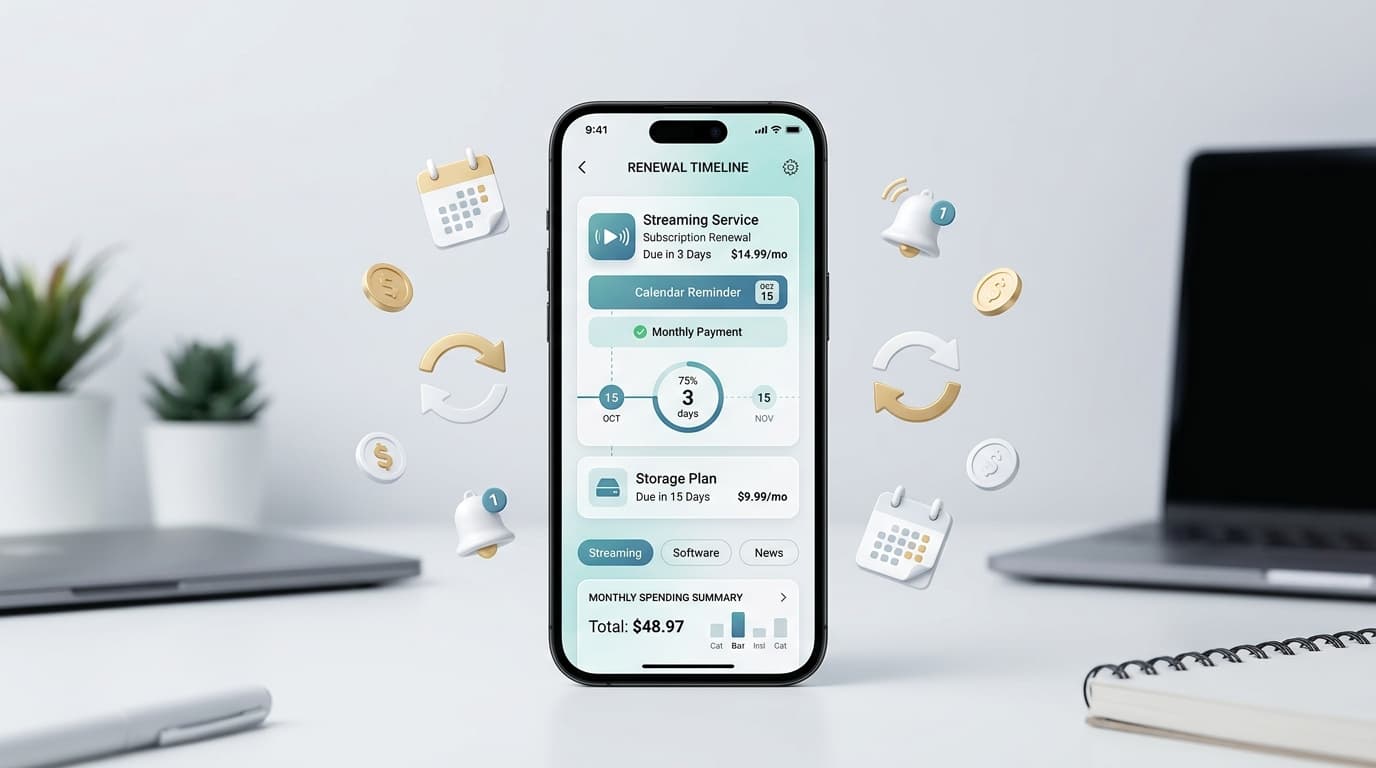
Between premium due dates, open enrollment windows, and plan renewal deadlines, it’s easy to lose track of exactly when action is needed on your health coverage — especially if you’re managing insurance alongside a dozen other subscriptions and bills. A tool like Renew Reminder helps by keeping every renewal date, from insurance premiums to software subscriptions, in one organized place with alerts before deadlines hit. It’s available on Google Play and the App Store, so once you’ve handled your Blue Cross Blue Shield Texas login for the day, you can also make sure nothing else on your plate quietly expires.
Frequently Asked Questions
What is the official site for Blue Cross Blue Shield Texas login? The official portal is accessed through bcbstx.com, where you’ll find the “Sign Up or Log In” option leading to Blue Access for Members.
Is Blue Access for Members the same as the BCBSTX login? Yes. Blue Access for Members (BAM) is the formal name for the secure account members reach through a Blue Cross Blue Shield Texas login.
What do I need to register for the first time? Your member ID number from your insurance card, date of birth, and a valid email address are typically enough to activate a new account.
Can I complete my Blue Cross Blue Shield Texas login from my phone? Yes. The BCBSTX mobile app supports full sign-in, including biometric login options like Touch ID, and offers most of the same features as the desktop portal.
What should I do if my account gets locked? Wait out the temporary lockout or use the official password recovery link. Repeated failed attempts trigger a security lock automatically, which is normal and not a sign of a breach.
Why can’t I see a recent claim after logging in? Claims can take time to process and appear in the portal. If it’s been longer than expected, contact member services to confirm the claim was received.
Final Thoughts
A smooth Blue Cross Blue Shield Texas login comes down to using the official bcbstx.com portal, registering correctly the first time, and knowing which of the common fixes applies when something goes wrong. Once you’re in, Blue Access for Members puts your claims, ID card, and benefits information in one convenient place — and a tool like Renew Reminder can help make sure premium due dates and every other renewal on your calendar stay just as easy to track.