Many subscription apps ask for a lot. Bank logins, email access, contacts, even location. A privacy friendly subscription tracker asks for far less. It shows every renewal and warns you before billing, while keeping your personal details close to home.
This guide explains how a privacy friendly subscription tracker differs from the usual options, what to check before installing, and how to set one up in under an hour.
What Is a Privacy Friendly Subscription Tracker?

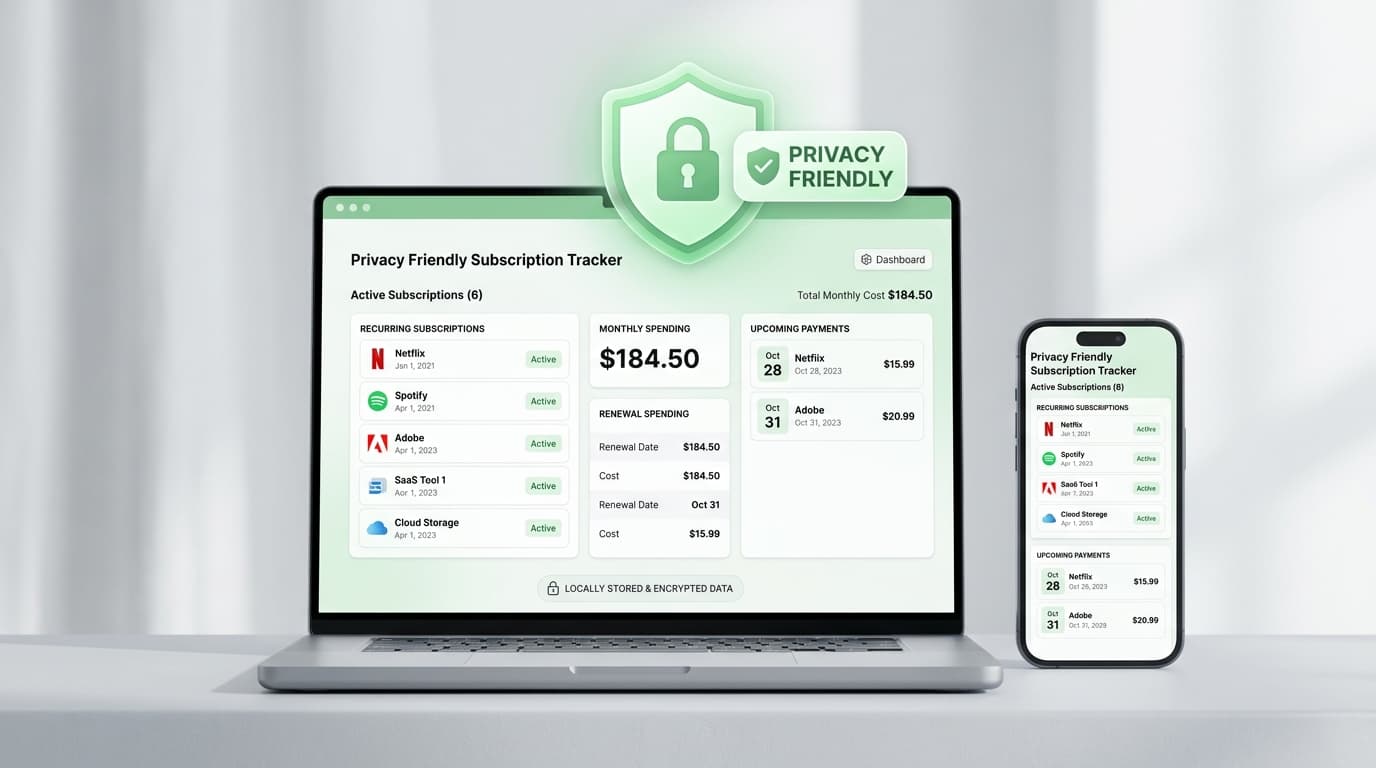
A privacy friendly subscription tracker is an app that lists your recurring payments, shows renewal dates, and sends reminders, all while collecting as little personal data as possible.
You may also see it called a private subscription manager, a renewal reminder app, or a data-light bill organizer. The label changes, but the goal stays the same: know what you pay without exposing your finances.
The main difference is how the app learns about your payments. Some read your bank transactions. A privacy friendly subscription tracker lets you enter the details yourself.
Why Privacy Matters in Subscription Apps
Your subscriptions say more about you than you might think. A meditation app, a health service, a news site, a dating plan. Together, they sketch your habits and interests.
Many auto-detect apps link to your bank through third-party connectors. That can put your full transaction history in the hands of companies you have never heard of. If one of them suffers a breach, your data goes with it.
Choosing a privacy friendly subscription tracker shrinks that risk. Less data collected means less data that can leak.
How It Works
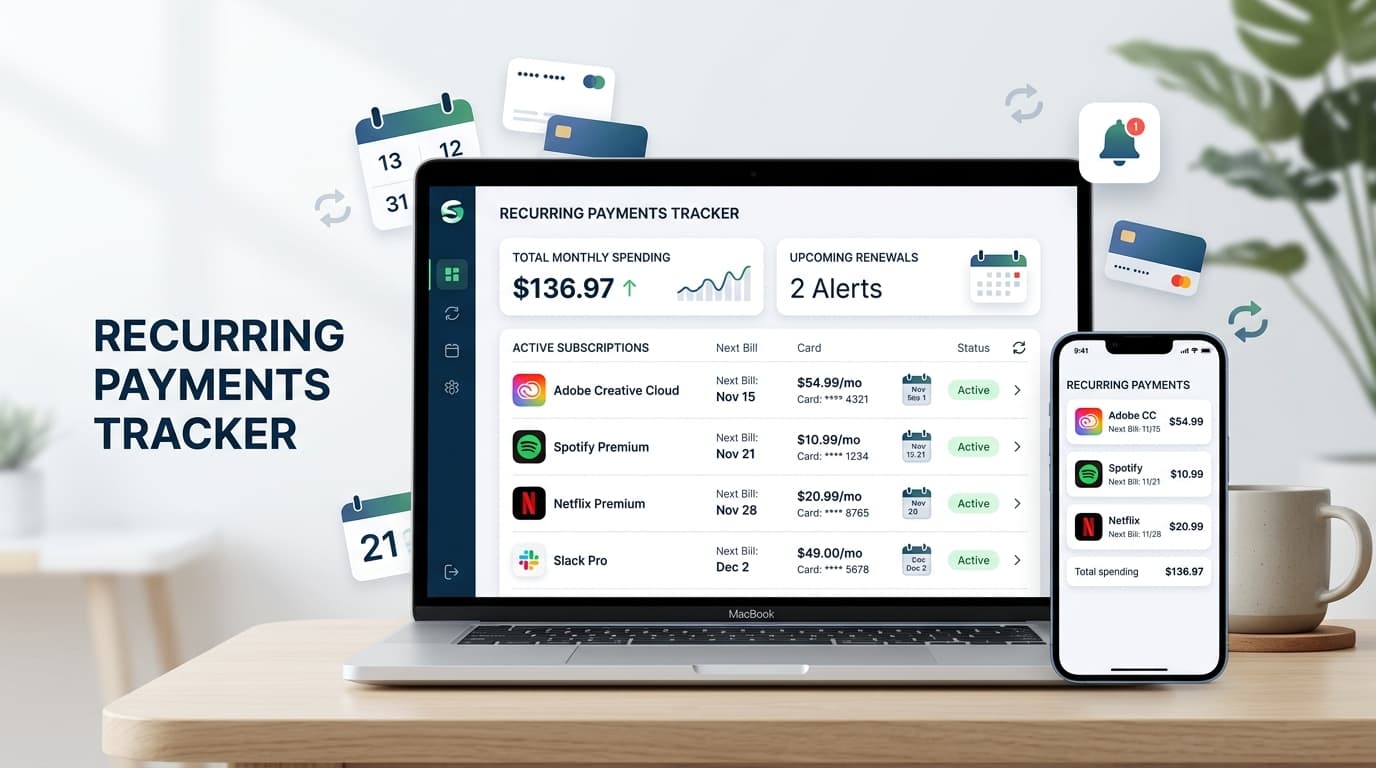
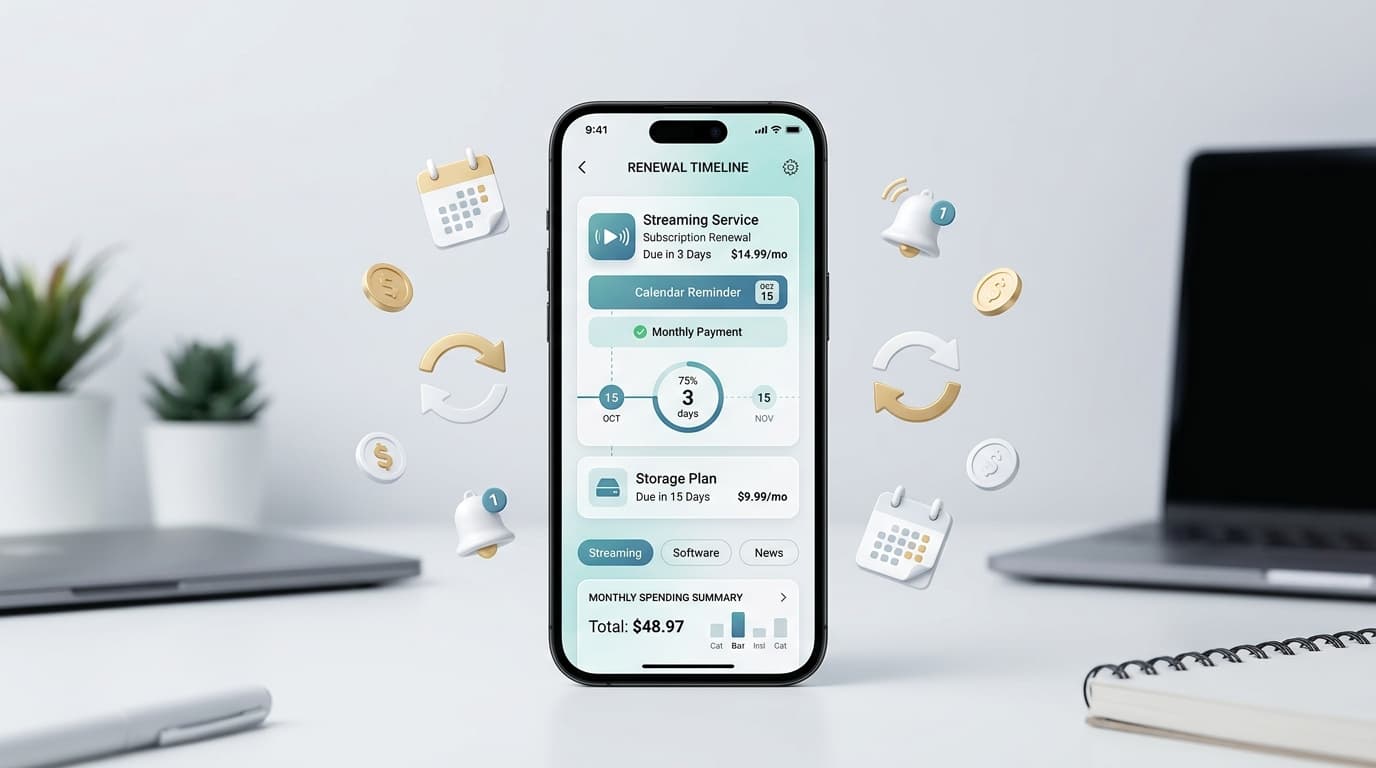
The process is simple. You add each subscription with its name, price, billing cycle, and next charge date. The app keeps the list tidy and sends an alert before each renewal.
You get the same benefits as any subscription tracker: a monthly total, a yearly total, and a clear view of what is coming. The only thing missing is the demand for your bank password.
What to Look For

Not every app that claims privacy earns the label. Check these points:
- Manual entry: No bank login or card linking required.
- Minimal permissions: A reminder app rarely needs contacts, microphone, or precise location.
- Clear privacy policy: Plain language about what is stored and why.
- Advance alerts: Reminders days before billing, not on the day.
- Flexible cycles: Weekly, monthly, quarterly, and yearly plans.
- Cost summaries: Totals by month and by year.
How to Check an App’s Privacy Before You Install
You can vet any privacy friendly subscription tracker in about five minutes.
- Open the store listing. On Google Play, read the Data safety section. On the App Store, read the privacy labels.
- Compare claims with permissions. If the listing says “minimal data” but asks for contacts, walk away.
- Read the privacy policy. Look for what is collected, whether it is shared, and how you can delete it.
- Check the developer. Look at the name, update history, and recent reviews.
- Test with a few entries. Add three subscriptions before committing to the full list.
How to Set Up Your Privacy Friendly Subscription Tracker
One focused hour is enough.
- Pull your statements. Review the last three months of card and bank activity. Mark every repeating charge.
- Search your inbox. Try “receipt,” “renewal,” “trial,” and “invoice.”
- Check your phone. Review subscriptions inside your app store account.
- Add everything to your privacy friendly subscription tracker. Enter name, amount, cycle, and next date.
- Set alerts. Use three to seven days for monthly plans and two to four weeks for yearly ones.
Then schedule five minutes on the first of each month to review and cancel what you no longer use.
Manual Entry vs. Automatic Sync
Automatic sync sounds convenient. The trade-off is access to your bank data, and sync tools often miss annual plans or mislabel charges.
Manual entry takes about 20 minutes once. After that, you only add new plans as they appear. Many people find the habit helps them think twice before signing up.
Renew Reminder is built around renewal dates and recurring payments, so it fits this approach well. You can see upcoming charges in one clean list and get reminded before they hit. Download it on Google Play for Android or from the App Store for iPhone and iPad. Review each store listing for current data practices, features, and pricing.
Benefits Beyond Privacy
A privacy friendly subscription tracker also saves money. You catch free trials before they convert, spot overlapping services, and cancel plans you forgot about.
It helps with planning too. When you know three annual renewals land in the same month, you can set money aside instead of facing a surprise.
Common Mistakes to Avoid
- Trusting the label alone. Verify permissions and policies yourself.
- Tracking only monthly plans. Yearly renewals cost more and get forgotten more often.
- Setting alerts too late. One day of notice rarely leaves time to cancel.
- Ignoring price changes. Update the amount when a provider raises it.
- Skipping shared plans. Family and team plans still bill someone.
Frequently Asked Questions
What is a privacy friendly subscription tracker?
It is an app that lists your recurring payments and reminds you before renewals while collecting minimal personal data. Most rely on manual entry instead of bank connections.
Is a privacy friendly subscription tracker really safe?
It is safer than apps that need bank access, but safety still depends on the developer. Read the privacy policy, review permissions, and check the store’s data labels.
Do I need to link my bank account?
No. A privacy friendly subscription tracker works from the details you enter yourself, so your banking credentials stay with your bank.
Will it cancel my subscriptions for me?
Usually not. It reminds you in time, and you cancel through the provider.
Is a privacy friendly subscription tracker free?
Many apps offer a free version with optional upgrades. Pricing changes, so check the current store listing.
How often should I update it?
Add new plans when you sign up, and review everything once a month.
Final Thoughts
You should not have to trade your financial privacy for a simple reminder. A few minutes of setup gives you control over every renewal and a lot less risk.
List your subscriptions, set alerts you trust, and review them monthly. The right privacy friendly subscription tracker is the one that protects your data and still gets opened.