You reach for your gym card and the scanner blinks red. Your membership lapsed last week. Or the opposite happens: it renewed for a full year at a higher rate, and you only notice on your statement.
A membership renewal tracker prevents both. It keeps every expiration date in one list, so you act before the deadline passes.
What Is a Membership Renewal Tracker?

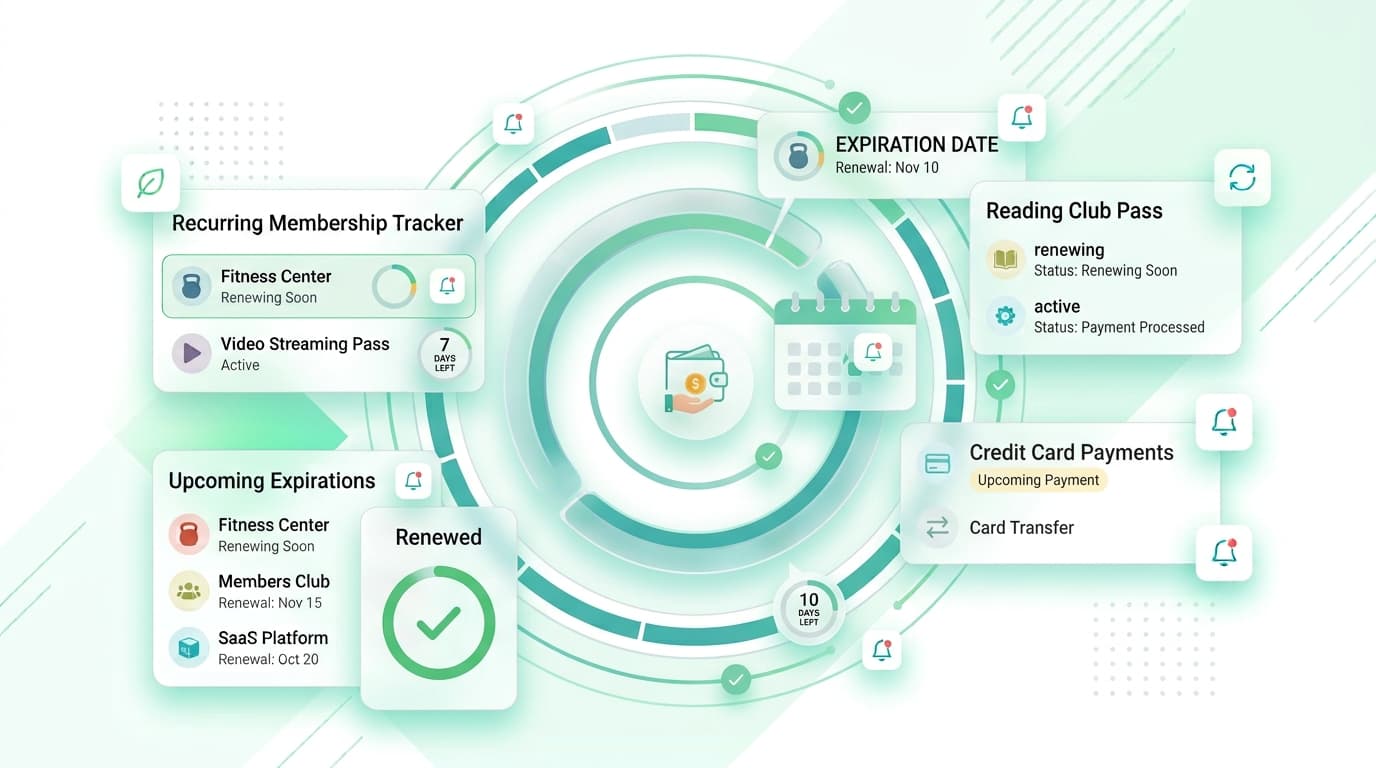
A membership renewal tracker is a tool that records each membership you hold, along with its cost, expiration date, and renewal terms. It covers gyms, warehouse clubs, professional associations, museum passes, airline lounges, software licenses, and streaming plans.
You can run one in a spreadsheet, a calendar, or a phone app. The best versions send a reminder ahead of time, so you decide while you still have options.
Why Membership Expiration Dates Get Missed
Memberships start at different times of the year. You join a club in March, a professional group in August, and a rewards program in December. No single date ties them together.
Auto-renewal adds to the problem. The company bills your card and sends a short email that lands in a promotions folder. Annual fees are easy to forget because they appear only once a year.
The cost adds up. Four annual memberships at $75 each total $300. If one of them sits unused, that is $75 gone for nothing.
What a Good Membership Renewal Tracker Should Include
Not every tool deserves a spot on your phone. Look for these basics:
- Exact expiration and renewal dates
- Reminders sent days or weeks before billing
- Monthly and yearly cost totals
- Notes on cancellation rules and notice periods
- Categories such as fitness, work, travel, and entertainment
- Free trial end dates
- Support for more than one currency
Speed matters. If adding a plan takes more than a minute, you will stop using it. A membership renewal tracker should feel quick.
How to Build Your Membership List
You can finish this in about half an hour.
- Check bank and card statements from the past twelve months. Annual charges appear only once, so look back a full year.
- Search your inbox for “membership,” “renewal,” “welcome,” and “expires.”
- Open the subscription page in your phone’s app store and note what you find.
- Write down each item: name, price, billing cycle, payment card, and expiration date.
- Add the cancellation deadline. It often falls days or weeks before the renewal date.
- Enter everything into your membership renewal tracker.
- Set reminders two to four weeks ahead for annual plans and one week ahead for monthly ones.
Most people find at least one forgotten plan during this audit. Catching it early saves real money.
Use Your Phone Instead of a Spreadsheet
A spreadsheet only works when you remember to open it. A mobile membership renewal tracker reaches you instead.
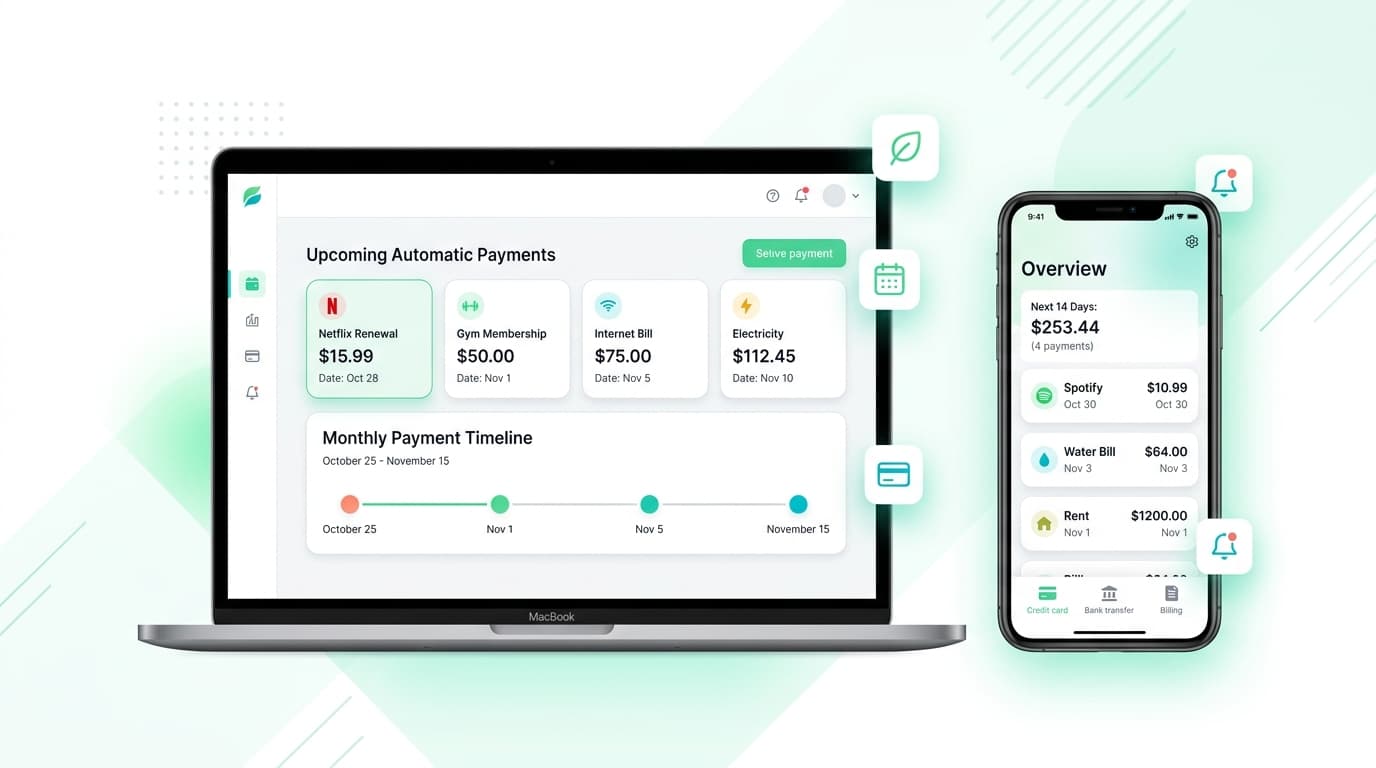
Renew Reminder is a subscription tracker built for this kind of job. You add each plan, see what is coming up, and get a nudge before the charge lands. Download it from Google Play or the App Store.
Habits That Keep You in Control
A tool works best alongside a few routines:
- Review your list every quarter.
- Ask one question per item: did I use this in the last 90 days?
- Request a renewal discount before you cancel. Many providers offer one.
- Switch to monthly billing when you are unsure about keeping a plan.
- Put the cancellation deadline in your calendar, not only the expiration date.
- Share family or group plans instead of buying twice.
Pair these routines with a membership renewal tracker, and renewals become choices instead of surprises.
Membership Renewal Tracker vs. Calendar Reminders

A calendar entry marks one date. It does not show cost, notice periods, or yearly totals.
A membership renewal tracker stores all of that in one view and sorts by what is due next. Bank alerts only tell you after the money leaves. A tracker warns you before. Use both for full coverage.
Who Benefits Most?
Freelancers with several professional dues gain a lot. So do parents managing kids’ club fees, small business owners paying for software and association seats, and frequent travelers holding lounge or loyalty passes.
It works the same whether you live in a big city with dozens of gyms or a small town with one local club. A membership renewal tracker helps anyone with more than a few recurring fees.
Protect Your Information
Pick a tool that does not ask for your bank login. Manual entry keeps your credentials with you. Read the privacy policy, check app permissions, and skip anything that sells user data.
Your list reveals your habits, health goals, and work life. Treat it as private.
Membership Renewal Tracker FAQs
What is a membership renewal tracker?
It is an app or sheet that lists your memberships, costs, and expiration dates, then reminds you before each renewal.
How do I track membership expiration dates?
Collect dates from statements, emails, and your app store account. Enter them in one list and set alerts ahead of each date.
Does a membership renewal tracker cancel memberships for me?
No. It reminds you. You cancel with the provider or through your app store account.
How far ahead should I set reminders?
Two to four weeks works for annual plans. One week is enough for monthly ones. Add extra time if the provider requires written notice.
Can I track free trials and one-time passes?
Yes. Add the end date and set an alert one or two days earlier.
Is a membership renewal tracker safe to use?
It can be. Choose one that skips bank logins and explains how it handles your data.
Is a membership renewal tracker free?
Many offer a free tier. Check the limits on entries and alerts before you commit.
What if a membership renews before I can cancel?
Contact the provider right away. Many offer a refund window of a few days, especially for annual fees.
Final Thoughts
Memberships are easy to start and easy to forget. A membership renewal tracker gives you dates, alerts, and a clear yearly total in one place.
Start with your last twelve months of statements, build your list, and set reminders this week. Make your membership renewal tracker a monthly habit, and you will always know what renews next.