The lights flicker, and you freeze. Did you pay the power bill this month? You check your email, thn your bank app, then a pile of paper on the counter. Nothing gives a clear answer.
An electricity payment tracker ends that guessing. It records each bill, due date, and amount in one place, so you always know what is owed.
What Is an Electricity Payment Tracker?

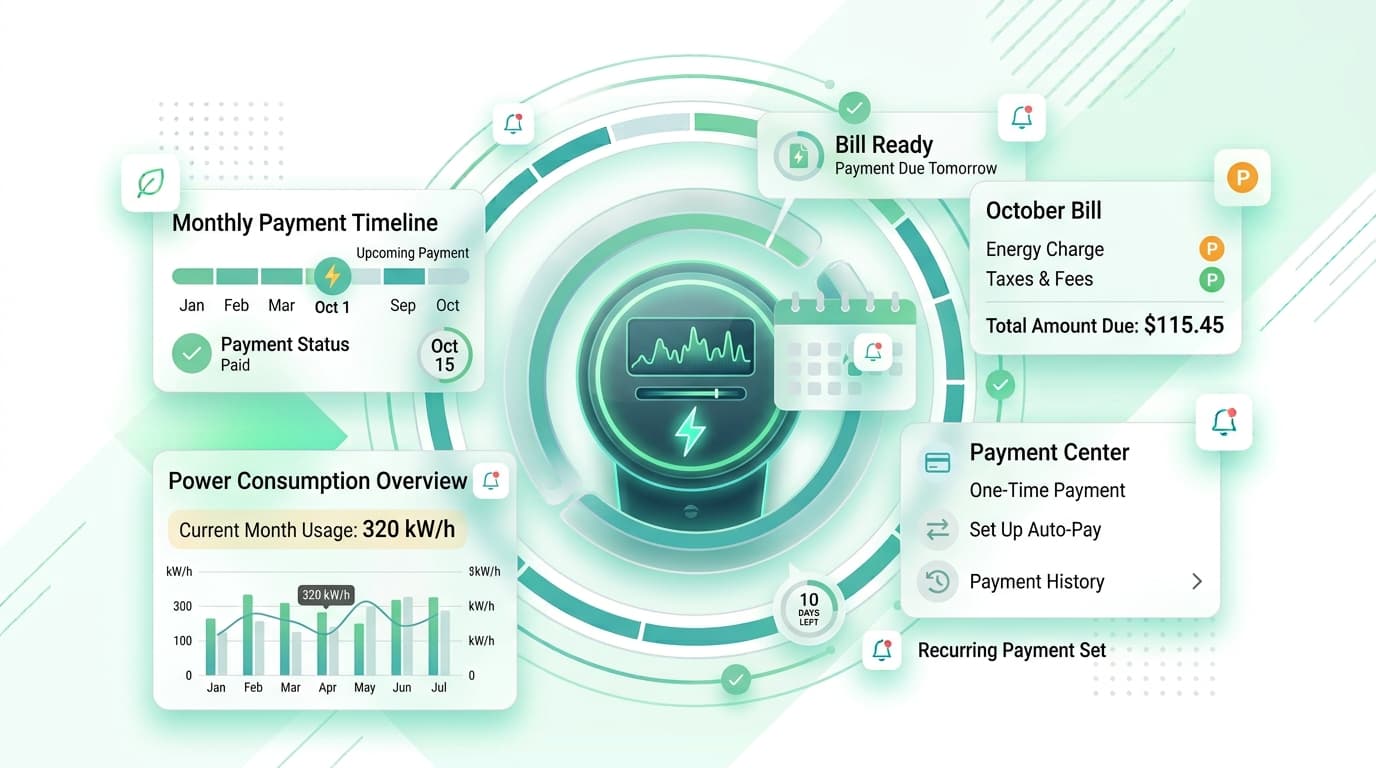
An electricity payment tracker is a simple system for logging your power bills. Each entry shows the billing period, amount, due date, payment status, and the meter reading or units used.
You can keep one in a spreadsheet, a notebook, or a phone app. The tool matters less than the habit of using it every month.
Why Energy Bills Cause Trouble
Electricity bills rarely stay the same. Usage rises during hot summers and cold winters, and rates change without much warning.
Due dates add to the confusion. Some providers bill on the 5th, others on the 20th. Paper bills get lost, and email notices land in spam.
A missed bill can mean a late fee or, in worse cases, a service interruption. Even a $10 penalty each month adds up to $120 a year. A tracker helps you avoid that waste.
What to Record in Your Tracker
Keep each entry short and useful. Here is what to include:
- Provider name and account number
- Billing period dates
- Amount due and due date
- Units used, such as kWh
- Payment date and method
- Late fees or credits
- Notes on rate changes
Over time, these rows reveal patterns. You will see which months cost the most and why.
How to Set Up Your Electricity Payment Tracker
You can finish the first setup in about twenty minutes.
- Gather your last twelve bills. Paper copies, emails, and online account statements all work.
- Create columns for the details listed above.
- Enter each bill from oldest to newest.
- Add the next expected due date.
- Set a reminder three to five days before it.
- Mark each bill paid as soon as you send the money.
Twelve months of data gives you a strong baseline. You can compare any new bill against it.
Spot Spikes Before They Hurt
A good electricity payment tracker does more than remind you. It shows when something is off.
Say your usual bill is $85, and this month it reads $130. Without a record, you might shrug. With one, you can check the cause. A failing appliance, a leaky water heater, or a rate hike could all explain it.
Compare units used, not just dollars. If the units stay flat but the cost jumps, the provider changed its price. If units jump, your habits or equipment changed.
Use Autopay With Care
Autopay saves time, but it can hide problems. Money leaves your account on a set date, whether or not the amount looks right.
Pair autopay with a tracker. Log each charge and check it against your usual range. If you see an odd number, contact your provider before the due date.
Also confirm your account holds enough money. A failed autopay can trigger fees from both your bank and your utility.
Move Beyond the Spreadsheet
Spreadsheets work, but they depend on you opening them. A phone app reaches you instead.
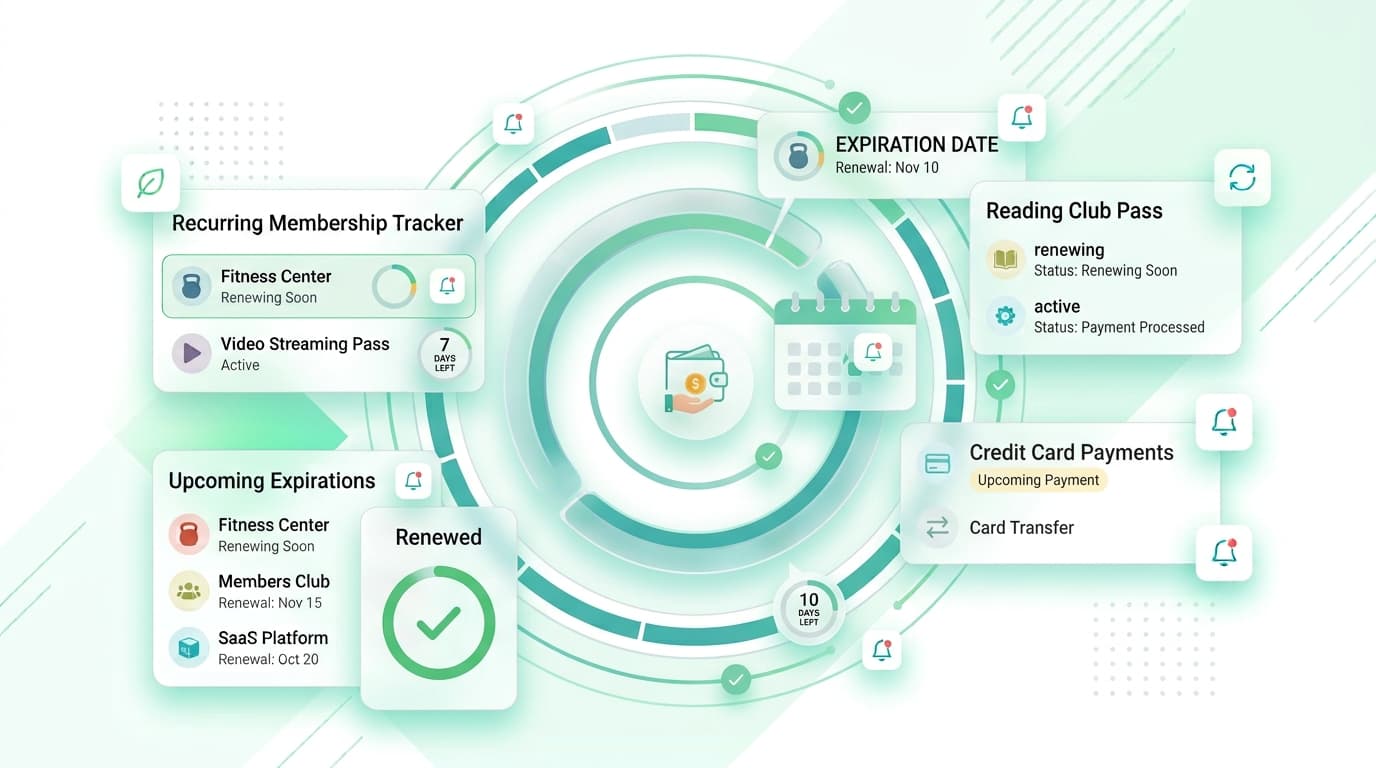
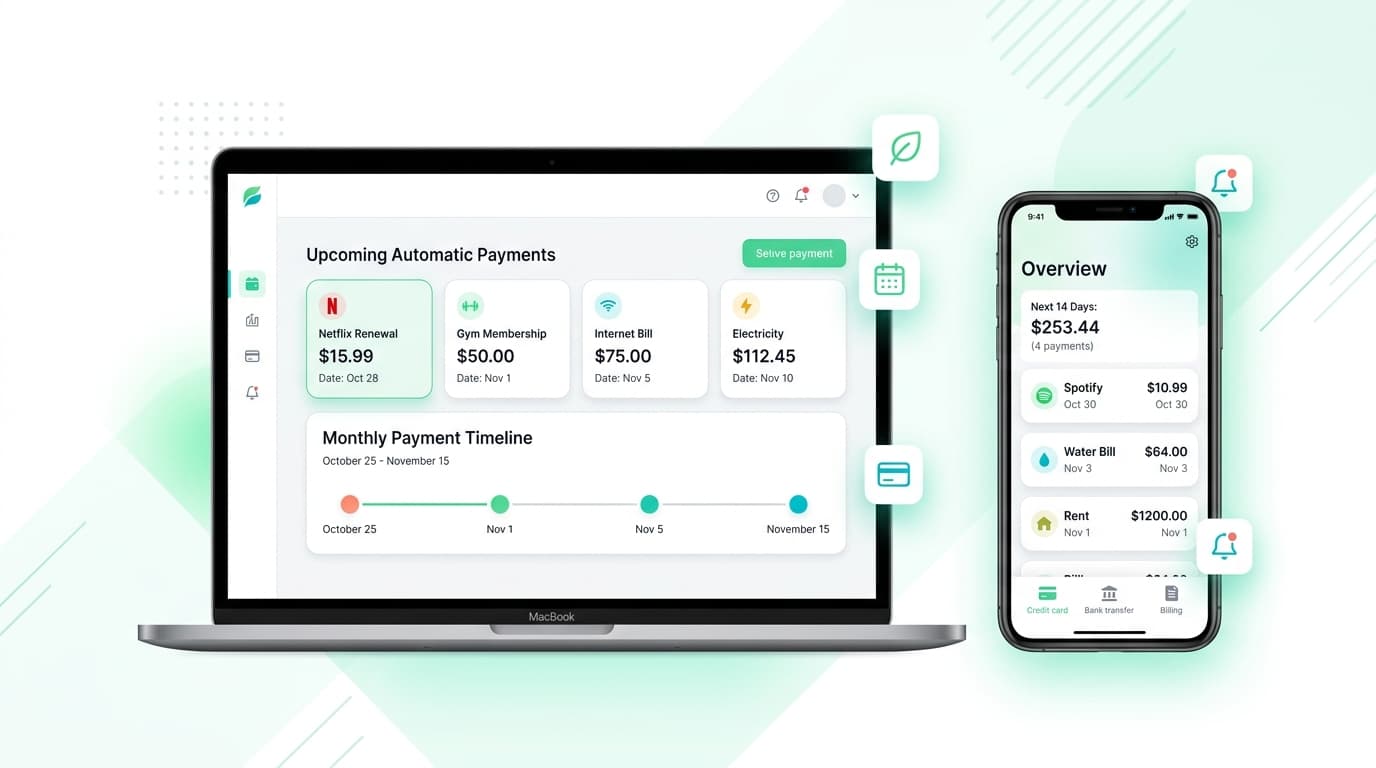
Renew Reminder is a subscription tracker built to keep renewal dates and recurring charges in view, with reminders before they hit. It fits well for the repeating costs around your home, such as streaming plans and memberships that sit beside your utility bills. Download it from Google Play or the App Store.
Habits That Lower Your Power Costs
Tracking shows you the problem. A few habits help you fix it:
- Review each bill within a day of receiving it.
- Compare this year’s bill with the same month last year.
- Switch to LED bulbs and unplug unused devices.
- Run heavy appliances during off-peak hours if your provider offers lower rates then.
- Ask your provider about budget billing, which spreads costs evenly across the year.
- Check your plan once a year against other options in your area.
Combine these steps with an electricity payment tracker, and savings become easy to measure.
Electricity Payment Tracker vs. Utility Account Alerts

Provider alerts tell you a bill exists. They usually do not show history, trends, or your other recurring costs.
An electricity payment tracker keeps your own record, independent of any one company. If you switch providers or move, your history stays with you.
Who Benefits Most?
Renters who split bills with roommates gain a lot, since everyone can see who paid what. Landlords managing several units can track each meter. Families on tight budgets, remote workers with higher daytime usage, and small shop owners all benefit too.
Rates, billing cycles, and rules vary by region, so enter the dates and terms your local provider uses. Your tracker is only as accurate as the details you give it.
Keep Your Records Safe
Choose a tool that does not ask for your bank login. Manual entry keeps credentials with you. Read the privacy policy and review app permissions before you sign up.
Your energy data shows when you are home and how you live. Treat it as private.
Electricity Payment Tracker FAQs
What is an electricity payment tracker?
It is a spreadsheet, app, or notebook that logs your power bills, due dates, amounts, and payment status.
How do I track my electricity bills?
Gather past bills, list each one with its due date and amount, set reminders, and mark each paid after you send payment.
How often should I update my electricity payment tracker?
Update it once per billing cycle, right after you receive and pay each bill.
Can I use it to lower my bill?
Yes. Comparing units used month to month helps you find waste and measure the effect of changes.
Does it pay my bills for me?
No. It reminds you and records payments. You still pay through your bank or provider.
What if my bill is higher than normal?
Check units used first. Then review your provider’s rate notices and inspect major appliances.
Should I track bills if I use autopay?
Yes. Autopay hides surprises, so a record helps you catch errors early.
Is an electricity payment tracker free?
A spreadsheet costs nothing. Many apps offer a free tier, so check limits before you commit.
Final Thoughts
Power bills are predictable only when you watch them. An electricity payment tracker gives you due dates, usage patterns, and proof of payment in one list.
Start with your last twelve bills this week, set reminders, and log each new bill as it arrives. Keep your electricity payment tracker current, and your energy costs stop being a mystery.