Your video call freezes, and a notice pops up: service suspended. You thought the bill was paid. Maybe it was, maybe it wasn’t. Your records give no clear answer.
An internet bill tracker prevents that moment. It logs each payment, due date, and amount in one place, so you always know where you stand.
What Is an Internet Bill Tracker?

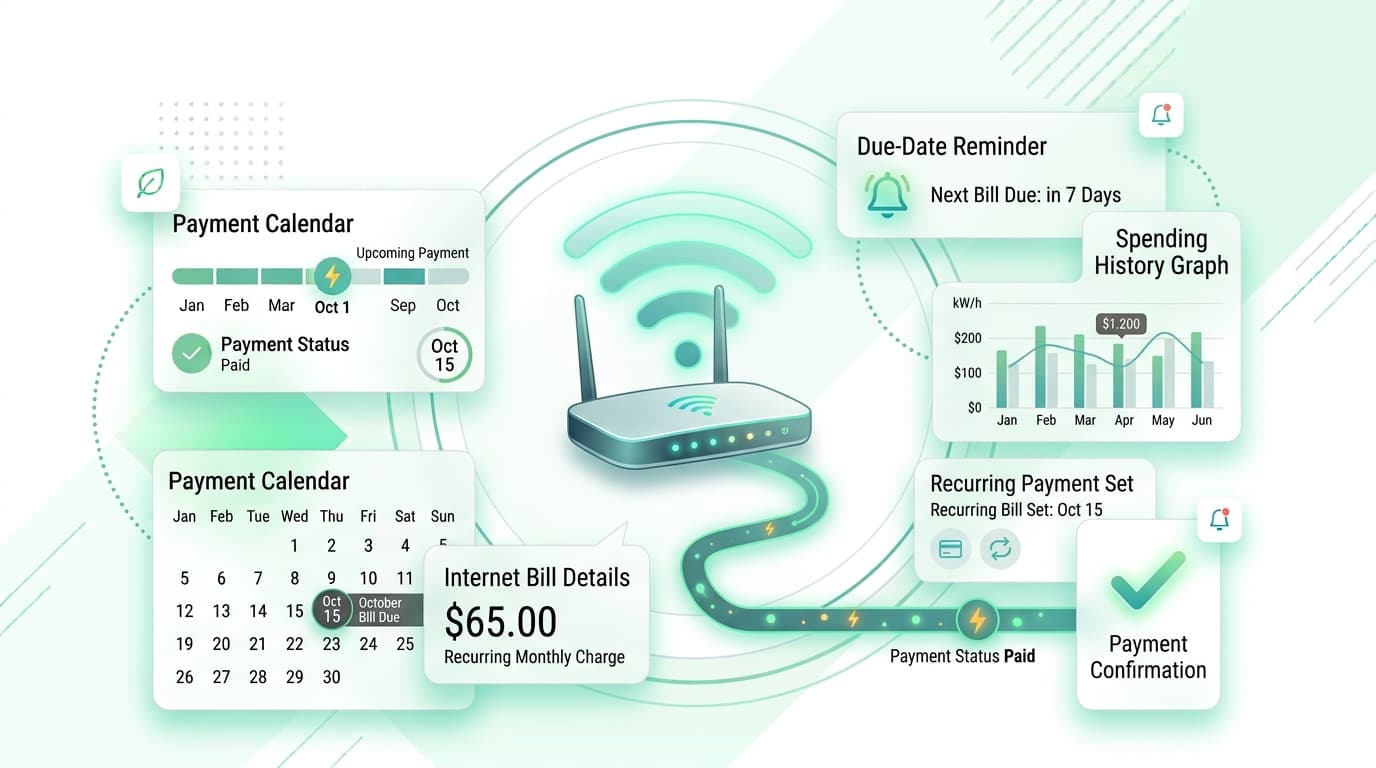
An internet bill tracker is a simple record of your broadband or Wi-Fi charges. Each entry shows the provider, plan, monthly price, due date, payment status, and any extra fees.
You can keep one in a spreadsheet, a notebook, or a phone app. The format matters less than checking it every month.
Why Internet Bills Drift Upward
Providers love introductory deals. You sign up at a low price, and after twelve months the rate quietly climbs. Equipment rental, router fees, and data overage charges can pile on top.
Few people compare bills month to month. The new number looks close enough, so nobody questions it.
Here is how it adds up. A $10 increase you never noticed costs $120 a year. Over three years, that is $360 for the same speed you already had.
What to Record in Your Tracker
Keep each entry short. Include these details:
- Provider name and account number
- Plan name and advertised speed
- Monthly price and promotional end date
- Due date and billing cycle
- Payment date and method
- Equipment rental or add-on fees
- Late fees or credits
- Contract end date
The promotional end date and contract end date are the two most valuable fields. They tell you when to negotiate or switch.
How to Set Up Your Internet Bill Tracker
Plan for about fifteen minutes.
- Collect your last six to twelve bills from email or your provider’s online account.
- Create a column for each detail listed above.
- Enter each bill, starting with the oldest.
- Note the date your current promotion or contract ends.
- Set a reminder three to five days before each due date.
- Set a second reminder one month before your promotion ends.
- Mark each bill paid as soon as you send the money.
Six months of history is enough to spot trends.
Catch Price Hikes Early
An internet bill tracker earns its place when something changes. If your bill rises, your record shows exactly when it happened.
Compare the line items, not only the total. A higher price may come from a new equipment fee, a lapsed discount, or a plan change. Each cause calls for a different response.
Once you have proof, call your provider. Ask whether a loyalty rate or a current promotion applies to you. Many customers get a lower price with one short call.
Use Autopay Carefully
Autopay prevents late payments, but it also hides changes. Money leaves your account whether the amount is right or not.
Pair autopay with a tracker. Log each charge and compare it with your usual amount. If something looks off, contact the provider before the next cycle.
Keep enough balance in your account too. A failed payment can bring fees from your bank and your provider.
Move Beyond the Spreadsheet
Spreadsheets depend on you opening them. A phone app reaches you first.
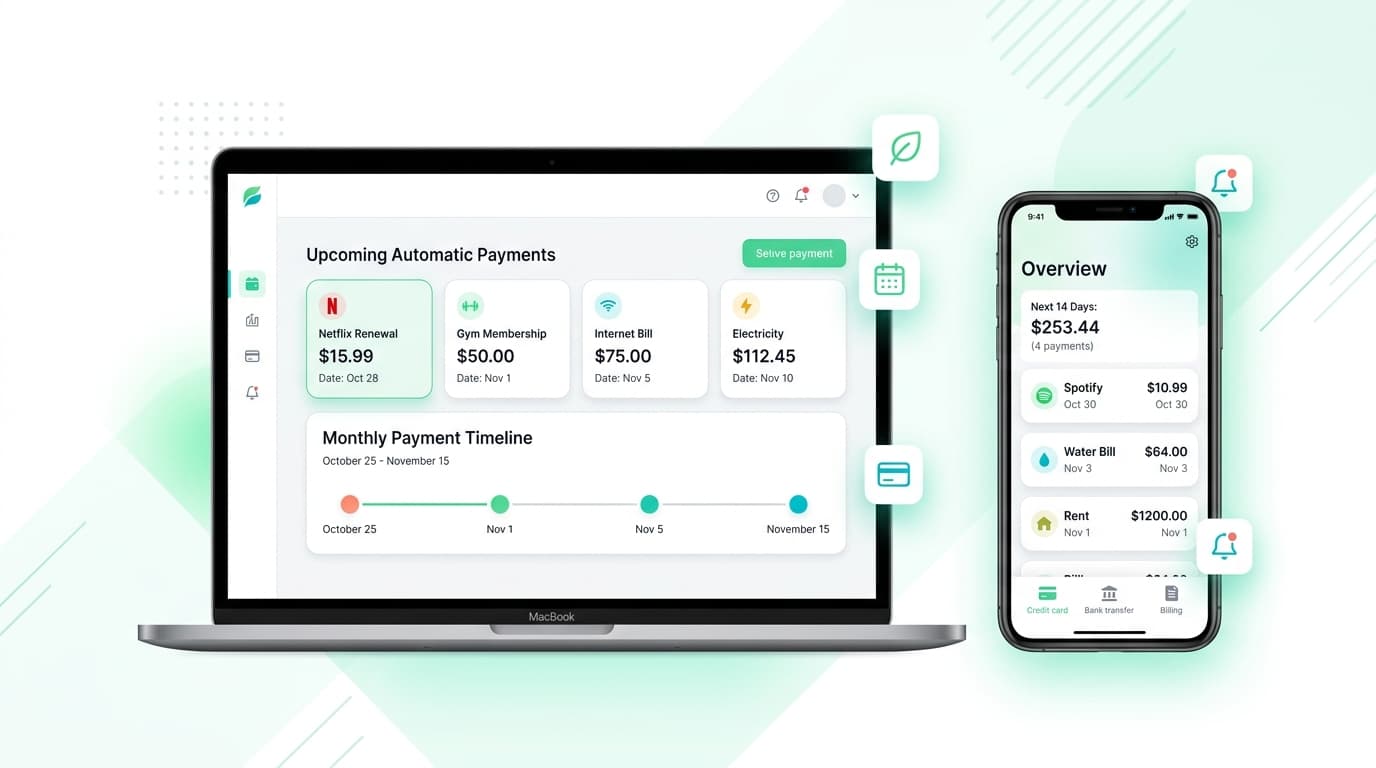
Renew Reminder is a subscription tracker that keeps recurring charges and renewal dates in view, with reminders before they land. It suits the repeating costs that sit beside your broadband bill, such as streaming plans, cloud storage, and VPN subscriptions. Download it from Google Play or the App Store.
Habits That Keep Your Internet Costs Fair
A tool helps most when you pair it with routines:
- Review each bill within a day of receiving it.
- Check your actual speed with a free speed test every few months.
- Return or stop renting equipment you no longer need.
- Ask for a better rate before your promotion ends.
- Compare plans from other providers in your area once a year.
- Drop add-ons you never use.
Combine these steps with an internet bill tracker, and you will see the savings in black and white.
Internet Bill Tracker vs. Provider Account Alerts

Provider alerts tell you a bill is ready. They rarely show history, trends, or your other recurring costs.
An internet bill tracker keeps your own record, separate from any one company. If you move or switch providers, your history comes with you.
Who Benefits Most?
Remote workers rely on steady service, so a missed payment hurts. Students sharing a flat can see who paid what. Families with several connected devices, small shop owners, and landlords covering internet for tenants all gain from a clear record.
Plans, taxes, and billing rules vary by region and provider. Enter the dates and terms your own provider uses. Your tracker is only as accurate as the details you give it.
Keep Your Records Private
Choose a tool that does not ask for your bank login. Manual entry keeps credentials with you. Read the privacy policy and review app permissions before you sign up.
Your account details can reveal a lot about your home. Treat them as private.
Internet Bill Tracker FAQs
What is an internet bill tracker?
It is a spreadsheet, app, or notebook that logs your internet payments, due dates, amounts, and plan terms.
How do I track my monthly internet payments?
Gather past bills, list each with its due date and amount, set reminders, and mark each one paid after you send payment.
How often should I update my internet bill tracker?
Update it once a month, right after you receive and pay each bill.
Why did my internet bill go up?
Common causes include an ended promotion, a new equipment fee, a plan change, or a general rate increase. Compare line items to find out which.
Can it help me save money?
Yes. A record shows price changes and promotion end dates, so you can negotiate or switch at the right time.
Does it pay my bills for me?
No. It reminds you and records payments. You still pay through your bank or provider.
Should I track bills if I use autopay?
Yes. Autopay hides changes, so a record helps you catch errors early.
Is an internet bill tracker free?
A spreadsheet costs nothing. Many apps offer a free tier, so check limits before you commit.
Final Thoughts
Internet service feels like a utility, but the price rarely stays still. An internet bill tracker gives you due dates, price history, and proof of payment in one list.
Start with your last six bills this week, set reminders, and log each new one as it arrives. Keep your internet bill tracker current, and you stay in charge of what you pay.