Most people are paying for something they forgot they signed up for. Streaming platforms, fitness apps, cloud storage, meal kits — the free trials turn into monthly charges, and the charges quietly stack up. A subscription tracker app exists to close that gap between what you’re paying for and what you actually remember paying for.
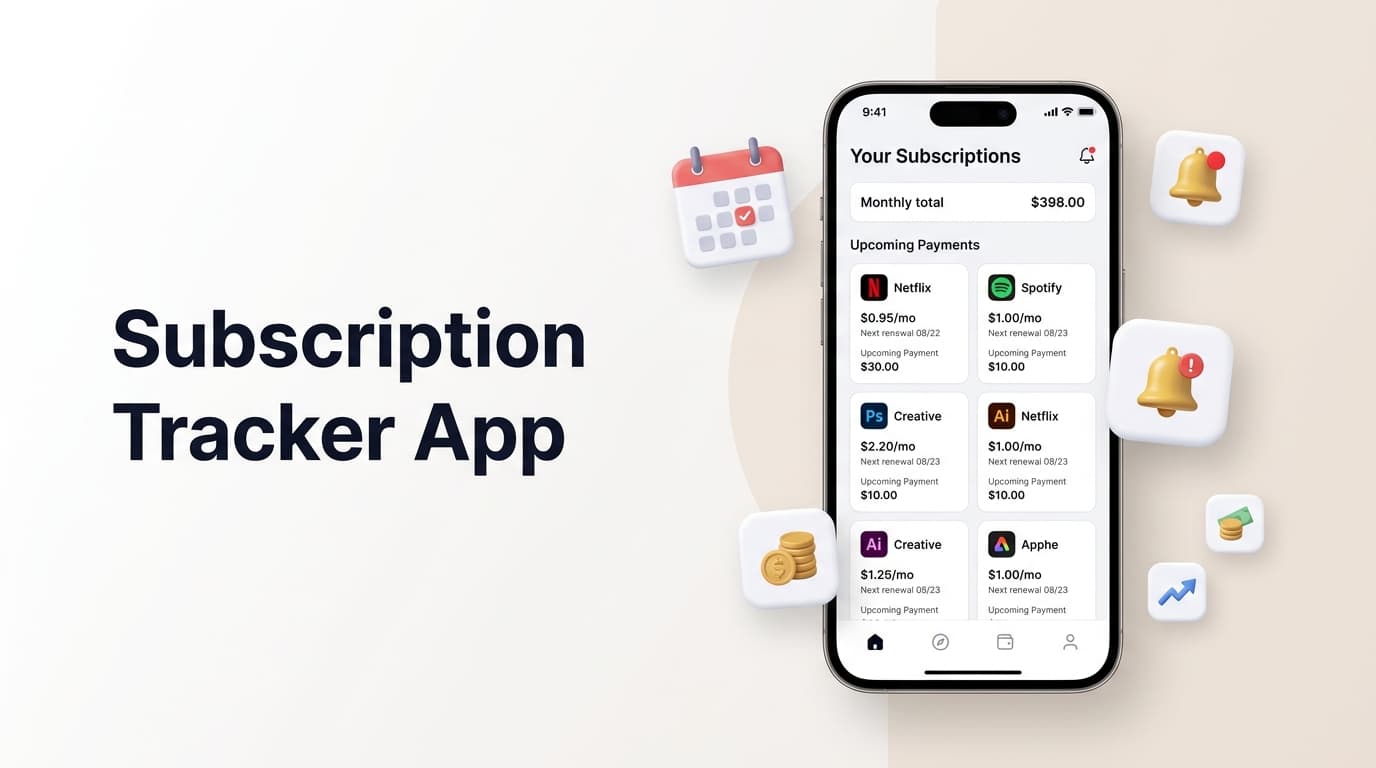
If you’ve never used one, the idea is simple. A subscription tracker app logs every recurring payment in one place, tells you before it renews, and gives you a clear view of your monthly and yearly spend. No spreadsheets, no digging through bank statements, no surprise charges on the 15th of the month.
Why Subscription Fatigue Has Gotten Worse

The average household now juggles more recurring services than ever — streaming, software, delivery boxes, gym memberships, cloud backups. Each one is small on its own. Together, they can quietly cost hundreds a month.
The problem isn’t overspending on purpose. It’s that renewal dates are scattered across emails, bank alerts, and memory. A subscription tracker app solves this by centralizing every renewal into a single, visible calendar instead of dozens of disconnected notifications.
What a Good Subscription Tracker App Should Actually Do
Not every subscription management tool is built the same way. Before choosing one, it helps to know what separates a genuinely useful app from a glorified list.
Renewal reminders that arrive early enough to act. A reminder sent the day of the charge is useless — you’ve already been billed. Look for an app that alerts you a few days ahead, giving you time to cancel, downgrade, or renegotiate.
A clear spending breakdown. A proper subscription tracker app should show total monthly and annual costs at a glance, broken down by category, so you can see exactly where the money is going.
Support for every billing cycle. Weekly, monthly, quarterly, annual — real-world subscriptions don’t follow one pattern, and your tracker shouldn’t assume they do.
Privacy-respecting design. The best subscription tracking apps don’t require you to link your bank account or hand over financial credentials just to log a renewal date manually.
Cross-platform reliability. Whether you’re on Android or iOS, the reminders should land on time, every time — not just when the app happens to be open.
How Renew Reminder Handles It
Renew Reminder is built around that exact list. It’s a lightweight subscription tracker app that logs every recurring payment — streaming, software, memberships, insurance, anything billed on a cycle — and sends a reminder before the renewal hits, not after.
You can organize subscriptions by category, set custom reminder timing, and see your total recurring spend broken down by week, month, or year. There’s no bank linking required; you add what you want to track, and the app handles the rest quietly in the background.
It’s built to be used, not just installed once and forgotten — which, for an app whose entire job is remembering things for you, matters more than most features on a spec sheet. You can see the full feature set on the Renew Reminder.
If you’re on Android, get it from Google Play. On iPhone, it’s available on the App Store.
Real Ways a Subscription Tracker App Saves You Money

It’s not just about avoiding a random charge. Once your subscriptions are visible in one place, patterns show up that were invisible before.
You’ll notice duplicate services — two cloud storage plans doing the same job. You’ll spot subscriptions you haven’t opened in months. You’ll see free trials that quietly converted to paid plans weeks ago. None of this is dramatic on its own, but added together over a year, it’s often a meaningful amount of money back in your pocket.
A subscription tracker app also removes the mental load of remembering cancellation windows, which is often the actual reason people stay stuck paying for services they don’t use — not laziness, just forgetting.
Who Actually Benefits Most From One
Freelancers juggling multiple software tools for client work. Families managing shared streaming and household services. Anyone who’s ever said “wait, when did I sign up for this?” while staring at a bank statement. A subscription tracker app isn’t a niche budgeting tool — it’s closer to a basic utility for anyone with more than three recurring payments, which, at this point, is most people.
Frequently Asked Questions
What is a subscription tracker app used for?
It’s used to keep a record of every recurring payment you have — streaming, software, memberships — and to send reminders before each one renews, so nothing charges without your knowledge.
Is a subscription tracker app safe to use?
A well-designed one doesn’t require bank account access to function. Apps like Renew Reminder let you log subscriptions manually, so your financial credentials stay private.
Can a subscription tracker app help me cancel unwanted subscriptions?
Yes. By showing renewal dates ahead of time, it gives you the window needed to cancel before the charge goes through, instead of finding out after the fact.
Does a subscription tracker app work for both weekly and yearly billing cycles?
It should. Subscriptions rarely follow one pattern, so a good tracker supports weekly, monthly, quarterly, and annual cycles without forcing everything into a single format.
How is a subscription tracker app different from a budgeting app?
A budgeting app tracks all spending broadly. A subscription tracker app focuses specifically on recurring payments and renewal timing, which most general budgeting tools handle poorly or not at all.
Is Renew Reminder free to use?
Current pricing and plan details are listed on the app’s official site and store pages, linked above.