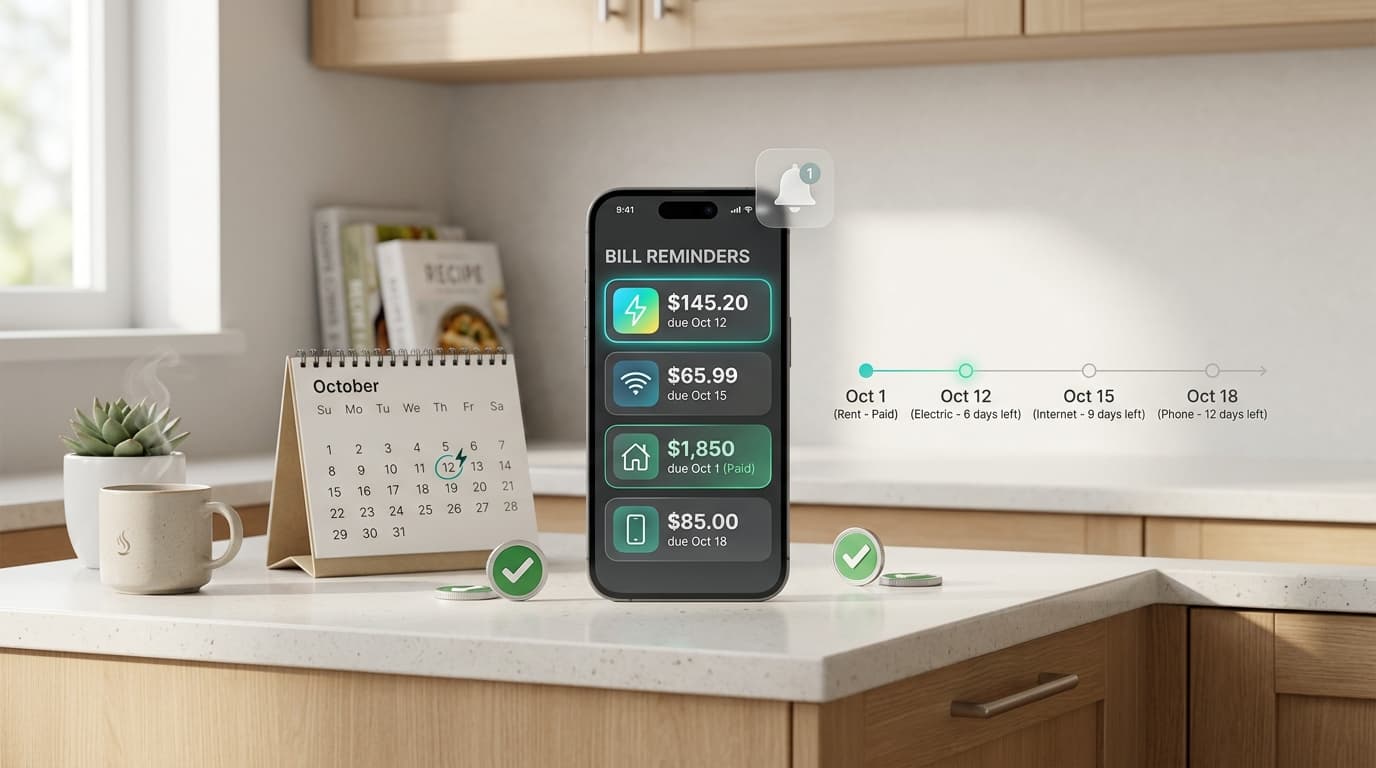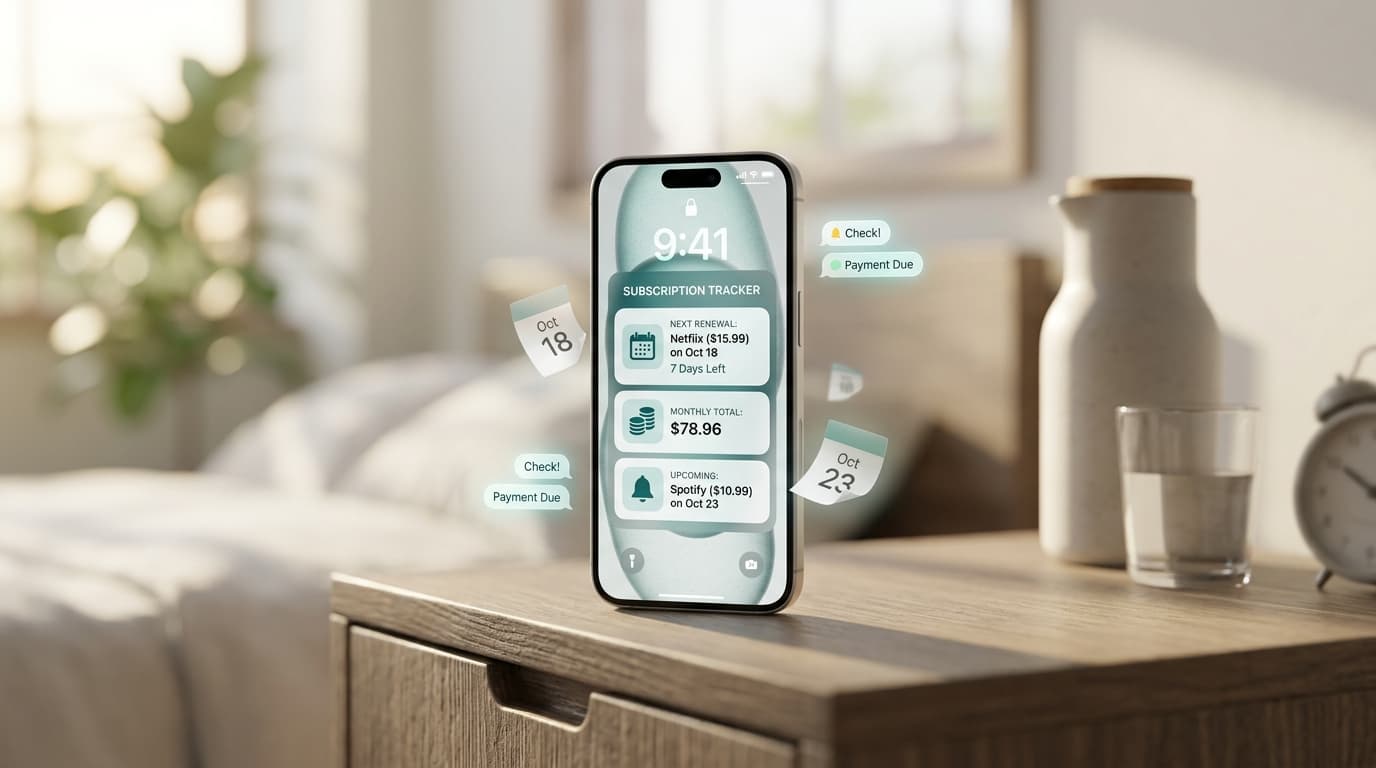
You open your banking app and spot a $14.99 charge you don’t remember approving. Most people have lived this moment. An automatic payment tracker is built to stop it.
It puts every recurring charge in one place, so no renewal catches you off guard.
What Is an Automatic Payment Tracker?

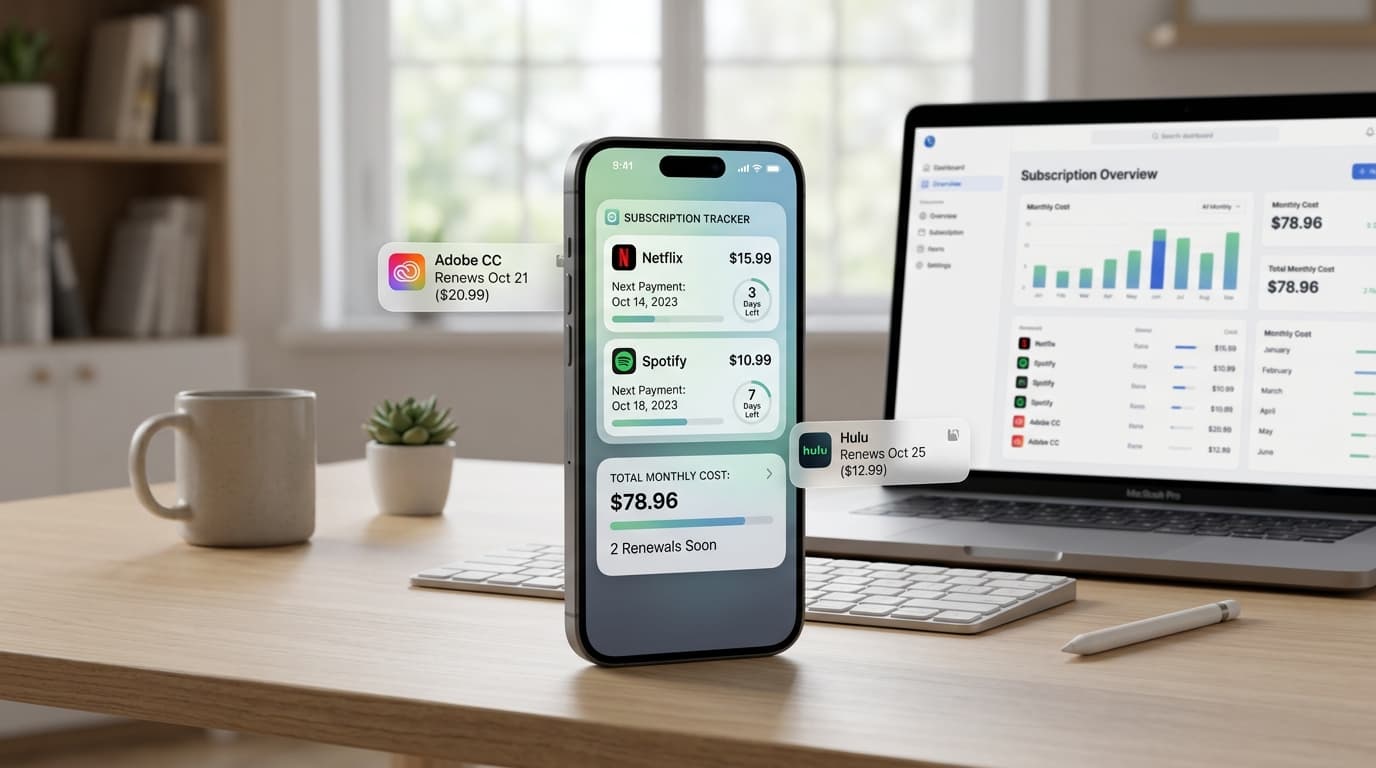
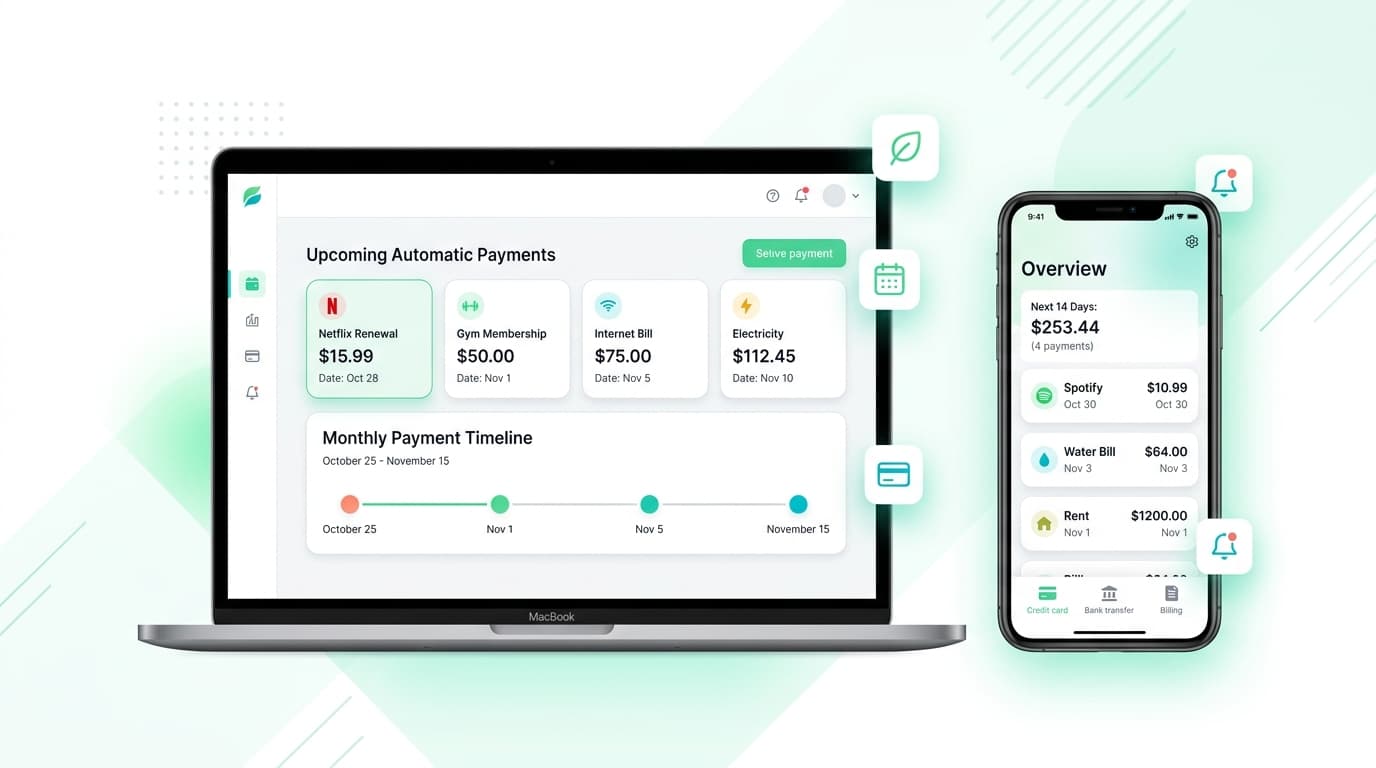
An automatic payment tracker is a tool that lists your recurring bills, subscriptions, and memberships with their amounts and next billing dates. It covers streaming plans, gym fees, cloud storage, insurance installments, and app trials.
You can build one in a spreadsheet or use a dedicated app that sends alerts before money moves. Either way, the goal is simple: see the charge before it lands.
Why Scheduled Charges Slip Past You
Auto-billing is designed for convenience. You enter a card once, and the company handles the rest.
That convenience hides things. Free trials convert quietly. Annual plans renew a year after you forgot them. Prices creep up by a dollar or two, and few people notice.
The math is unkind. Ten forgotten plans at $8 each cost $960 a year. A recurring payment tracker makes those leaks visible before they grow.
What a Good Automatic Payment Tracker Should Do
Not every app deserves space on your phone. Look for these basics:
- Clear next-charge dates for every item
- Alerts several days before billing, not after
- Monthly and yearly cost totals
- Categories such as entertainment, utilities, and work tools
- Free trial reminders
- Support for more than one currency
Speed matters too. If adding a bill takes five minutes, you will quit by week two. A good automatic payment tracker should feel light.
How to Set Up Your Tracker in 20 Minutes
You do not need special skills. Follow these steps:
- Gather three months of bank and card statements. Recurring charges repeat, so they stand out.
- Search your email for words like “receipt,” “renewal,” “invoice,” and “trial.”
- Write down each charge: name, amount, billing cycle, payment method, and next date.
- Enter everything into your automatic payment tracker.
- Set alerts three to seven days before each renewal.
- Review the list once a month.
A first audit often turns up at least one plan you forgot about. Finding it early saves real money.
Skip the Spreadsheet, Use Your Phone
Spreadsheets work until you forget to open them. A mobile automatic payment tracker lives where you already spend your day.
Renew Reminder is a subscription tracker made for this job. It keeps renewal dates in view and sends reminders, so you can cancel, downgrade, or keep a plan on purpose. Download it from Google Play or the App Store.
Habits That Cut Wasted Spending
A tool helps most when you pair it with a few routines:
- Audit your list every quarter.
- Cancel trials on day one, or set an alert for the day before they end.
- Use one card for subscriptions so statements stay easy to read.
- Compare each statement with your list to catch price hikes.
- Share family or team plans instead of paying twice.
- Pause a plan instead of canceling if you might return.
Combine these habits with an automatic payment tracker and your monthly bills stop being a guessing game.
Automatic Payment Tracker vs. Bank Alerts

Bank alerts tell you after money leaves. A tracker warns you before. They do different jobs, so use both.
Budgeting apps focus on categories and spending limits. A subscription tracker focuses on dates and renewals. If surprise charges are your main worry, an automatic payment tracker is the sharper tool.
Keep Your Data Safe
Choose a tracker that does not ask for your bank login. Manual entry keeps your credentials with you. Read the privacy policy, check app permissions, and avoid tools that sell data.
Your payment list reveals a lot about your life, so treat it with care.
Automatic Payment Tracker FAQs
What is an automatic payment tracker?
It is an app or sheet that lists your recurring charges, amounts, and renewal dates, then reminds you before each one.
How do I find every recurring charge?
Review three to six months of statements and search your email for receipts and renewal notices. Check the subscriptions section of your phone’s app store account as well.
Does an automatic payment tracker cancel subscriptions?
No. It reminds you. You cancel with the provider or through your app store account.
Can I track free trials?
Yes. Add the trial end date and set an alert one or two days earlier.
Is a payment tracker safe?
It can be, if you pick one that skips bank logins and explains its privacy practices.
How often should I review my list?
Monthly is ideal. Quarterly works if your list is short.
Is an automatic payment tracker free?
Many offer a free tier. Check the features and limits before you commit.
Final Thoughts
Scheduled charges are easy to forget and costly to ignore. An automatic payment tracker gives you dates, alerts, and a clear total.
Start with your statements this week, build your list, and set reminders. Make an automatic payment tracker part of your monthly routine, and keep every renewal in view with Renew Reminder.