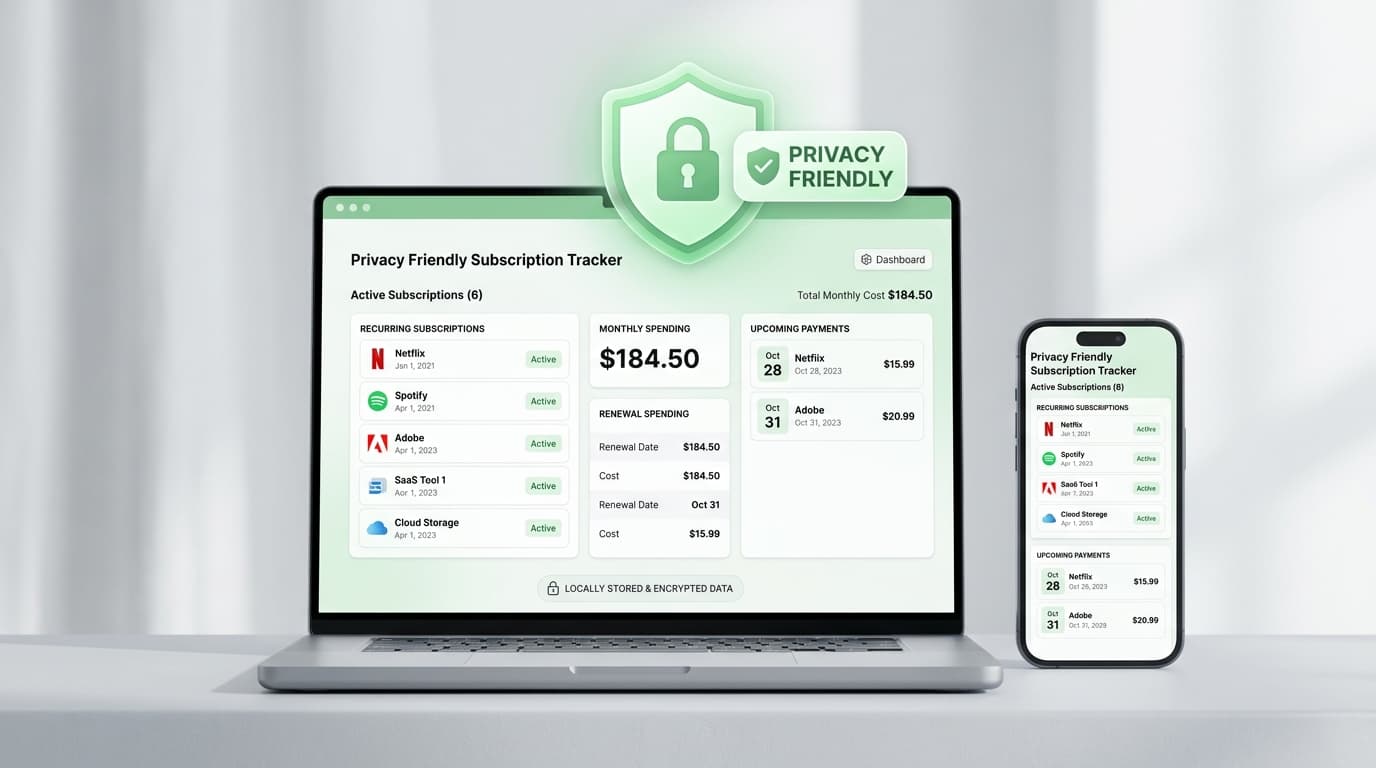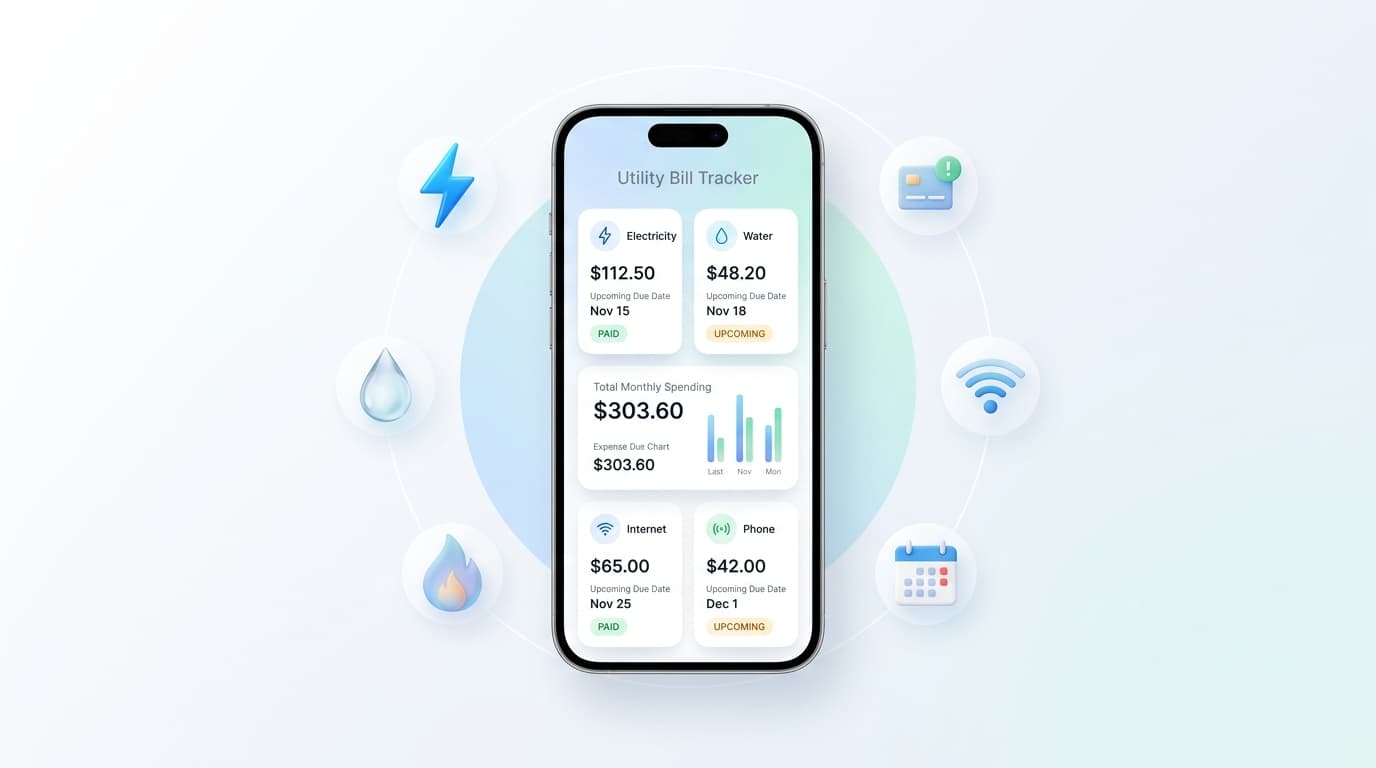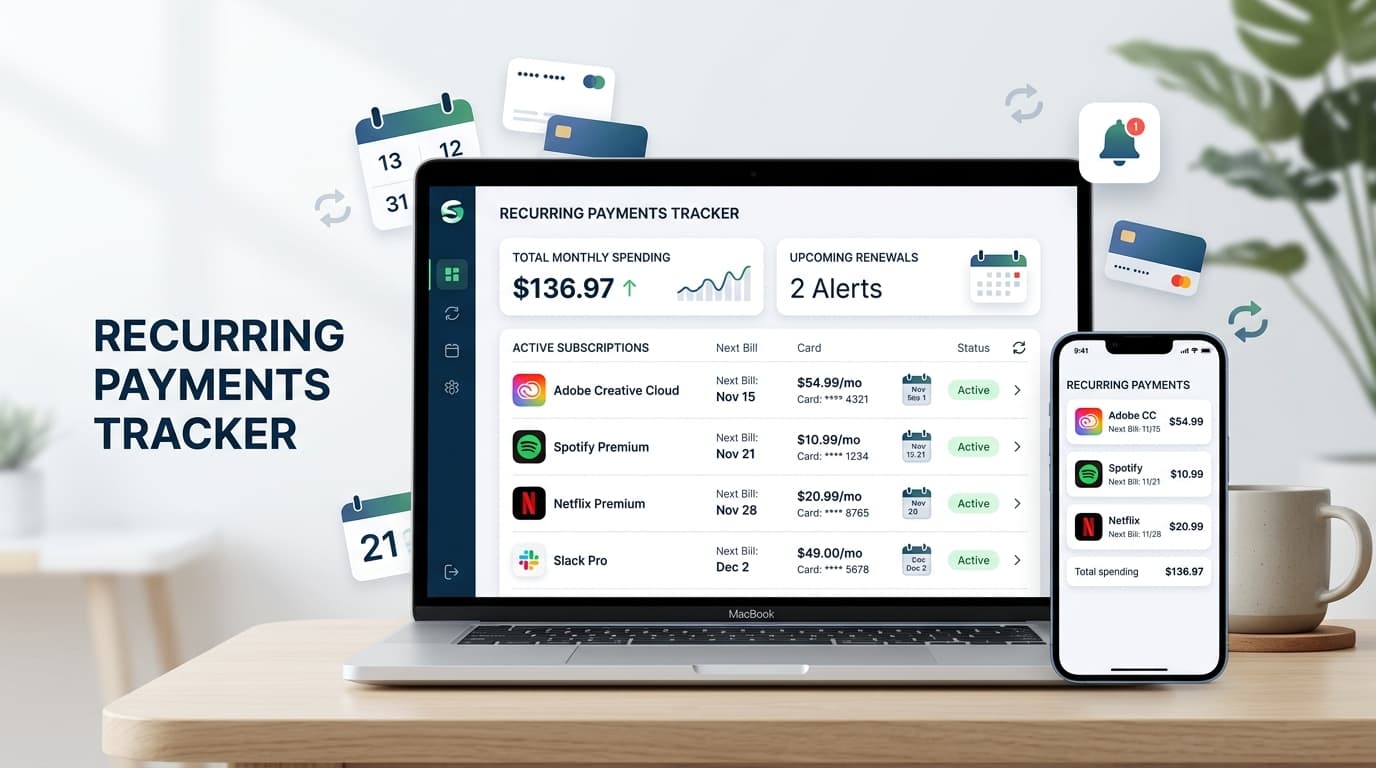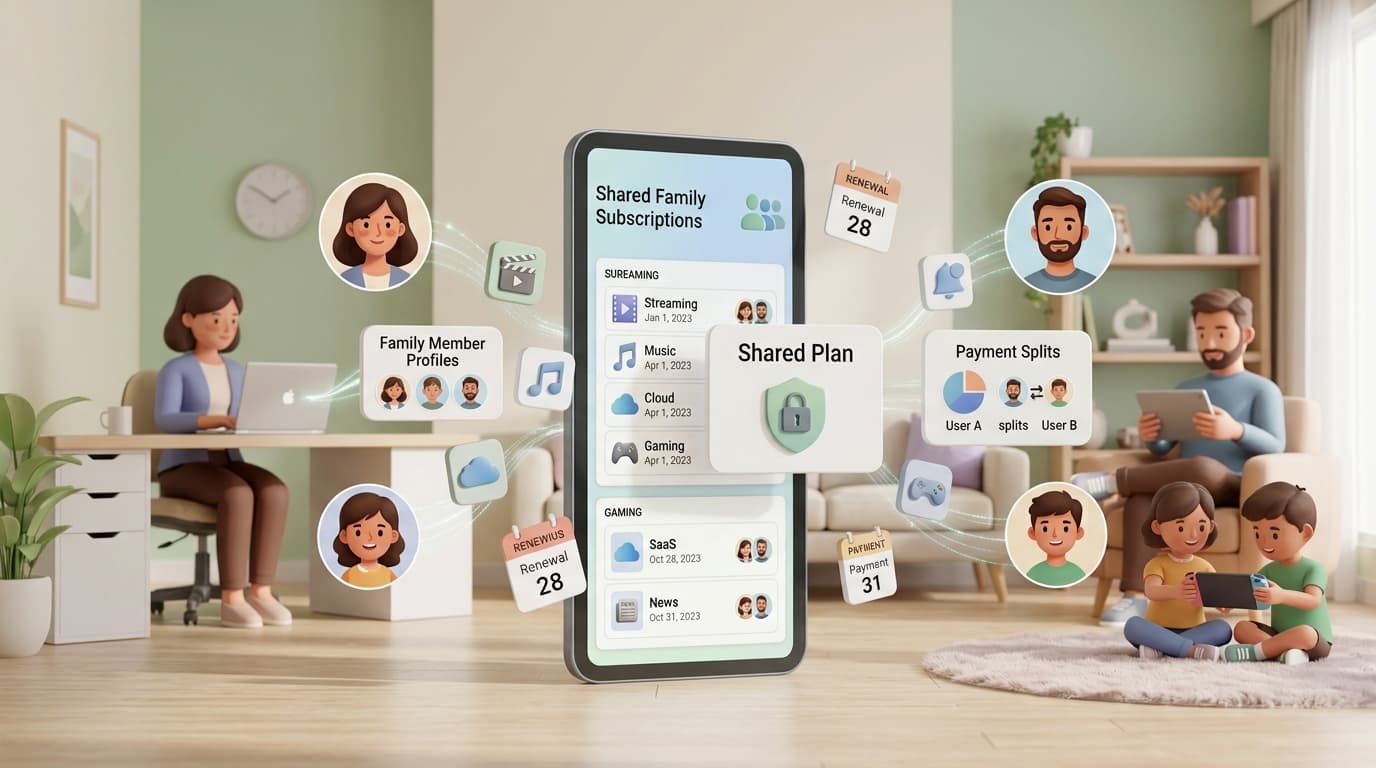
Streaming for the kids, cloud storage for the photos, a language app for one parent, a gaming pass for another. Family subscriptions pile up fast, and nobody owns the full picture. A shared subscription tracker for families fixes that by putting every plan in one list, with renewal dates and costs visible to the people who need them.
This guide explains how a shared subscription tracker for families works, what to look for, and how to set one up this weekend.
What Is a Shared Subscription Tracker for Families?

A shared subscription tracker for families is a tool that records every recurring plan your household pays for. It shows the price, the billing date, and who is responsible for each one.
You may also hear it called a family subscription manager, a household renewal organizer, or a shared bill reminder. The names differ, but the goal is the same: everyone knows what the family pays for and when the next charge lands.
Why Family Subscriptions Get Out of Hand
Families rarely sign up for services at the same time. One parent starts a trial, a teenager adds a music plan, and a grandparent pays for a news site. Nobody compares notes.
Duplicates are common. Two people may pay for the same streaming service on separate accounts. Annual plans renew quietly in months nobody checks. Kids also request in-app purchases that turn into monthly charges.
A shared subscription tracker for families brings all of that into the open before the money leaves the account.
Who Should Use One?
This kind of tool helps more households than you might expect:
- Parents with kids online: Track game passes, learning apps, and streaming plans.
- Couples with joint budgets: Agree on what is worth keeping.
- Roommates and extended families: Split shared plans fairly.
- Multi-generational homes: Keep an eye on plans older relatives pay for.
Features to Look For
Not every app suits a household. Check for these basics:
- Renewal alerts: Reminders several days ahead, so you can cancel in time.
- Owner labels: A note showing who pays for each plan.
- Flexible cycles: Weekly, monthly, quarterly, and yearly billing.
- Cost totals: Monthly and yearly summaries for the whole household.
- Categories: Entertainment, education, health, utilities, and more.
- Simple entry: Adding a plan should take seconds.
- Privacy: Manual entry means no bank login is needed.
How to Set Up a Shared Subscription Tracker for Families
Set aside one hour and gather everyone for part of it.
- Hold a quick family meeting. Ask each person what they pay for or use.
- Review statements. Check three months of bank and card activity and mark repeating charges.
- Check app stores. Open subscription settings on each phone and tablet.
- Search your inbox. Try “receipt,” “renewal,” “trial,” and “invoice.”
- Add every plan. Enter the name, cost, billing cycle, next date, and who pays.
- Choose alert timing. Use three to seven days for monthly plans and two to four weeks for yearly ones.
Finish by booking five minutes on the first of each month to review the list together.
Spreadsheet, Notes App, or Dedicated App?

A shared spreadsheet is free and flexible. The catch is that it cannot nudge anyone. Someone has to remember to open it, and that habit is what usually breaks.
A notes app has the same weakness. Dates sit on a page with no reminder attached.
A dedicated app sends alerts on its own. If your household has more than a handful of plans, a shared subscription tracker for families saves time and prevents missed dates.
Renew Reminder focuses on recurring payments and renewal alerts, which suits household tracking well. You can see upcoming charges in one clean list. Download it on Google Play for Android or from the App Store for iPhone and iPad. Check each store listing for current features, sharing options, and pricing.
How to Split Costs Fairly
Money talks go better with a clear list in front of you. Try these approaches:
- Equal split: Works for plans everyone uses, such as streaming.
- Usage split: The person who uses a service most pays more.
- Owner pays: Personal plans stay with the person who wants them.
- Allowance model: Teens cover their own subscriptions from pocket money.
Pick one rule and write it down. A shared subscription tracker for families makes the rule easy to follow because the owner and cost sit side by side.
Teaching Kids Money Habits
A visible list is a good teaching tool. Show older children what the family pays each year for streaming and games. The total often surprises them.
Let teens help choose which plans stay. They learn that every service has a price and that cancelling is a normal choice.
Check Privacy Before You Install
Family data deserves care. Before using any shared subscription tracker for families, review the privacy policy, check the permissions it asks for, and read the store’s data labels. Prefer apps that let you enter details by hand instead of linking a bank account.
Common Mistakes to Avoid
- Leaving out kids’ plans. Small app charges add up.
- No clear owner. If nobody owns a plan, nobody cancels it.
- Alerts set too late. One day of notice is rarely enough.
- Ignoring price rises. Update the amount when a provider raises it.
- Skipping the monthly check. A quick review keeps the list honest.
Frequently Asked Questions
What is a shared subscription tracker for families?
It is an app or tool that lists all recurring plans in a household, with costs, renewal dates, and owners. It reminds you before each renewal.
Can everyone in the family see the same list?
That depends on the app. Some offer built-in sharing, while others work from one device. Check the current features on the store listing, or have one person manage the list and share monthly updates.
Is a shared subscription tracker for families free?
Many apps offer a free version with optional upgrades. Pricing changes, so review the store listing before deciding.
Does it cancel subscriptions automatically?
Usually not. It reminds you in time, and you cancel through the provider.
How do I find every family subscription?
Review bank and card statements, search email for receipts, and check subscription settings on each family device.
Is it safe to use?
It can be. Choose an app with a clear privacy policy, limited permissions, and no need for your banking passwords.
Final Thoughts
Family subscriptions are easy to start and easy to forget. A single list turns scattered charges into a plan you can manage together.
Gather your statements, add every plan, and agree on who pays for what. The right shared subscription tracker for families is the one your household will actually open.